
Question
Move files from applicationStorage to Documents in app
Hi,
I've got an app that, since 5 years now, that displays an offline map by reading from a folder embed in it ("assets").
Since Android 11, it's impossible to read from ApplicationStorage (Error #3001: File or directory access denied), so I'm trying to copy the folder from applicationStorage to "Documents".
What I did :
source = File.applicationDirectory.resolvePath("assets/maps");
destination = File.documentsDirectory.resolvePath("Documents/www");
source.addEventListener(Event.COMPLETE, onMapCopyComplete);
source.copyToAsync(destination, false);

function onMapCopyComplete(e: Event): void {
	source.removeEventListener(Event.COMPLETE, onMapCopyComplete);

	log("onMapCopyComplete()");
}
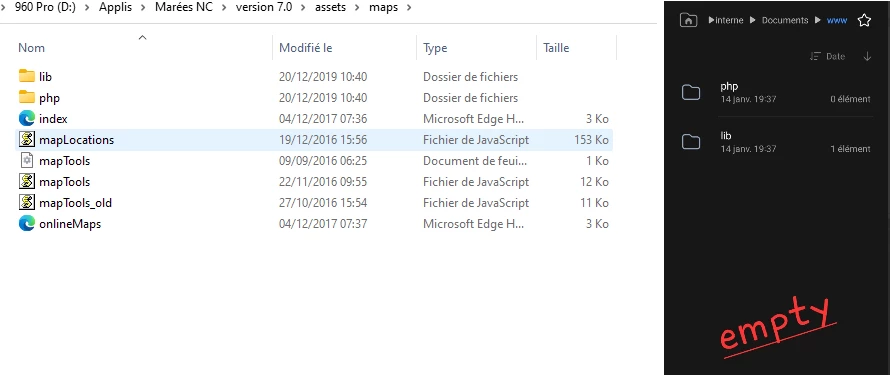
I've got a return onMapCopyComplete() but when I'm looking in InternalStorage/Documents of my phone I've got the folders but all are empty... None of the files were copy..


 AdChoices