
Move multiple keyframes on stage at once
Problem:
I'm having difficulty making it look like one of my characters is moving across a scene. I animated the legs and the character off screen, and all I want to do is drag the character from point A to point B in this scene. (Just to clarify, I animated the movement of a walk/crawl cycle, but the sprite itself is not moving anywhere.) The problem is, when I try to move it across the scene, I move all the frames. I also tried to make a motion tween between all the frames, since I usually get my desired effect that way, but it doesn't seem to work on multiple frames. I will post images of what I'm talking about below.
Frames:

Keyframes relate to moving parts
What they relate to:
1.
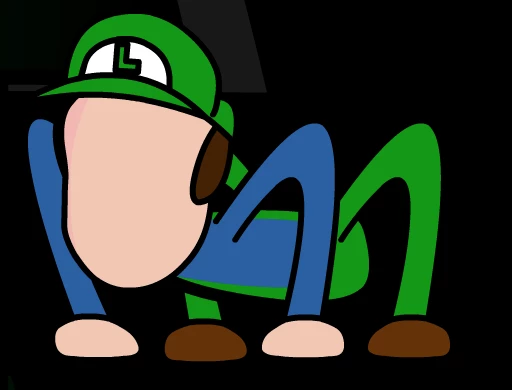
2.
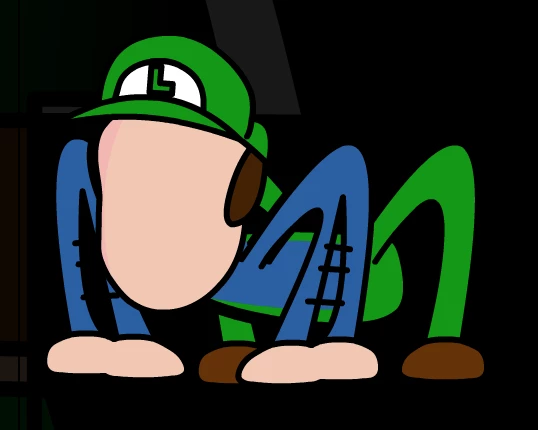
3.

Scene and motion placements:
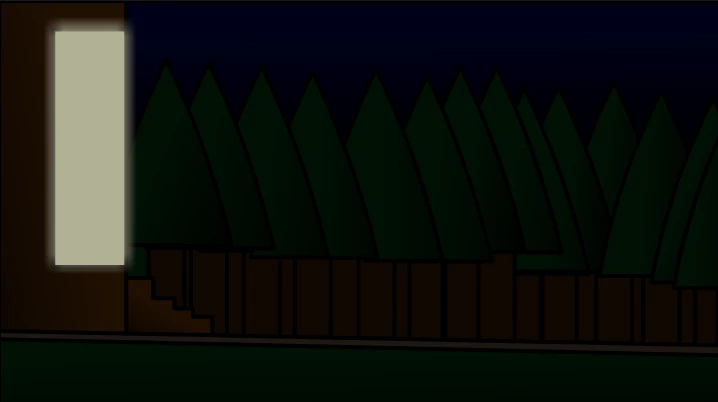
//////////////////////////////////////////////////////////B///////////////////////////////////////////////////////////////////////A
<---------------------Moving this way------------------


 AdChoices