
Answered
Multiple frames problem
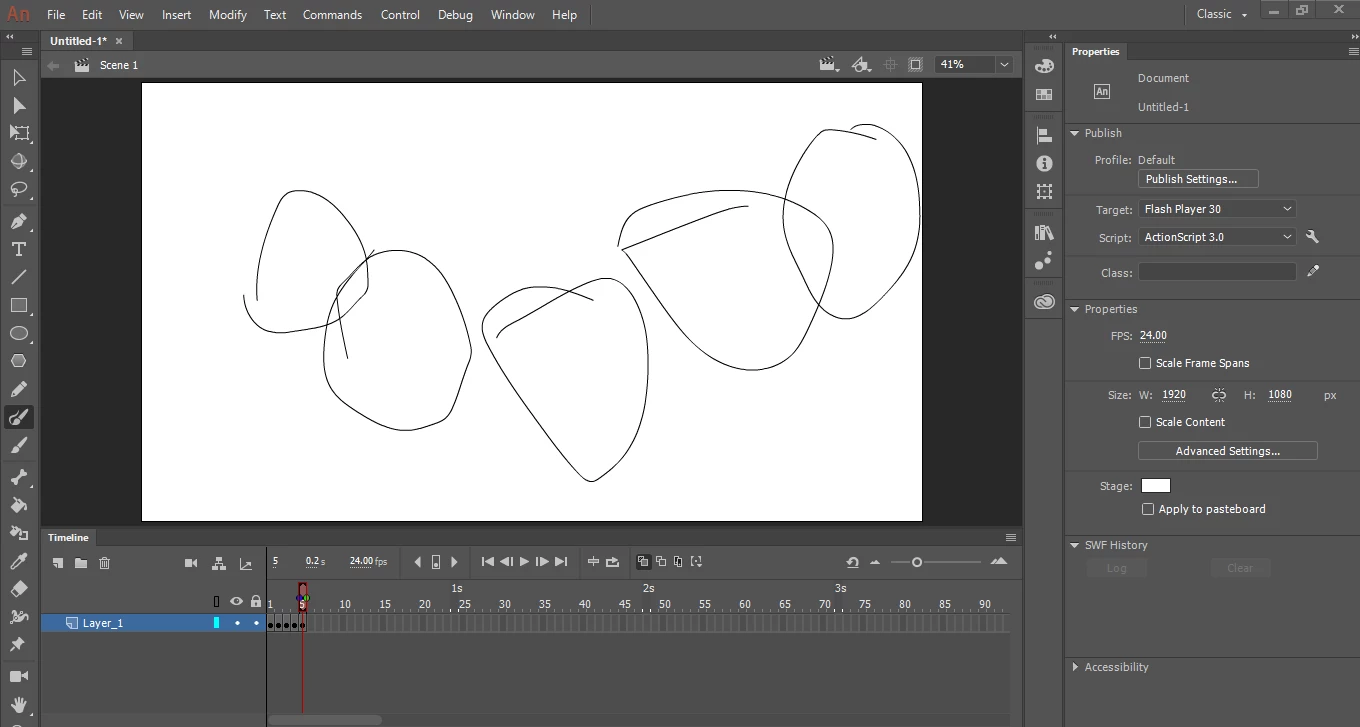
I did use multiple frames, and you can always see the previous frames after the playback is done and when you're on the last frame.
Message was edited by: João César de Lima | Reason: title was not descriptive

I did use multiple frames, and you can always see the previous frames after the playback is done and when you're on the last frame.
Message was edited by: João César de Lima | Reason: title was not descriptive
You're pressing Insert Keyframe (F6) instead of Insert Blank Keyframe (F7).
And for future reference, descriptive thread titles are good. "Help meeeeeee" is not a good thread title. It is a super annoying thread title.
Already have an account? Login
No account yet? Create an account
Enter your E-mail address. We'll send you an e-mail with instructions to reset your password.


 AdChoices