
Participant
May 20, 2022
Question

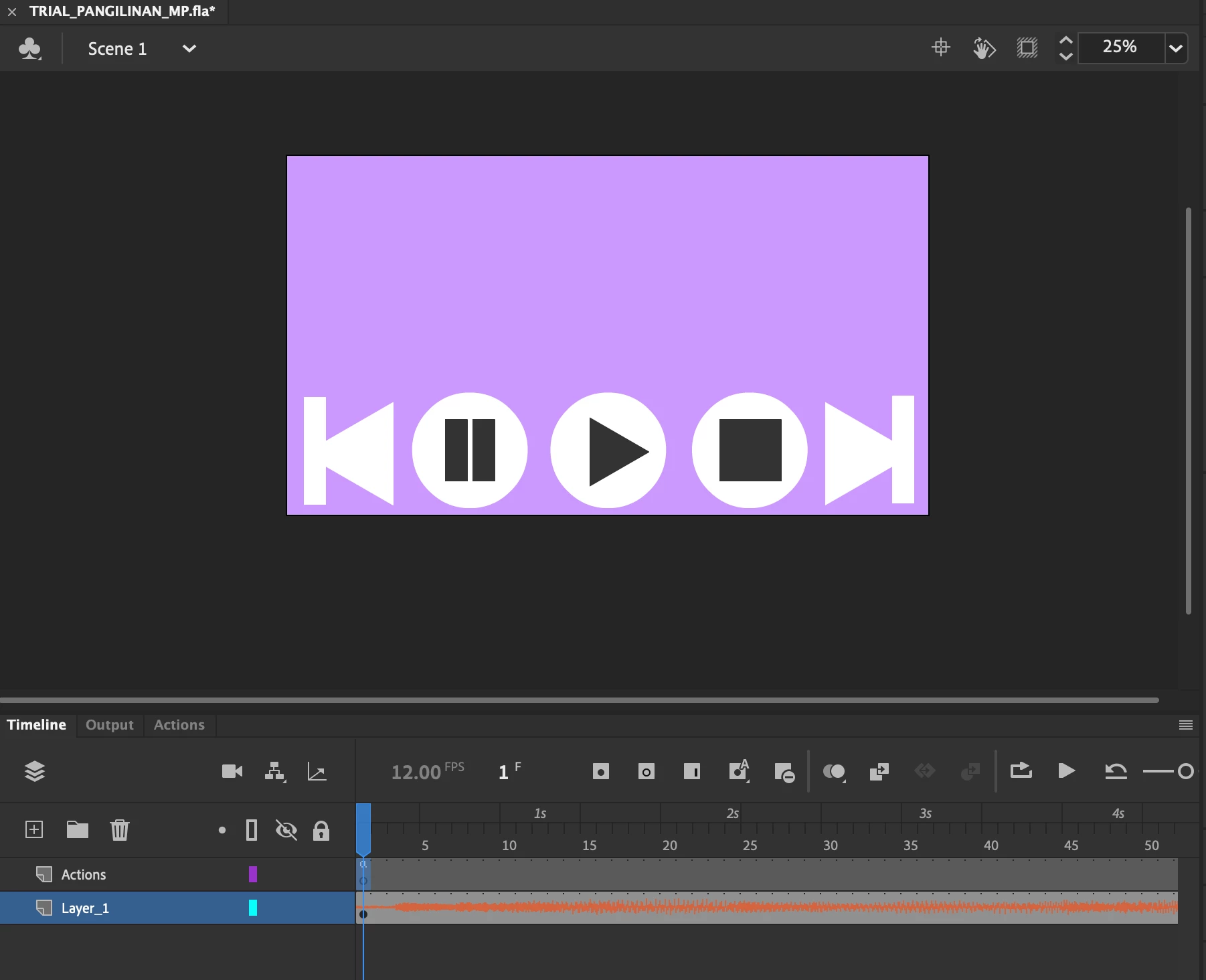
music player which has stop, play, pause, previous, next buttons

  • May 20, 2022
  • 1 reply
  • 425 views

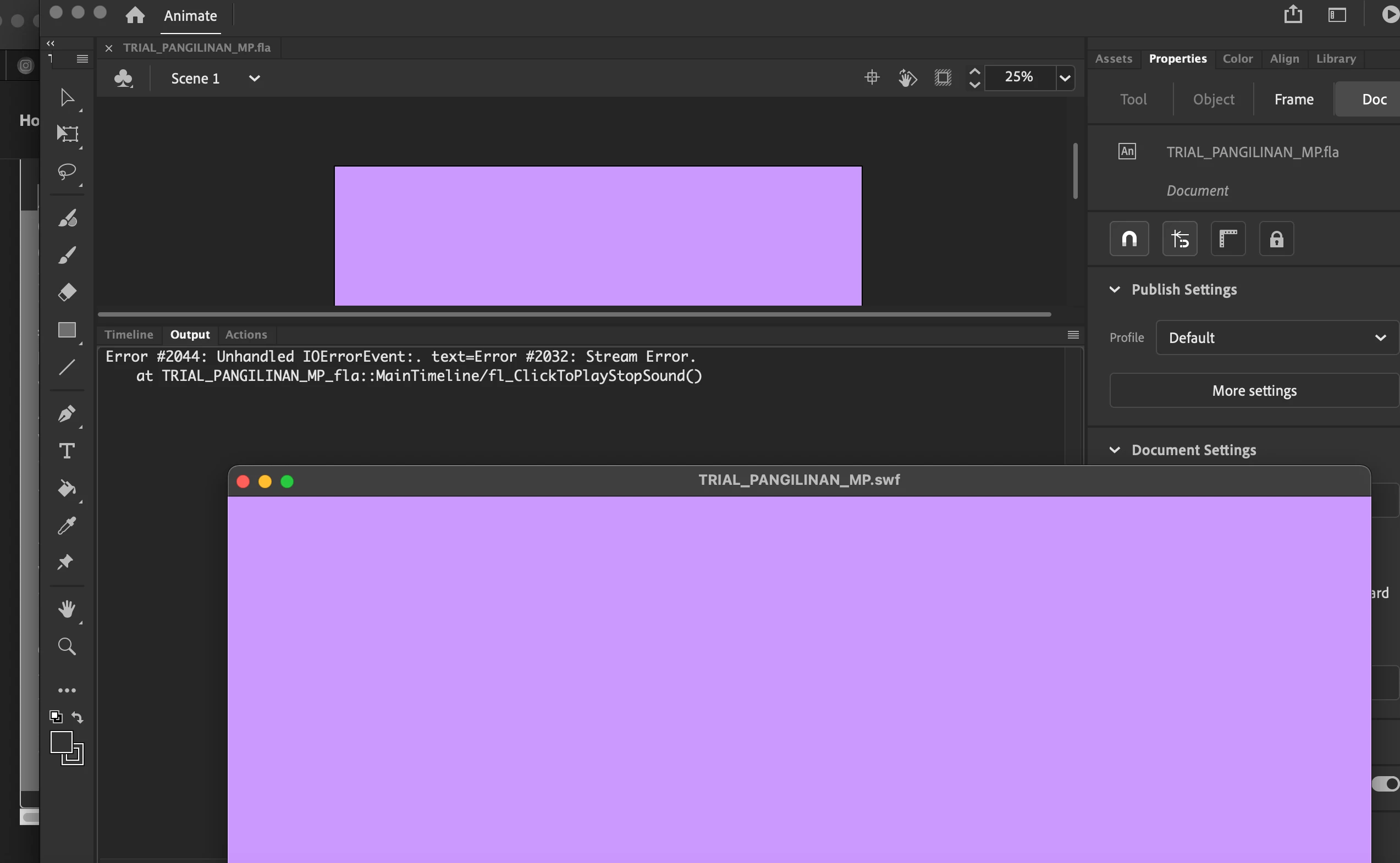
(action script 3.0.) I need the code for buttons so that when it is clicked it will play, stop, pause, move to next song, move to previous song. 


Instructions given by the teacher was for the flash app and that did not work. I need help.
This topic has been closed for replies.

1 reply

kglad
Community Expert
Community Expert
May 23, 2022

hopefully no one here will do your homework for you, but we'll help you do your homework.


first, where were you supposed to put the songs?  it looks like there's a sound on the main timeline.  are they all supposed to be on the main timeline??

Participant
June 1, 2022

sorry for the late reply. yep, according to the teacher its all supposed to be on the main, but he's using the old flash app. I'm supposed to use 6 songs as well

.

kglad
Community Expert
Community Expert
June 1, 2022

1. create a layer for your sounds.

2. create a layer for you controls (ie, movieclips or buttons).

3. create a layer for your as3

4. create a layer for your frame labels

5. in frame 1, put your controls in the controls layer and assign instance names to each control.

6. in frame 2, put your first sound in the sounds layer and assign the sound's sync property to stream (in the properties panel) and put some label in frame 2 in the labels layer (eg, sound1, unless there's something more memorable)

7. some number of frames AFTER the end of sound1, add a 2nd keyframe in the sounds layer and import your next sound (eg, sound2) to start at that 2nd keyframe, assign its sync property to stream and add a label (eg, sound2) in the labels layer.

8.  repeat step 7 for each of your sounds.

9.  you're then ready to add your as3 and test.


that's 90% of the work.  the final 10% is coding and testing.


before coding,


1. embed a screenshot like your initial post showing the same part of your timeline and all the layers so i can make sure you've set this up correctly.

2. what are the instance names of your controls?  that should be something like control_mc. play_mc or play_mc and control_mc.prev_mc or prev_mc etc.