
Participant
October 17, 2022
Question

My Adobe Animate CC 2019 won't open!

  • October 17, 2022
  • 2 replies
  • 209 views

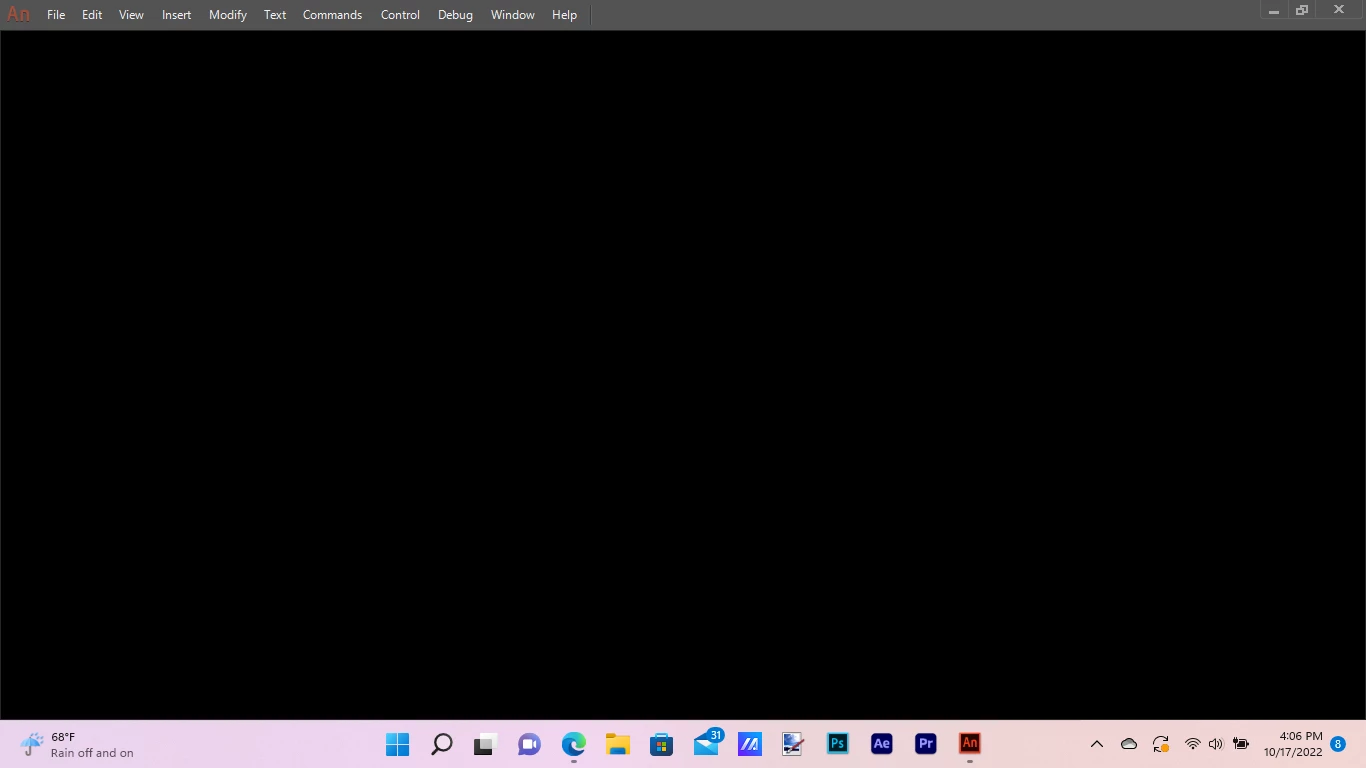
I've tried EVERYTHING and it still isn't working! Everytime I open it, it just stays on the blank gray screen then disappears after 10 seconds. please tell me what to do?! I have tons of animations on here!
This topic has been closed for replies.

2 replies

kglad
Community Expert
Community Expert
October 17, 2022

if @Nancy OShea 's suggestions don't help, first try, resetting the cc app. to reset the Creative Cloud desktop app, make sure it's in the foreground, then press: Win: Ctrl + Alt + R Mac: Cmd + Opt + R

if that fails, reset your preferences -


1.assign (if none now exist) a custom keyboard shortcut:

2.reset your preferences* (you should not give up on this until you've tried several times)

3.confirm you were successful by checking your keyboard shortcut was reset


if it's not, return to step 2


if it is reset, check if the problem is resolved


* press and hold Control+Alt+Shift (Windows) or Command+Option+Shift (Mac OS) as you start Animate.

Nancy OShea
Community Expert
Community Expert
October 17, 2022

[Moderator moved from Using the Community forums to Animate.]

1. Open CC Desktop App.
2. Click your Avatar (top right image) > Preferences > General tab > Settings. Select "Always keep Creative Cloud up to date."
3. Click on your Avatar again.
4. Sign-out of Creative Cloud.
5. Close all apps.
6. Restart your computer.
7. Open CC Desktop app.
8. Click your Avatar.
9. Sign-in with your paid ID and password.


Hope that helps.


Nancy O'Shea— Product User & Community Expert
Participant
October 17, 2022

It didn't work, it's still doing the same thing

kglad
Community Expert
Community Expert
October 17, 2022

reset your preferences.