
Known Participant
February 27, 2021
Answered

My animated background image is a fraction of its size when testing and published

  • February 27, 2021
  • 1 reply
  • 681 views

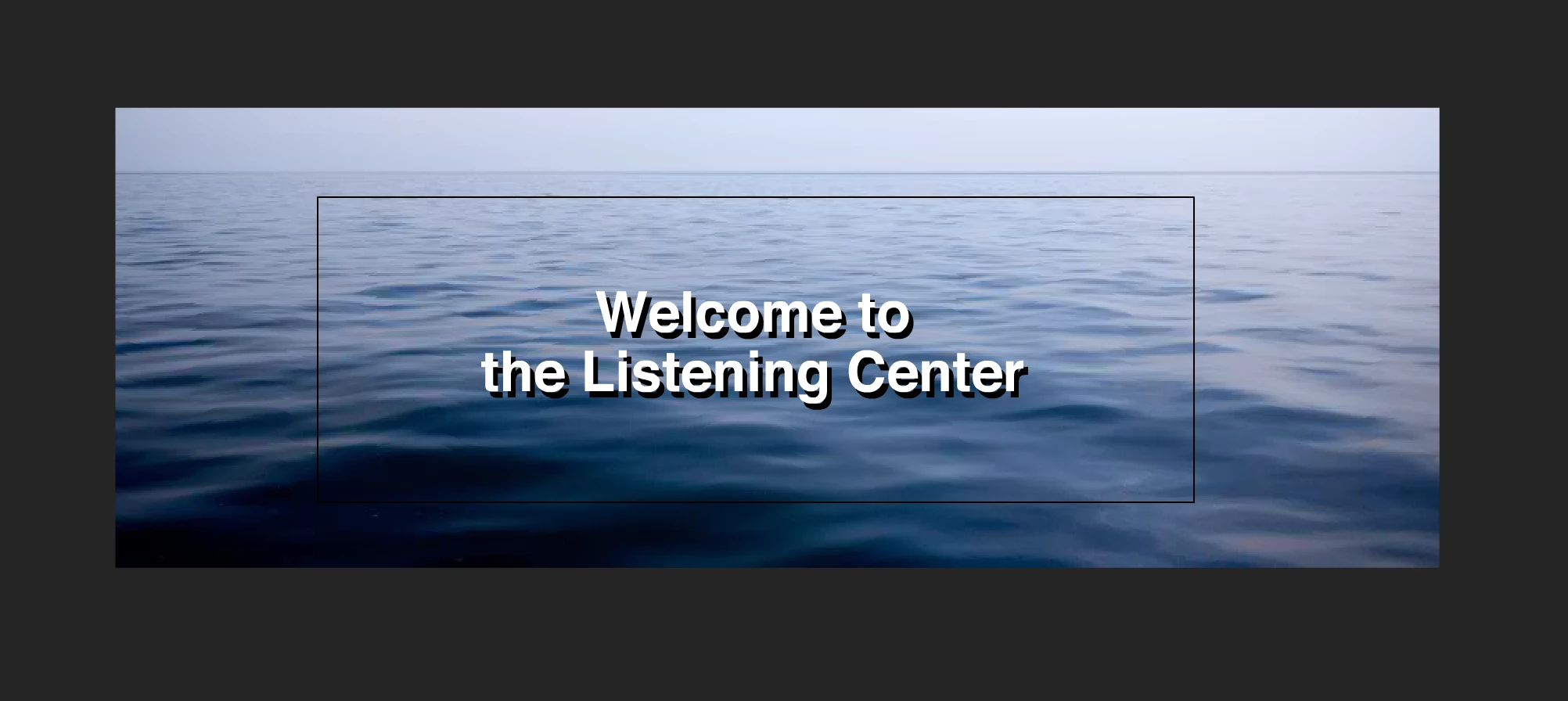
I am using the 2021 Animate and working on a HTML 5 canvas. My background is a movie clip symbol where I have an ocean scene using a mask to animate the water. It is larger than pixel size of my file. It covers the entire background.

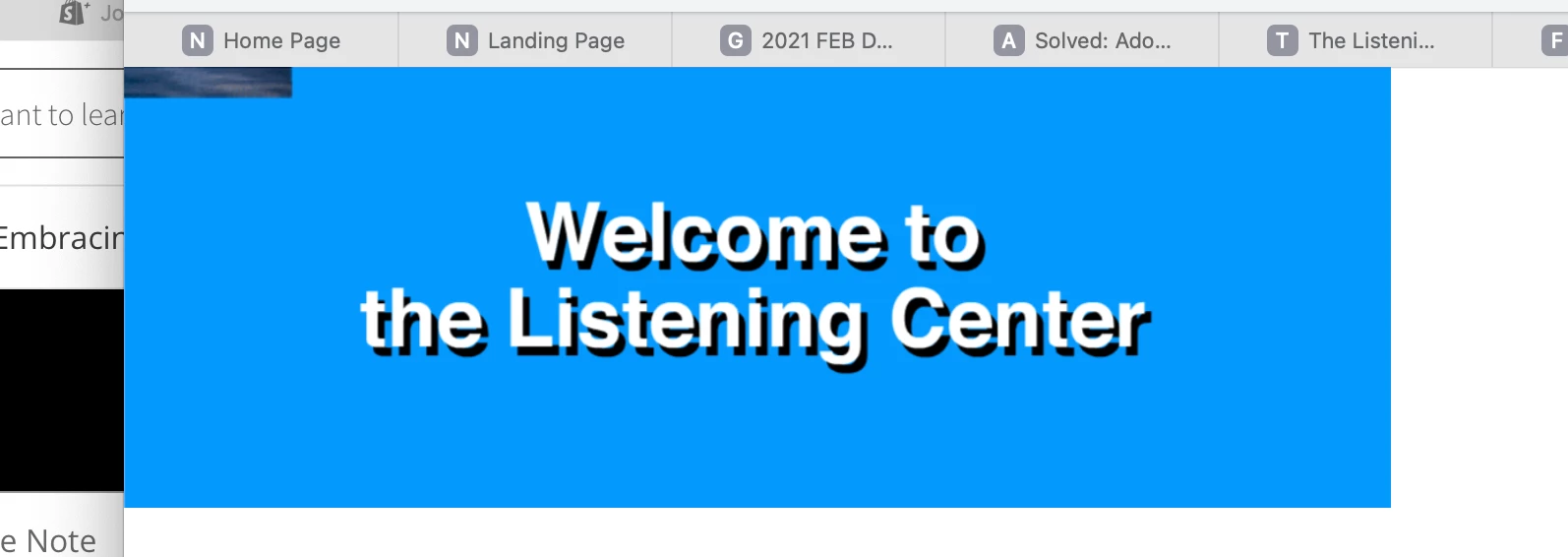
But when I test it, it is so very small and in the top left corner. I don't know why. 

This is how it looks in Animate.
 

And this is how it looks when I test it.
    This topic has been closed for replies.
    Correct answer kglad

    is the first image the animate stage?


    if so, scale the bitmap so its stage size or edit it (eg, in  ps) so it's stage size.

    1 reply

    kglad
    Community Expert
    Community Expert
    February 27, 2021

    in animate click the free transform tool > click your ocean movieclip > move the pivot point to the movieclip's center.

    Known Participant
    February 28, 2021

    Thanks. The pivot point is already in the movie clip's center. So it is not that. It shrinks the ocean movieclip for some reason.

    kglad
    Community Expert
    kgladCommunity ExpertCorrect answer
    Community Expert
    February 28, 2021

    is the first image the animate stage?


    if so, scale the bitmap so its stage size or edit it (eg, in  ps) so it's stage size.
