

Participant
Jun 17, 2023 3:44 PM UTC
Question

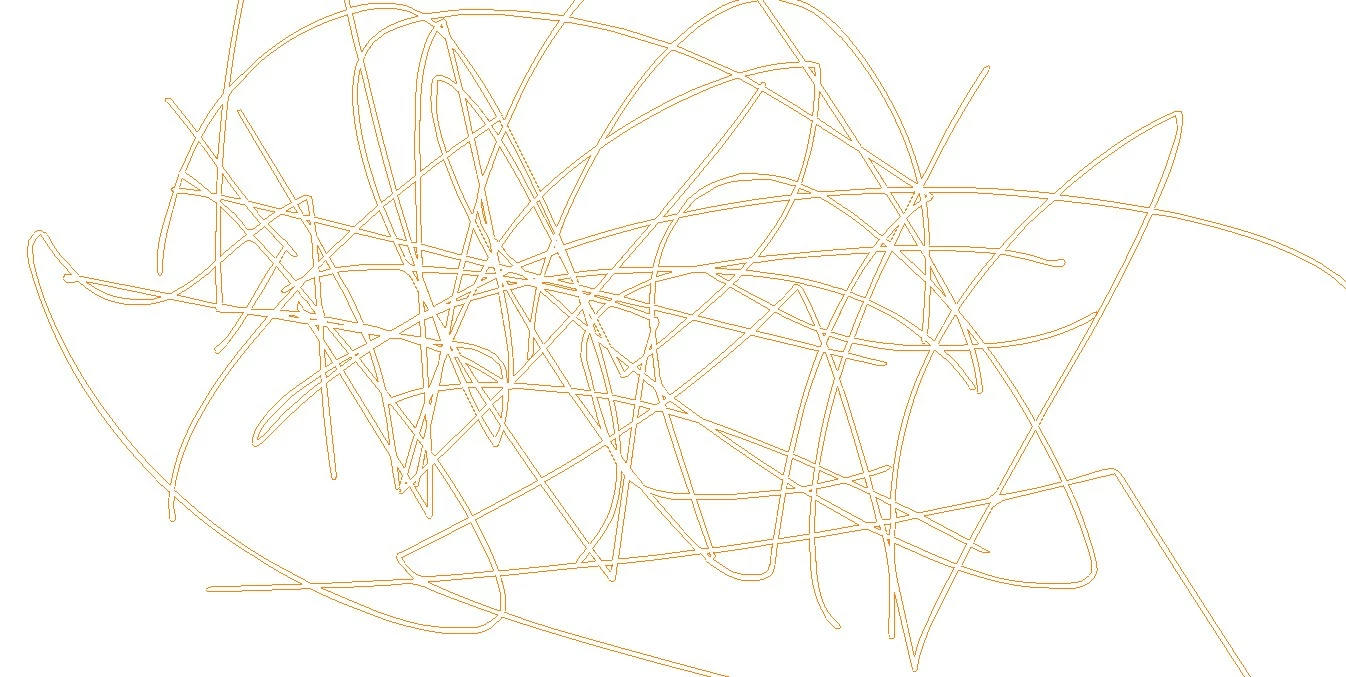
My brushes are stuck on displaying outlines even when the outlines layer is turned off.

Everytime i make a brush stroke it shows the outline instead of the brush stroke and ive went into layers to turn off outlines but it doesnt work.

This topic is closed to new replies. Start a new post to keep the conversation going.

6 replies

kglad
Community Expert
Community Expert
Jun 17, 2023 4:41 PM UTC

do you have layer outlines enabled:


you don't want outlines enabled:


you want:


Translate
Participant
Jun 17, 2023 5:20 PM UTC

yeah thats what i first saw when i was looking up the problem but its the same whether its turned on or off for somereason

Translate
Community Expert
Jun 18, 2023 7:19 PM UTC

which brush tool are you using?

Translate
Mario_CR
Community Expert
Community Expert
Jun 17, 2023 4:30 PM UTC

Copy the contents to a new layer and remove the faulty one.

Translate
Participant
Jun 17, 2023 5:19 PM UTC

tried that it didnt work either 

Translate
Mario_CR
Community Expert
Community Expert
Jun 17, 2023 5:32 PM UTC

Then you probably have Preview Mode set to Outlines. Go to View > Preview Mode and switch it to Anti-Alias Text or Full.


Translate