
Participant
October 30, 2024
Answered

My keyframes have stopped working
  • October 30, 2024
  • 1 reply
  • 307 views

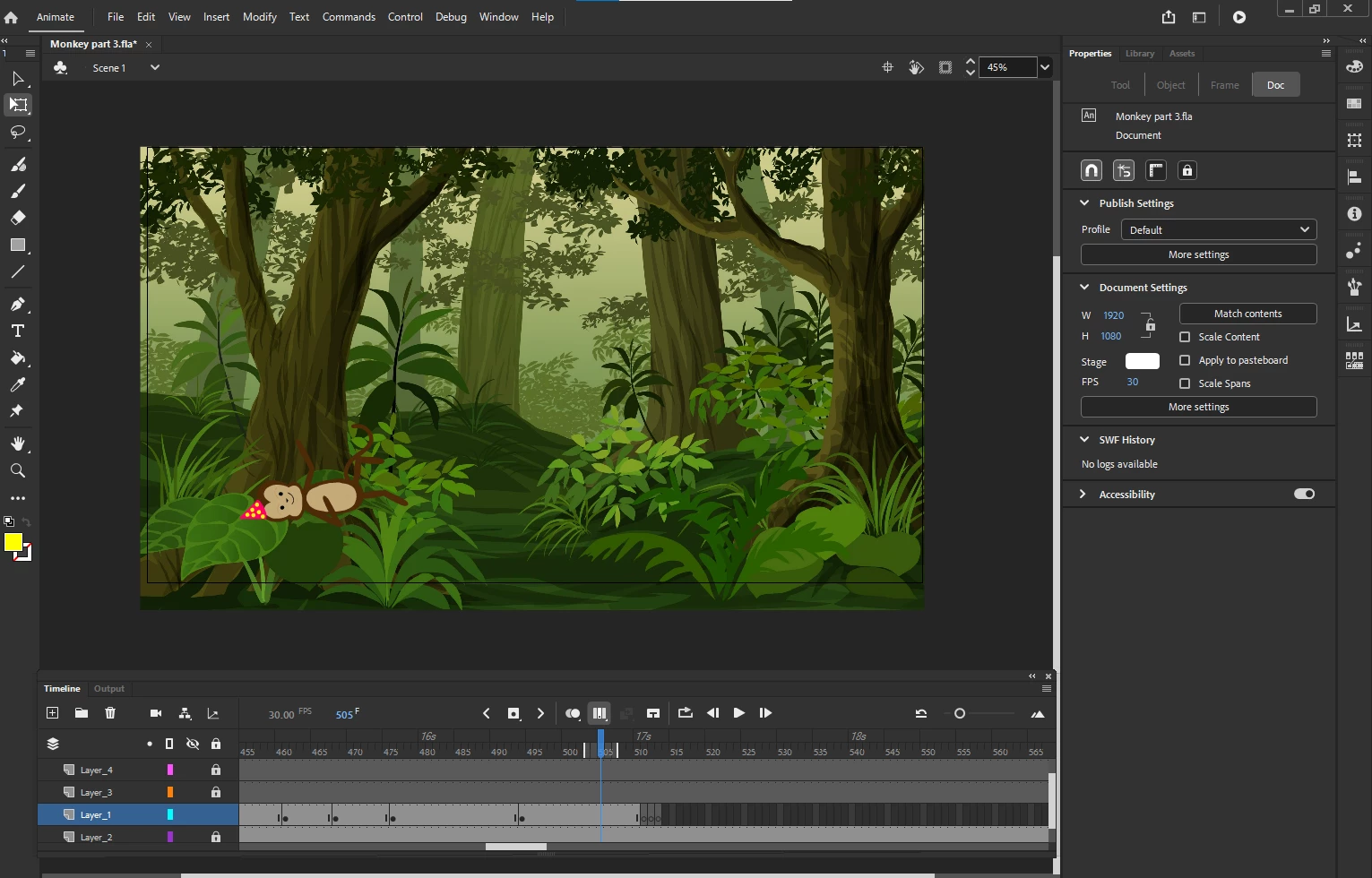
I am fairly new to Animate, so this may be user error. But, you see my monkey is here when I click on the previous (light grey) keyframe.
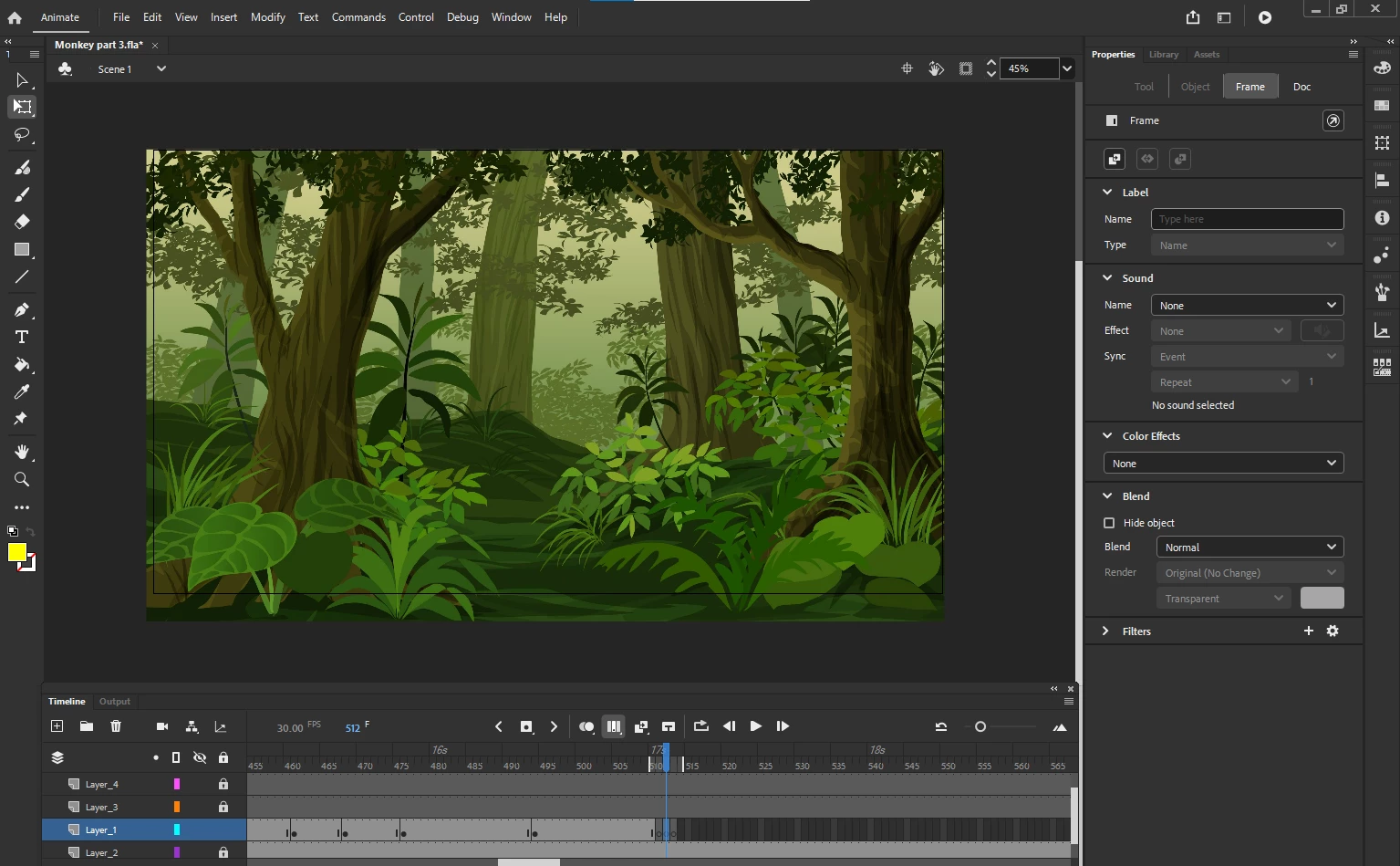
So now, I am on the new (dark grey) keyframe and my monkey disappears
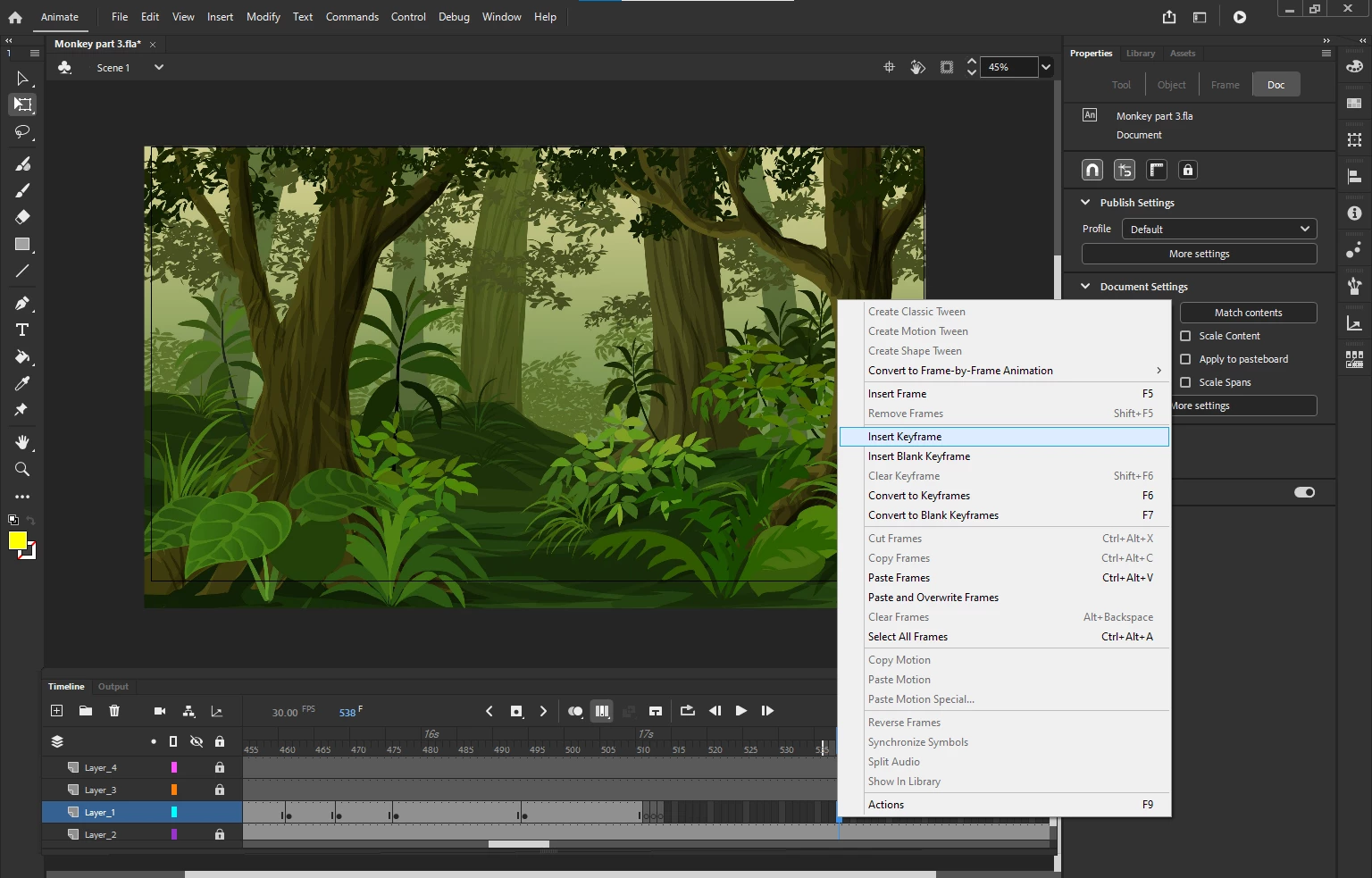
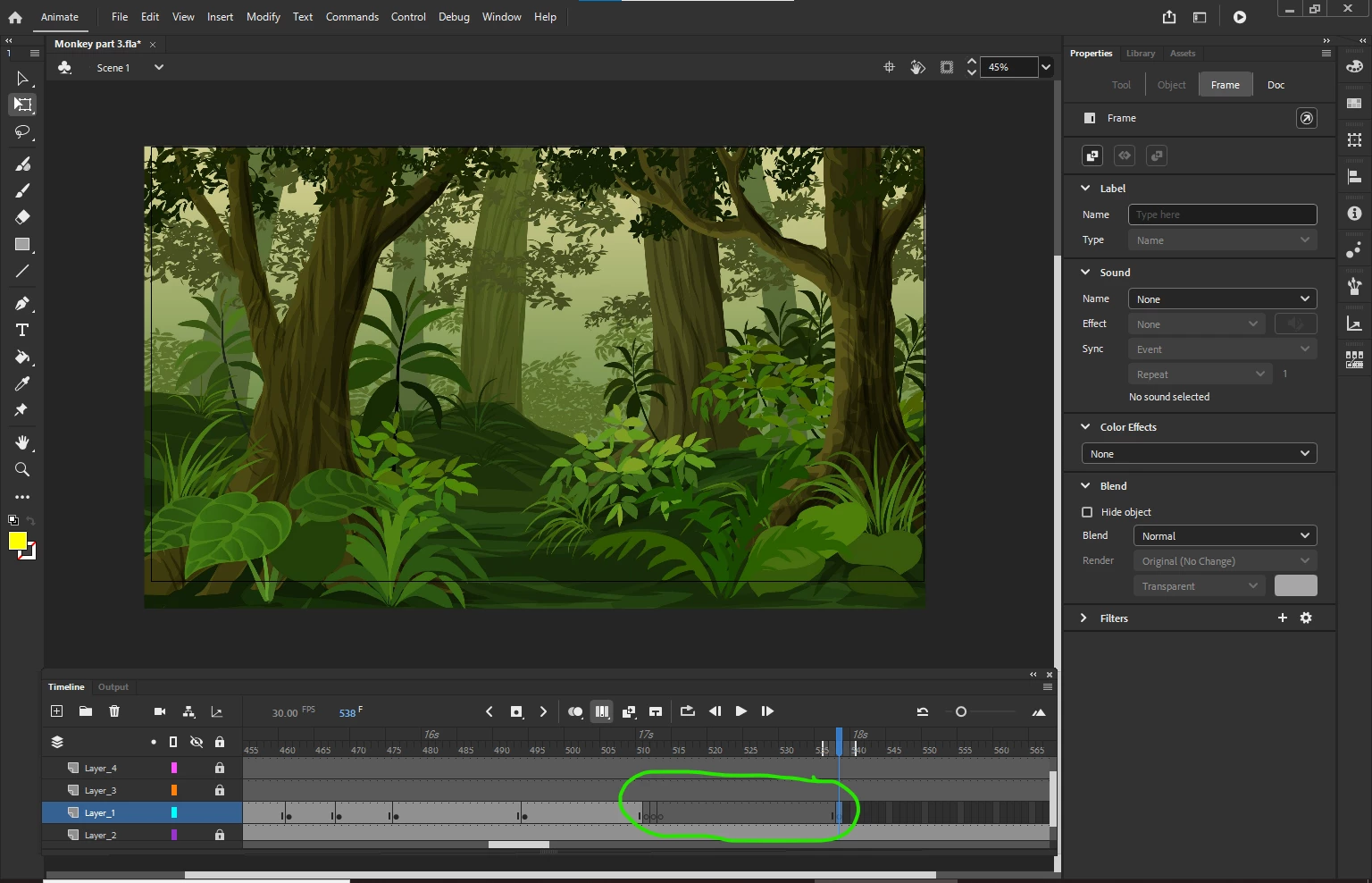
 

I don't know how to get it to go back to light grey so I can see and animate my monkey. Interestingly, its won't let me delete or cut them either, so I have to click Ctrl+Z to undo. PLEASE HELP!

This topic has been closed for replies.
Correct answer kglad

you have an empty (monkey containing) layer/frame at about frame 510.  ie, there's nothing from that layer on-stage at or past that location.  if you want everything from from frame 500 (for example) to continue on the timeline, remove those empty keyframes.  you can add keyframes after frame 500 and everything will appear, but if you add an empty keyframe, nothing will appear (from that layer).

1 reply

kglad
Community Expert
kgladCommunity ExpertCorrect answer
Community Expert
October 30, 2024

you have an empty (monkey containing) layer/frame at about frame 510.  ie, there's nothing from that layer on-stage at or past that location.  if you want everything from from frame 500 (for example) to continue on the timeline, remove those empty keyframes.  you can add keyframes after frame 500 and everything will appear, but if you add an empty keyframe, nothing will appear (from that layer).