


Need Help: Dissecting source .fla files to learn Adobe Animate
I'm trying to learn Animate for purposes of creating HTML5 ads. I'm familiar with Flash from my early days of web design (circa 2002-2007 or so), but I'll need to get back up to speed. To do this, I have a library of existing finalized .fla files created by other people that I've been hoping to open and learn how they were built by observing the source files.
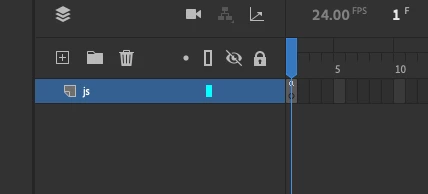
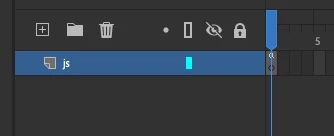
My problem is when I open the .fla files, all of them have nothing in the timeline, even though these are finalized source files that I know are legit. Can anybody tell me why I'm seeing complicated final outputs with HTML and JS files that have scaling, opacity, movement etc., yet the source .flas for those same outputs have almost nothing in them? Most times it's just one layer without any keyframing that says "js".
I've attached screenshots showing that there's almost nothing in the timelines, yet the final exported ads are somehow fully built. Is there some sort of window or UI I'm not clicking into to see the full extent of these animations? I would expect to see lots of keyframing, tweening, overlapping layers etc but there's always seemingly nothing. I feel like I'm missing something. It can't be that all of the motion is happening via actionscripting, can it?
The final animations look as if they've been keyframed and animated, but the source files are seemingly empty.
Thanks in advance!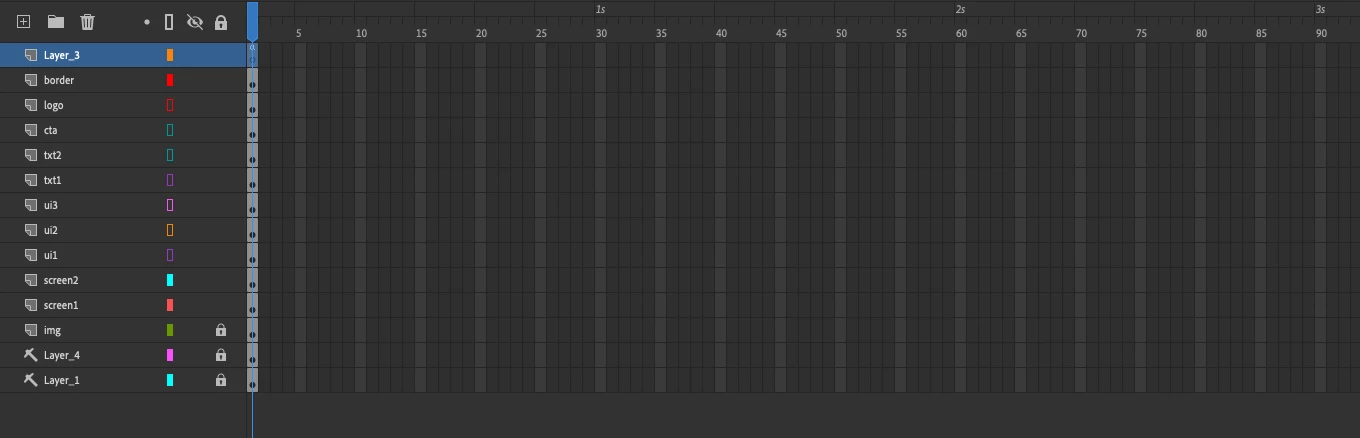



 AdChoices