

meaathead
Participating Frequently
November 19, 2021
Answered

Need to reduce space between sprites

  • November 19, 2021
  • 1 reply
  • 2283 views

So when I tried to generate sprites that I had made, all of them did not fit on it. I used images that I drew on my iPad as I did not have a drawing tablet. There are alot of empty spaces on the sprite, and there are only 10 sprites when there are supposed to be 16. Is there a way to fix this? My workspace is sparrowV2, max width and heigth, basic algorithm trim and stack frames enabled.
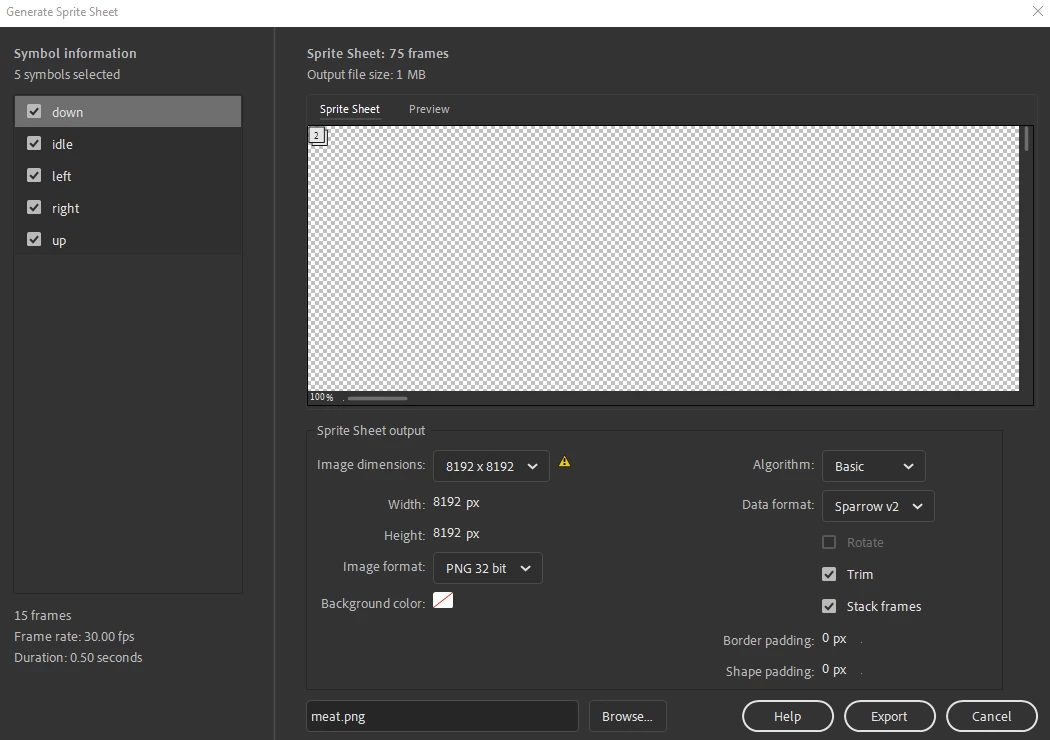
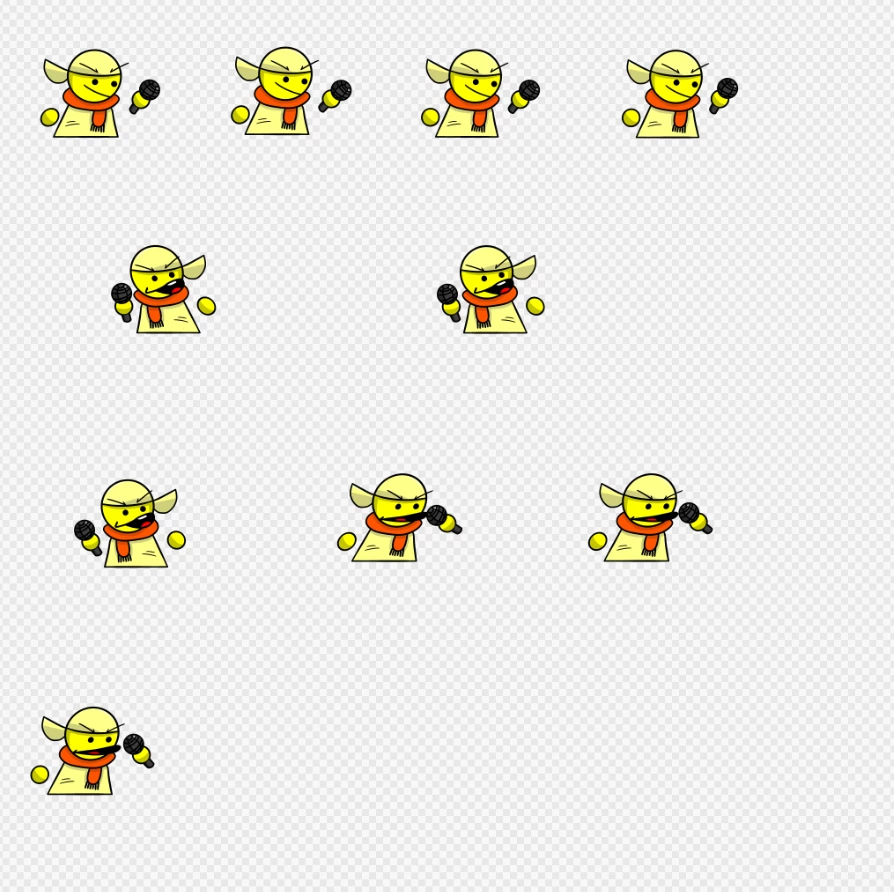
Is there a way to reduce space between sprites?

This topic has been closed for replies.
Correct answer Mario_CR

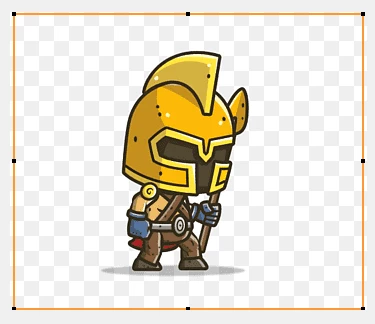
The big margins are coming from your bitmaps, even the transparent part of the PNGs will add up in the spritesheet, in which case you have to manually adjust the canvas size of each drawing in your art program of choice to have the least amount of empty space possible before importing them as frames into Animate. For example:


This is a bad PNG for a spritesheet (too much space)


Good PNG (optimal space)


1 reply

kglad
Community Expert
Community Expert
November 19, 2021

try negative shape and border padding.

meaathead
meaatheadAuthor
Participating Frequently
November 20, 2021

negative for shape and positive for border?