
New Animate files only work on Old Animate program
Hi. I recently updated Animate to the 2019 version. Now, when I create a new HTML5 Canvas project and export an .html file, some of the features don't work.
However, if I open an older Animate file, delete all the content from the library and all the layers and then copy-paste all the content and layers from the new Animate file to the old one and generate an .html file, that file works.
An example of code not working is the following used to call an instance from the library to a placeholder on the stage (and also to advance the MovieClip one keyframe):
this.greenMC.b_gr.addEventListener("click", loadMCsh_o.bind(this));
function loadMCsh_o()
{
this.greenMC.gotoAndStop(1);
var sh_o = new lib.MCsh_o();
this.places.addChild(sh_o);
}
The two attached images show the messages I got when I opened the new file on the older version of Animate and after I clicked save.
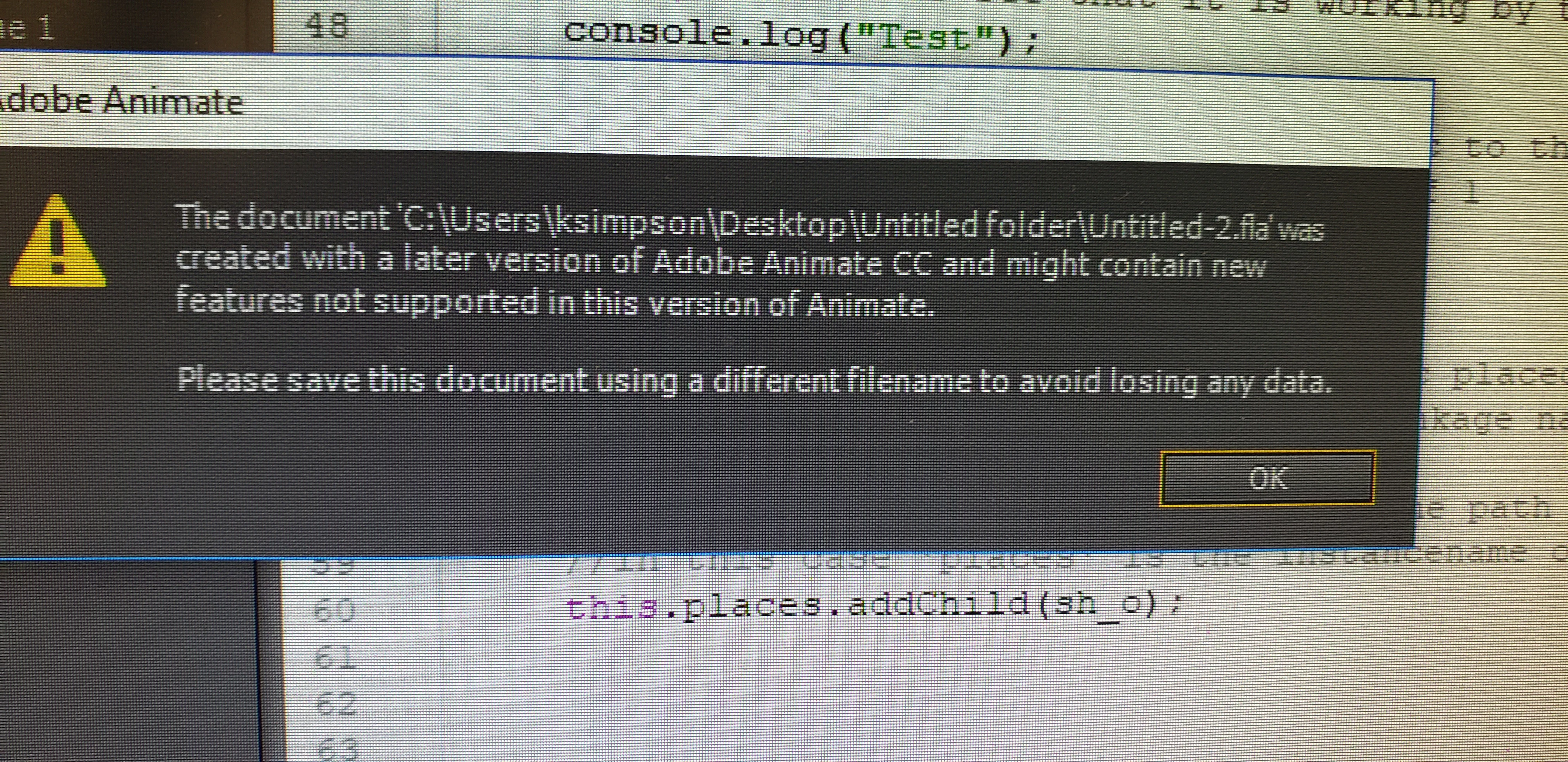
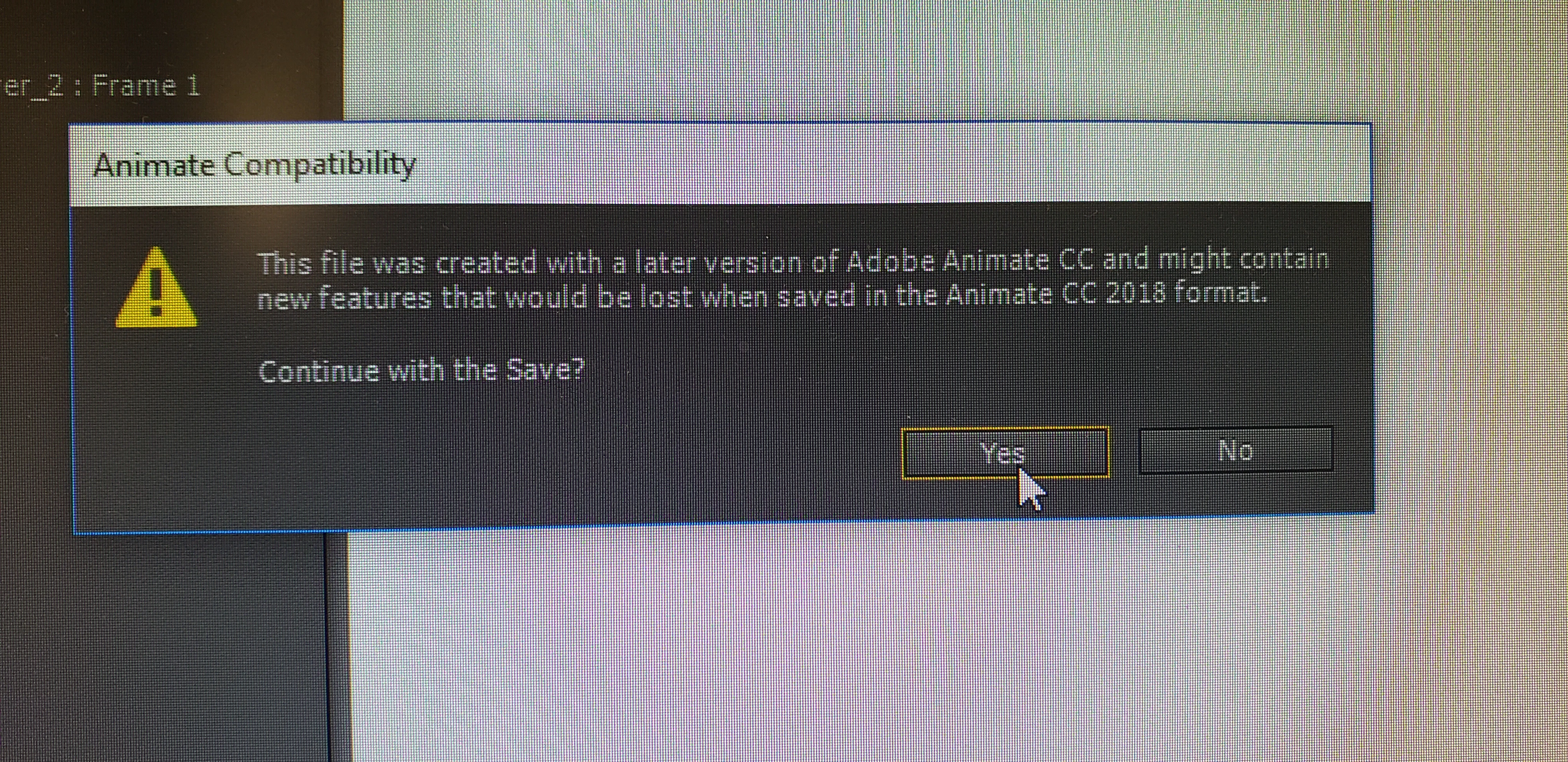
Any suggestions regarding how I can get my new version of Animate to create new files that export html files that will read code that directs a button or movie clip to call an instance from the library to the stage?
Is this a common problem?
Thank you very much!
 AdChoices