
New Auto Lip Sync tips?
I'm trying to figure out the new auto lip sync feature from Oct 2018 update.
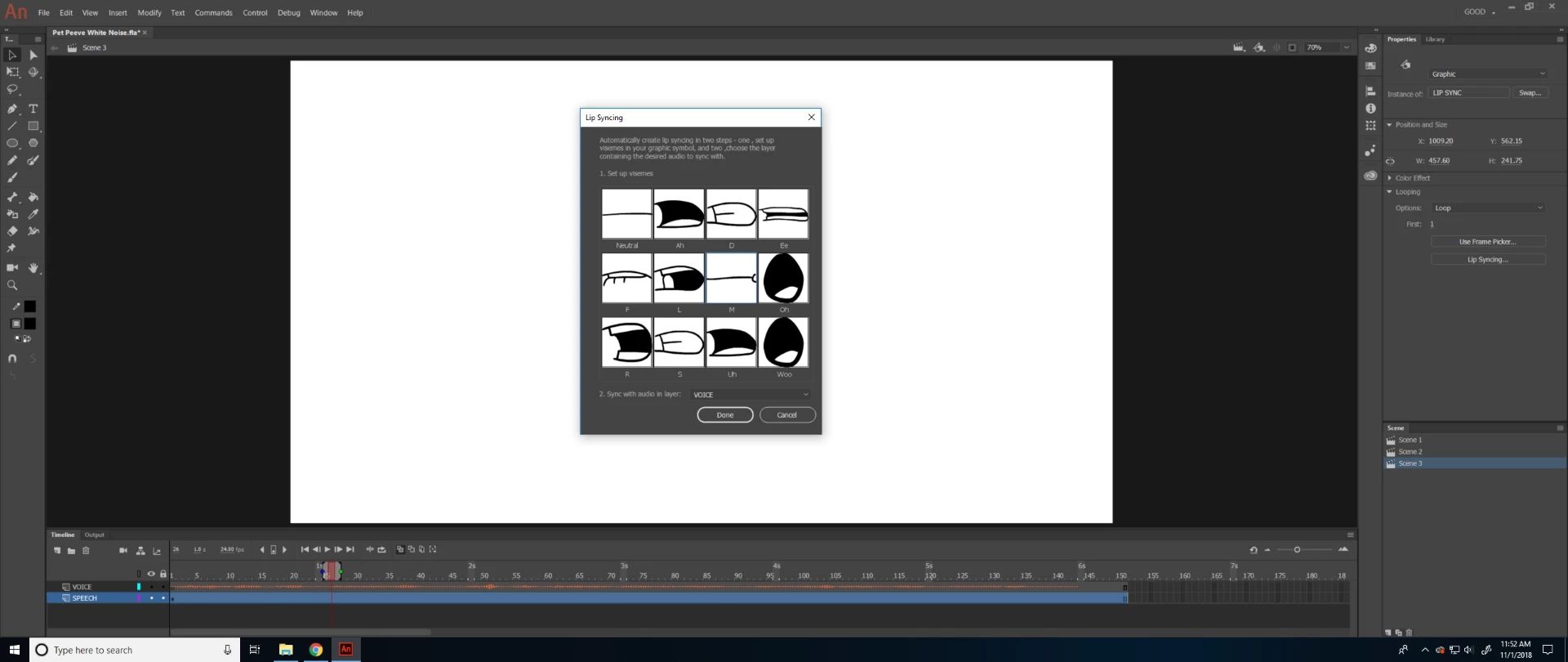
I created all the mouth positions (aka visemes) for each sound, but in setting up the visemes, the options of sounds they give you are so limited. For example, there is no "N" sound to assign. So when my audio comes across speaking a word like "Nice!" the auto lip sync animates it to look like "Mice!" Since there's no option to assign the "N" sound, the program assumes the "N" in "Nice" is just the "M" sound, when visually, the mouth looks very different between M and N in reality. And this is just one example; I would see this same problem happening with "T" and "P" and any other sound the program left out in the options to choose from. Are there any tips about this? Thanks!


 AdChoices