Inspiring
February 20, 2022
Answered

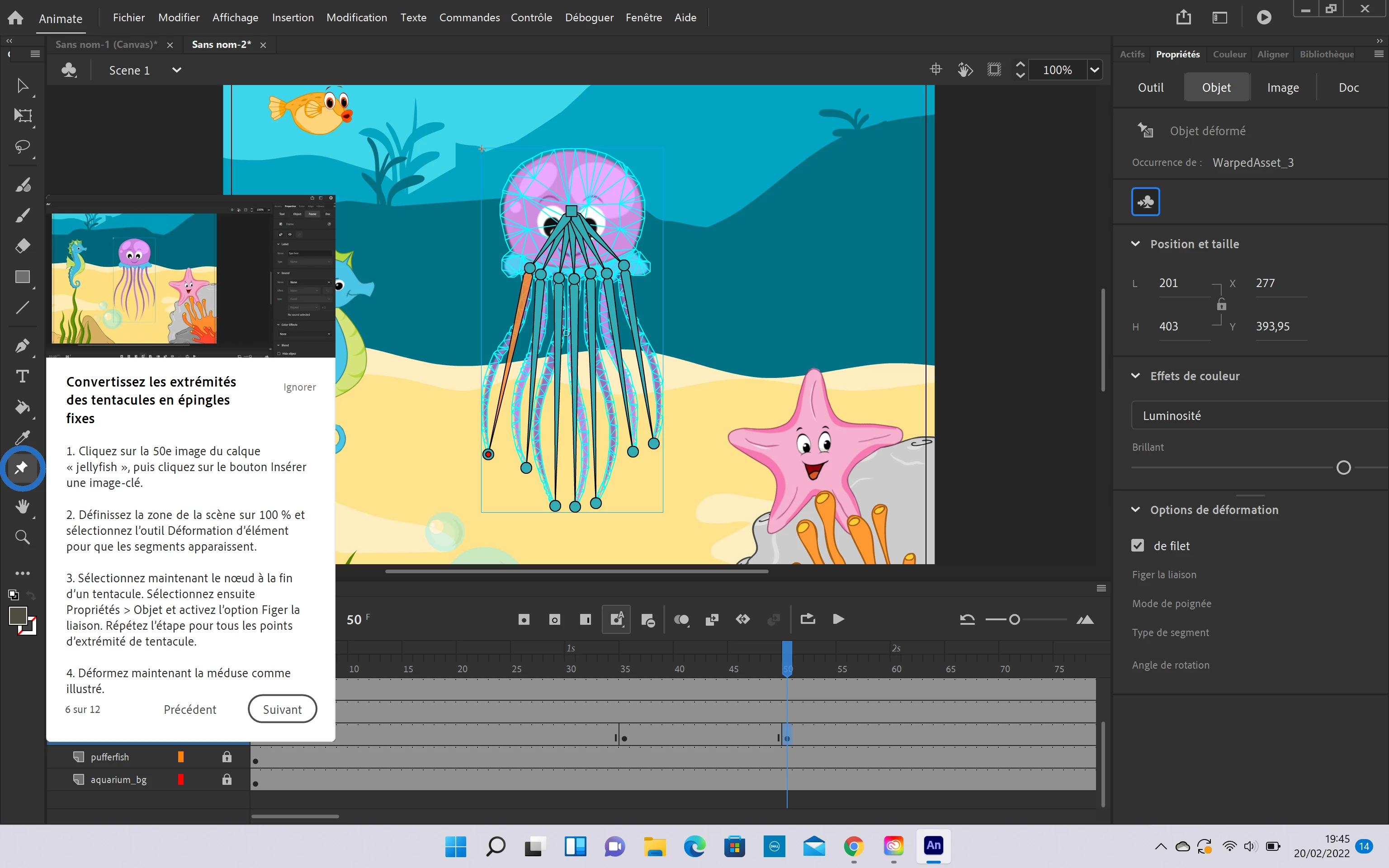
No distorsion options

  • February 20, 2022
  • 4 replies
  • 970 views


I don't have the same distorsion options than in the tutorial on the screenshot, I don't why, can you help me ? Therefore I can't follow the tutorial. 


Thank you 

 

This topic has been closed for replies.
Correct answer Noé5CBA

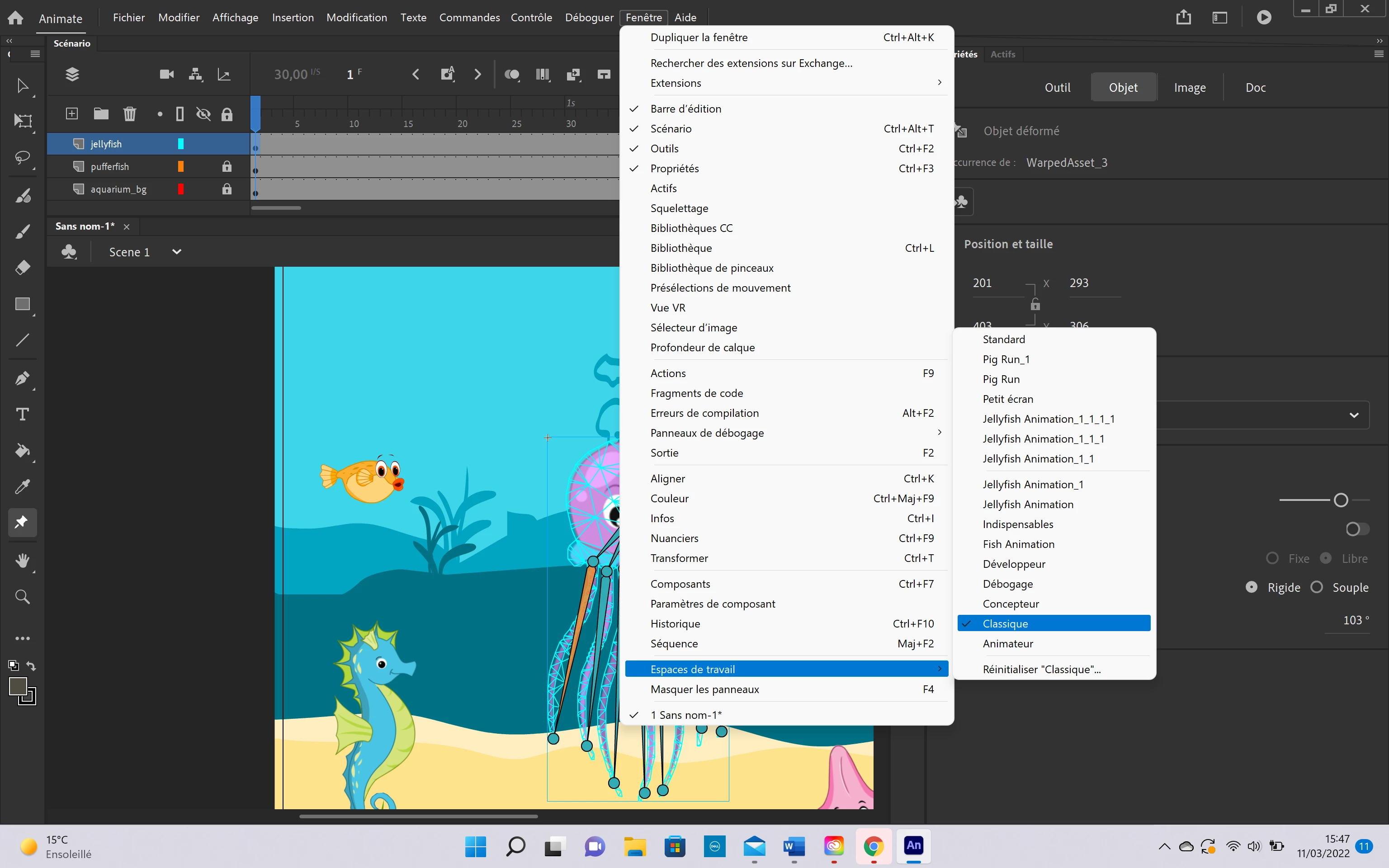
Here is what I did, I hope it will work. Frenkly, you have to do something, everytime I use an Adobe software I have stupid problems like this 


4 replies

Noé5CBAAuthor
Inspiring
March 11, 2022

Why does the most important option in the whole application is in grey x)


Noé5CBAAuthor
Inspiring
March 11, 2022

The "distorsion (=déformer in french) option"

Noé5CBAAuthor
Inspiring
March 11, 2022

Up, Help Adobe, You create an animation application that we can't use properly, it is very annoying 

Community Expert
February 26, 2022
Noé5CBAAuthor
Inspiring
March 10, 2022

Thank you for your answer

kglad
Community Expert
Community Expert
February 21, 2022

create a custom setting (eg, a custom keyboard shortcut)

reset all your preferences per the bottom of, https://helpx.adobe.com/animate/using/set-preferences.html

check that your custom setting was reset

if it was, does that solve the problem?

Noé5CBAAuthor
Inspiring
March 10, 2022

Yes kind of, here is what I did : I set the preferences to "expert preferences"     :      Edite> preferences > Expert preferences. Thank you !


kglad
Community Expert
Community Expert
March 10, 2022

you're welcome.