
Inspiring
January 18, 2018
Answered

No HTML file after publishing

  • January 18, 2018
  • 1 reply
  • 398 views

Hello, guys!

There is a strange problem. I publish my HTML5 and got nothing. Compilation is OK, but screen is blank.

I checked it by browser code viewer and there is mistake.

It's in russian, but as I see there is no HTML5 code inside, also there is no sprite sheet, although it's created.

Before I changed some library Cyrillic names of static objects to english, like "Анимация 1" to "Animation 1".

They are not used for any buttons or interactive functions, so they can't influence HTML5 compilation.

Also, I tried to switch off "combine bmp to sprite sheet" function - no sense.

Other animations work well. Could you tell me what's the reason of a such strange error?
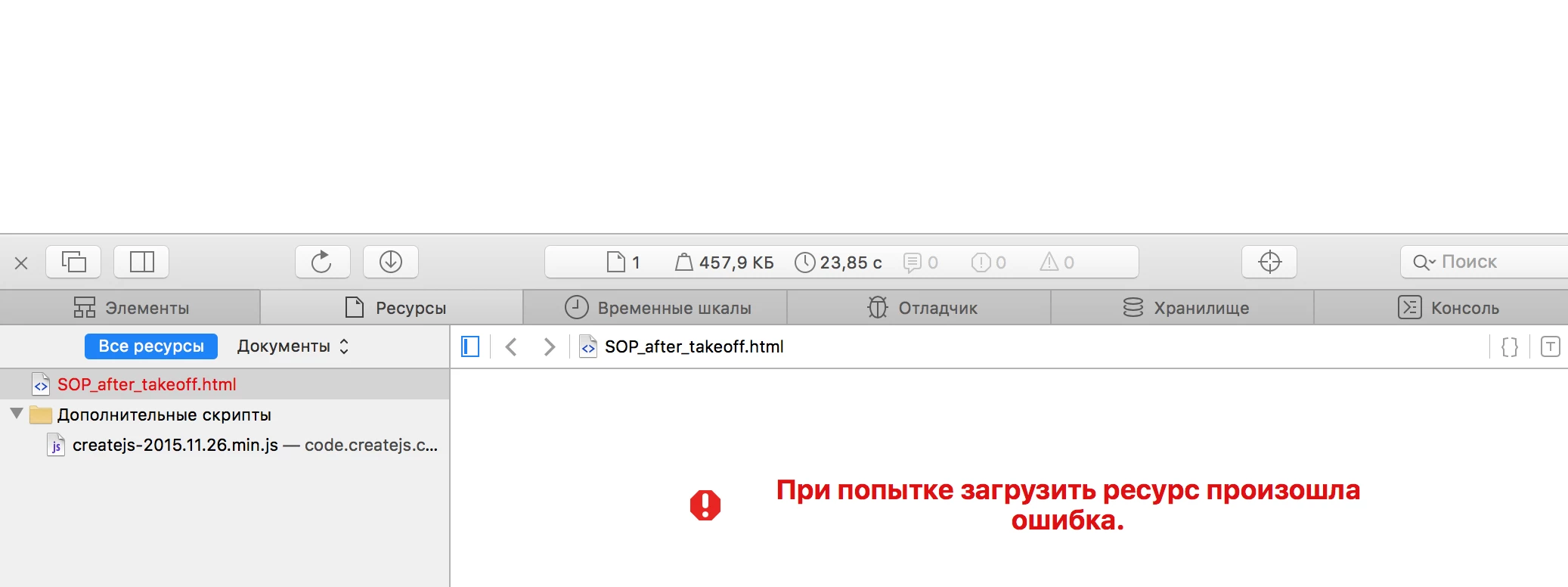
Also, I tried to publish it again, but as you can seem there is no sprite sheet in HTML5 resources list.

    This topic has been closed for replies.
    Correct answer kglad

    i don't understand anything in message 2 other than the first sentence.  but i assume you're insisting you have an html5/canvas project and when you publish, no html file is created.

    if that's accurate, attach a screenshot of your publish settings (file>publish settings).

    1 reply

    kglad
    Community Expert
    Community Expert
    January 18, 2018

    save your fla to a new directory and then publish.

    Inspiring
    January 19, 2018

    No, it doesn’t work.

    If you change name of the objests after code is ready, you must delete code at all and write again.

    Min this case it works.

    kglad
    Community Expert
    kgladCommunity ExpertCorrect answer
    Community Expert
    January 19, 2018

    i don't understand anything in message 2 other than the first sentence.  but i assume you're insisting you have an html5/canvas project and when you publish, no html file is created.

    if that's accurate, attach a screenshot of your publish settings (file>publish settings).