
No Pen Pressure
So I have been having an issue with adobe products for a while, specifically in regards to the pen pressure or lack there of. Whenever I am drawing the pen would suddenly start lagging and then instead of continuing the stroke as I had drawn it, there will be a straight line from the last mark I made and where my pen currently is on the tablet. I posted an example of what im describing below.
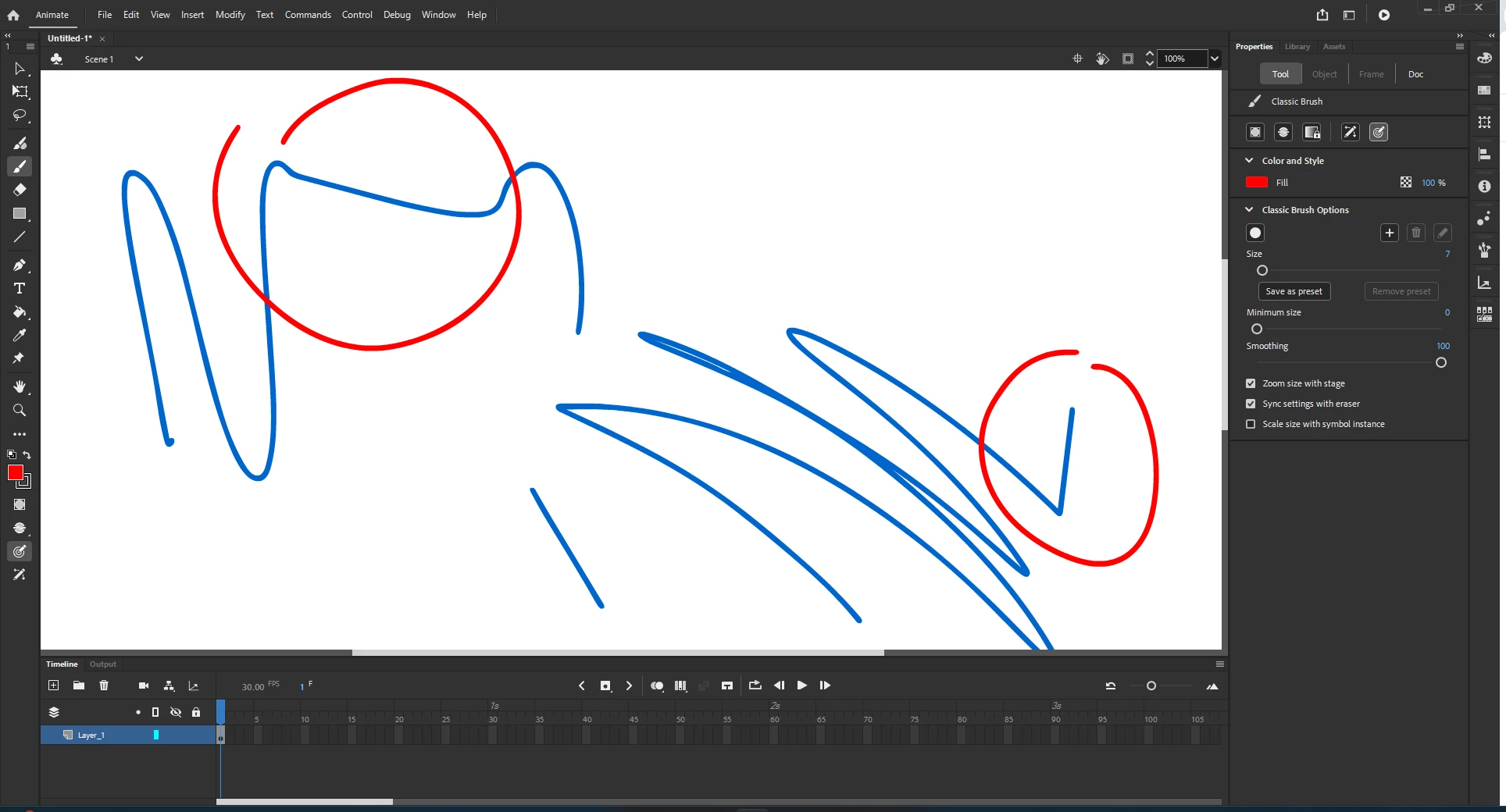
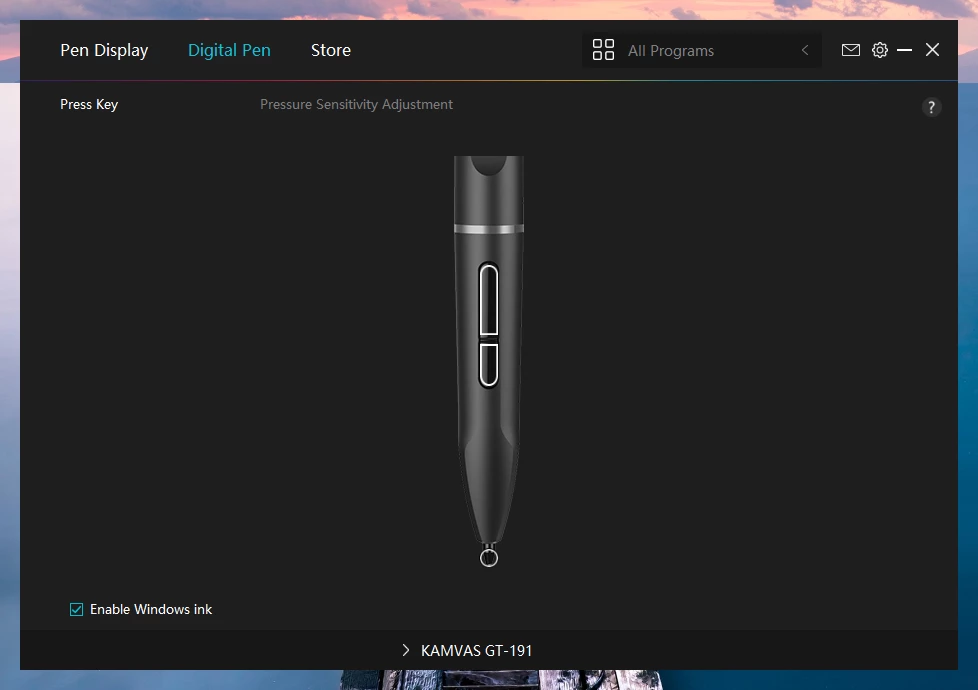
The pen pressure randomly came back once, but after I restarted my computer it dissapeared again. I am drawing on a huion kamvas gt-191 and I have the Windows Ink box checked, but I seriously don't know what I can possibly do to fix this.
Another thing worth mentioning is that this only happens with my drawing tablet, when I draw with the mouse there is no lag or random straignt lines.


 AdChoices