


Noisy borders and transparency issues on imported layers
 Hi all,
Apologies for the confusing title, I feel it represents my situation well.
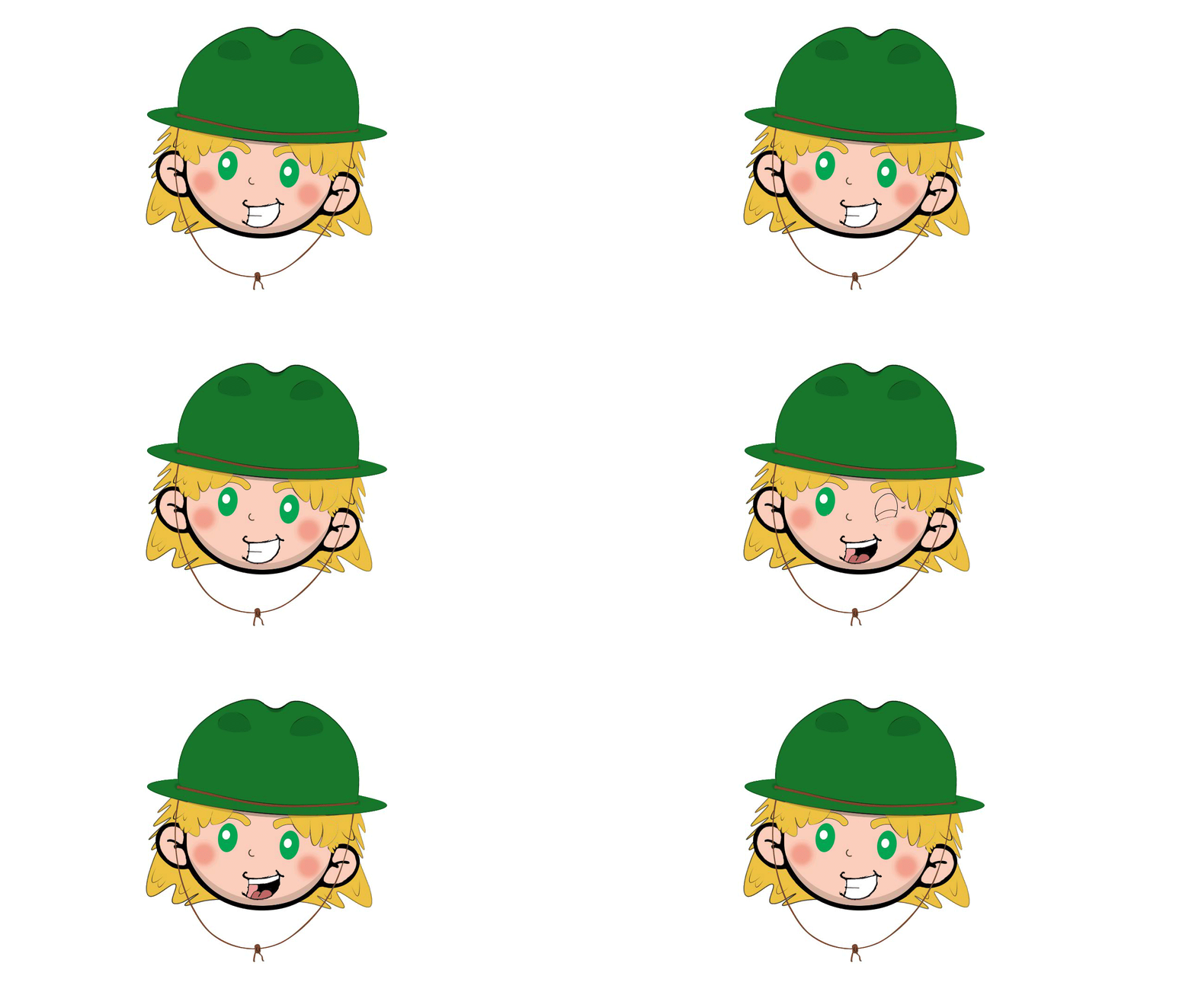
I am making a small animated gif in AA using imported layers designed in photoshop.
I have two major issues when exporting the animation from AA.
One is that the borders of the design specifically the outer borders of the image have a lot of unwanted white pixels surrounding them. This isn't the case when exporting images from photoshop, nor when a coloured backdrop is applied.
The second issue surrounds one of the layers and the colour white. One part of the animation is a big toothy smile, the white of the teeth are completely transparent. Which is odd because there is another layered image underneath, somehow the teeth are burning a hole through.
For some reason it's coming up perfectly on this post funnily enough, however I have this problem when imposing onto video footage in PP or facebook messenger.
I'd love to know what you think.
Cheers
 AdChoices