Answered
Nothing happens when I click to access the actionscript code for a specific frame
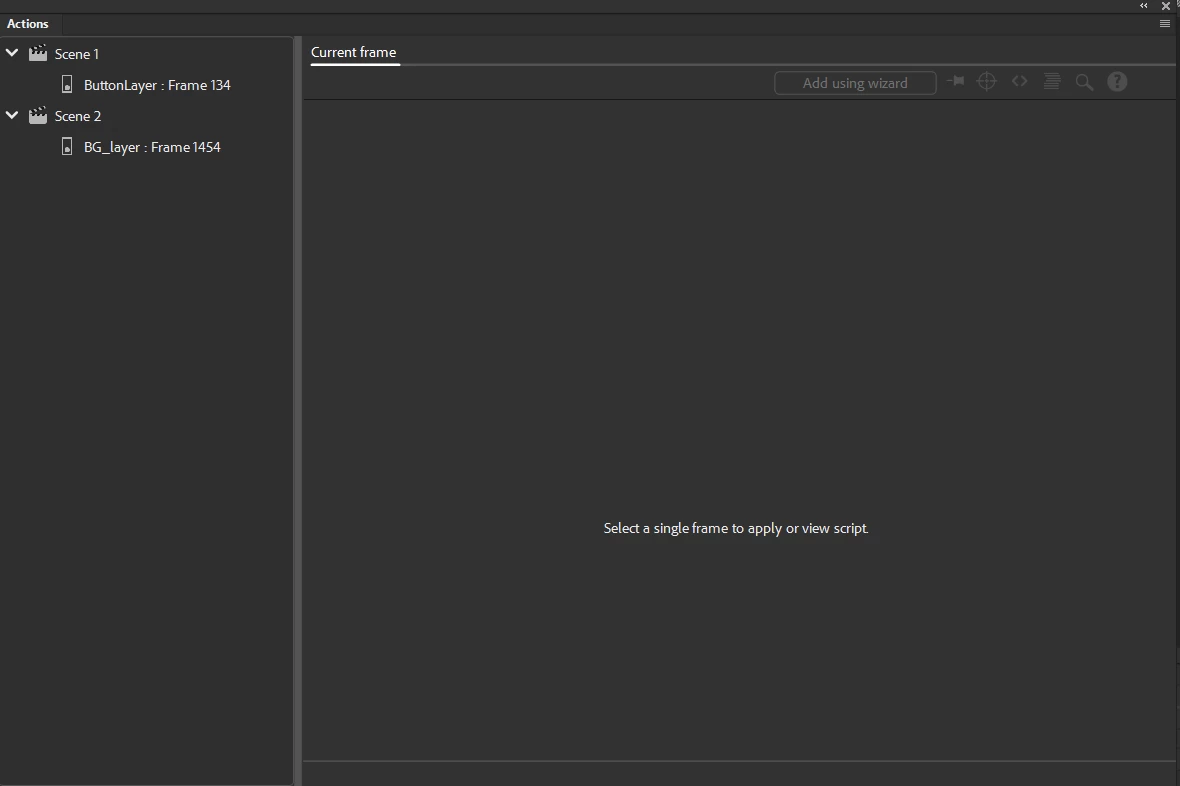
When i click on the button layer ... in the actions poup in the image above, nothing happens?

When i click on the button layer ... in the actions poup in the image above, nothing happens?
Thanks for the file.
The reason is because the layer is of type motion tween. And I just found out that this type of layer cannot have frame scripts.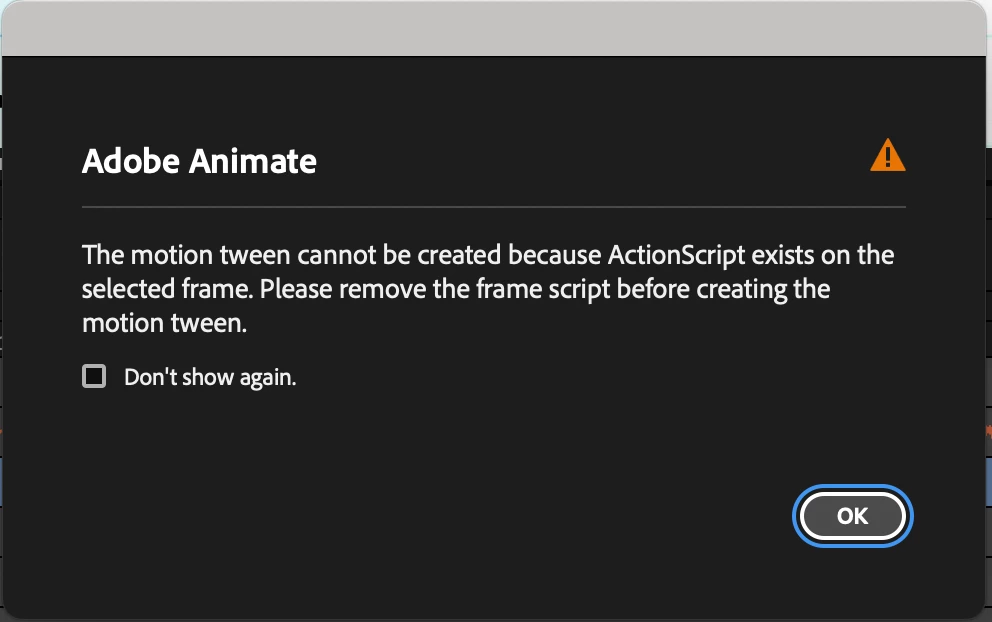

https://helpx.adobe.com/animate/using/about-motion-tween-animations/motion-tween-animation.html
You'll need to alt drag the frame containing the code to a regular layer.
I honestly didn't know about this limitation especially because I rarely use motion tweens.
Anyway, you should be able to access the script now.
Regards,
JC
Already have an account? Login
Enter your E-mail address. We'll send you an e-mail with instructions to reset your password.


 AdChoices