


Participant
June 29, 2020
Answered

Object Drawing not working in Animate 2020

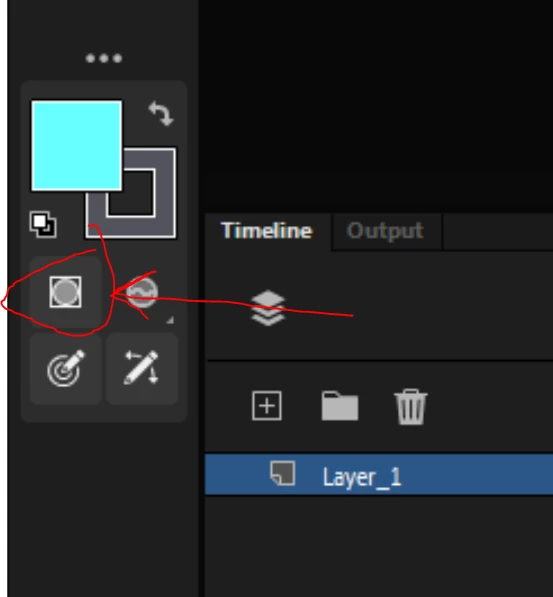
Was wondering if this has been happening to anyone else. The object drawing option doesn't seem to work in the latest update. I have it selected, but when I use the brush tool, it still draws in fills, rather than creating a drawing object.

 

This topic is closed to new replies. Start a new post to keep the conversation going.
arvind_bvCorrect answer
Adobe Employee
June 30, 2020

Hello,

Drawing object applies only to "Paint Normal" Brush mode. As I can see you have selected "Paint Fills" as brush mode, Drawing object wont work in this case.


Thanks,

Arvind B V

2 replies

arvind_bvCorrect answer
Adobe Employee
June 30, 2020

Hello,

Drawing object applies only to "Paint Normal" Brush mode. As I can see you have selected "Paint Fills" as brush mode, Drawing object wont work in this case.


Thanks,

Arvind B V

Translate
kglad
Community Expert
Community Expert
June 29, 2020

works correctly for me.


try resetting your preferences, http://helpx.adobe.com/flash/kb/re-create-preferences-flash-professional.html

or remove

Win:
C:\Users\\AppData\Local\Adobe\Animate CC \ and
C\Users\\AppData\Roaming\Adobe\Animate\\

Mac:
/Users//Library/Application Support/Adobe// and
/Users//Library/Preferences/Adobe/Animate//

Translate