AnScathMarcach
Inspiring
April 30, 2017
Answered

"Paint Fills" Mode Not Working Properly

  • April 30, 2017
  • 1 reply
  • 2953 views

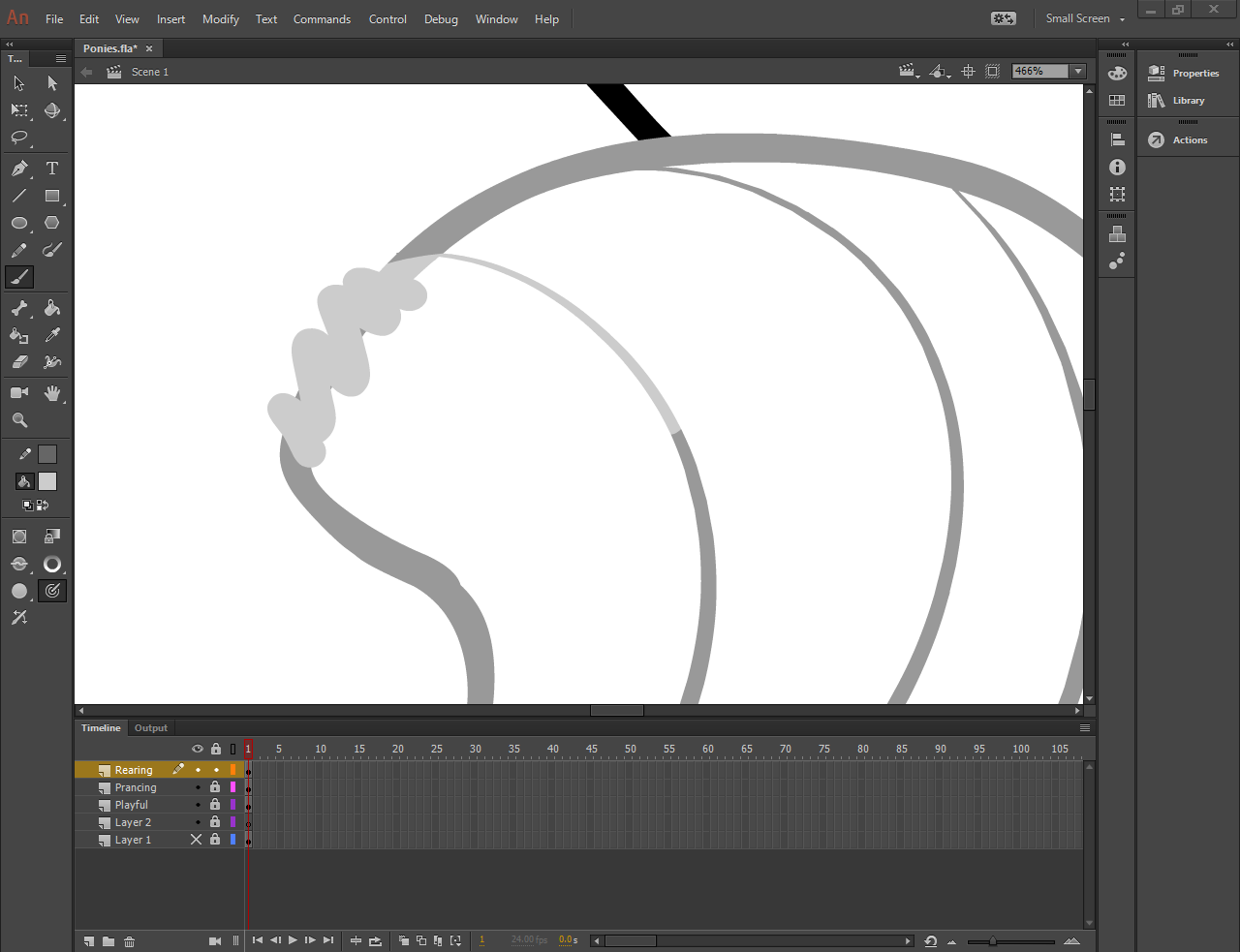
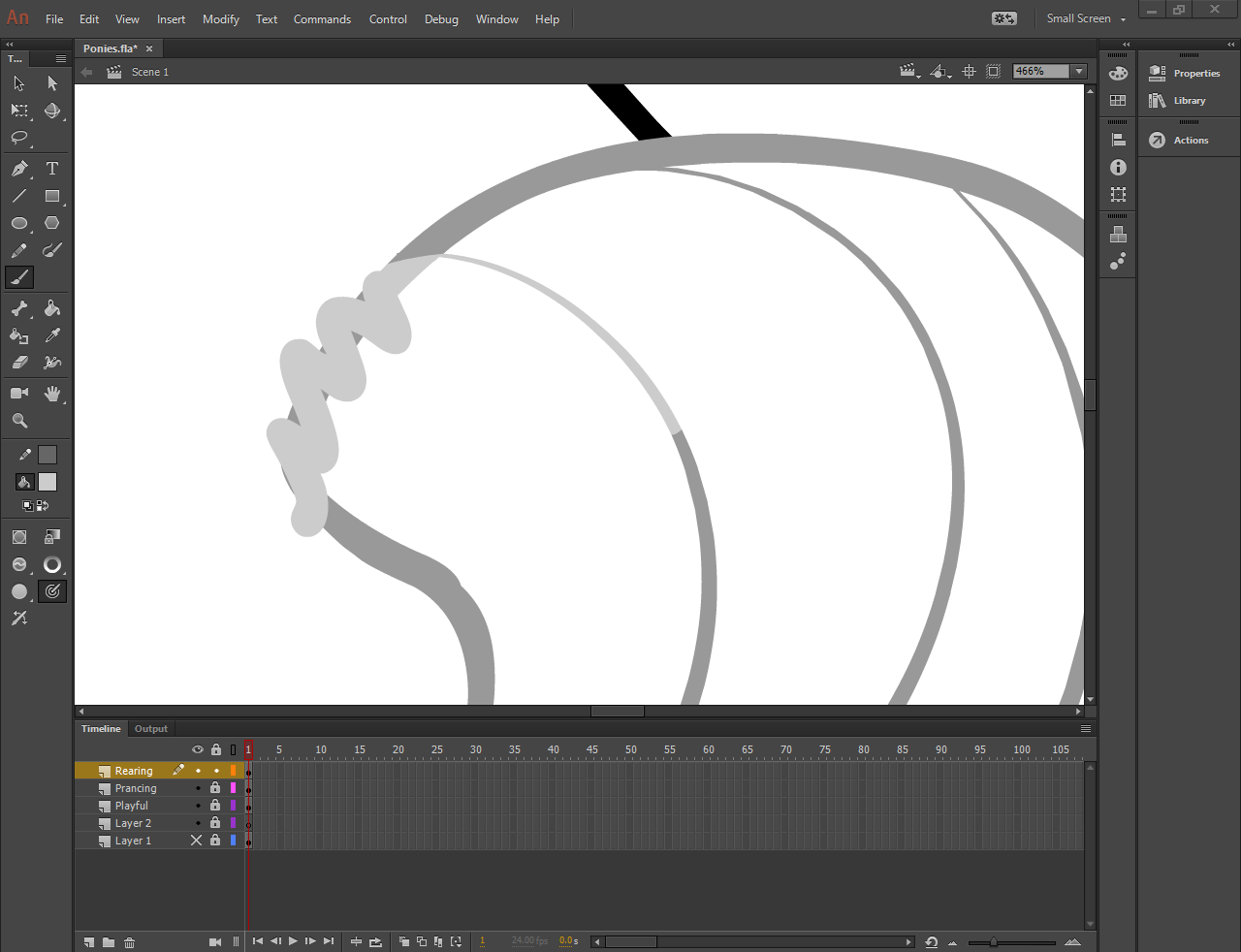
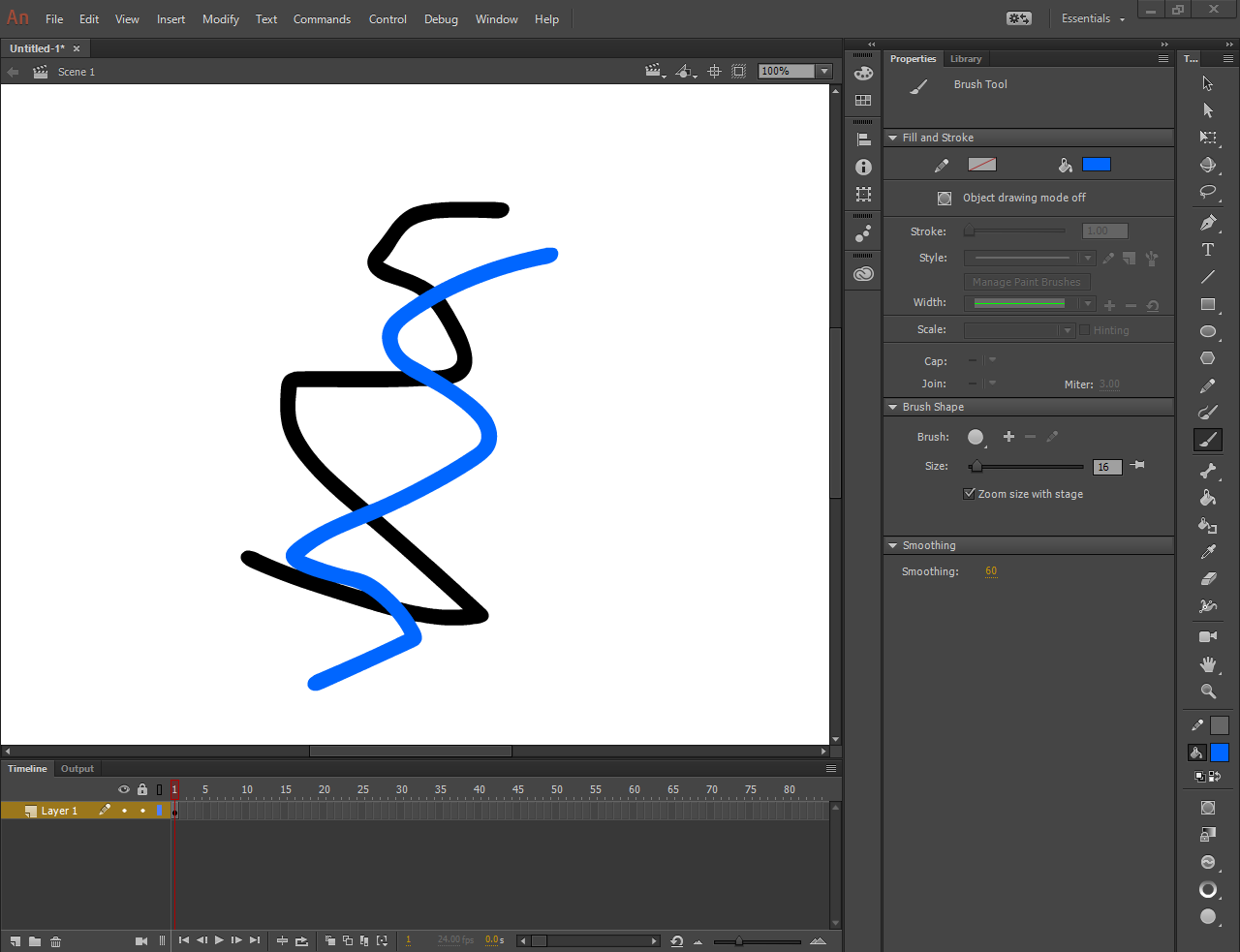
The "Paint Fills" brush mode is supposed to paint ONLY on top of already filled objects, right? And that's exactly what I want to do, I want to change the color of a certain part of my drawing by painting over it without messing up the already defined shape. But when I use the Paint Fills mode, it seems to operate exactly the same as the "Paint Normal" Mode. The only way I can get the result I want is by putting the brush in the "Paint Selection" mode and select the colored line I want to paint over.

Before:
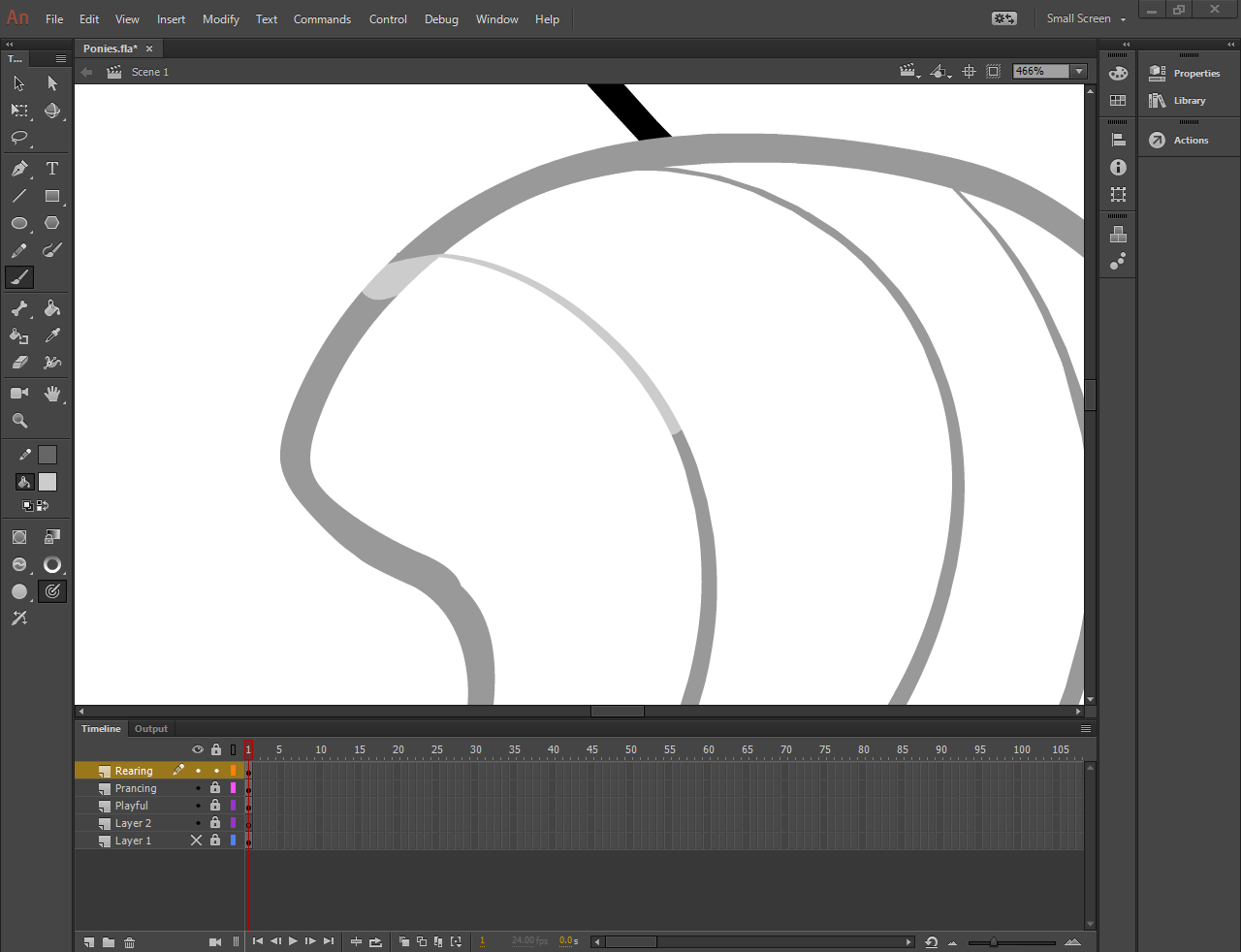
49792a3abd1e41bb8f0c50c6e3eca164.png

Paint Normal Mode:

a0849be82091d6eda1f5b24cf88ed08d.png

Paint Fills Mode:

c56dd53b55d659ca3f9565db292d8308.png

Paint Selection Mode (the result I wanted and thought Paint Fills was supposed to accomplish):
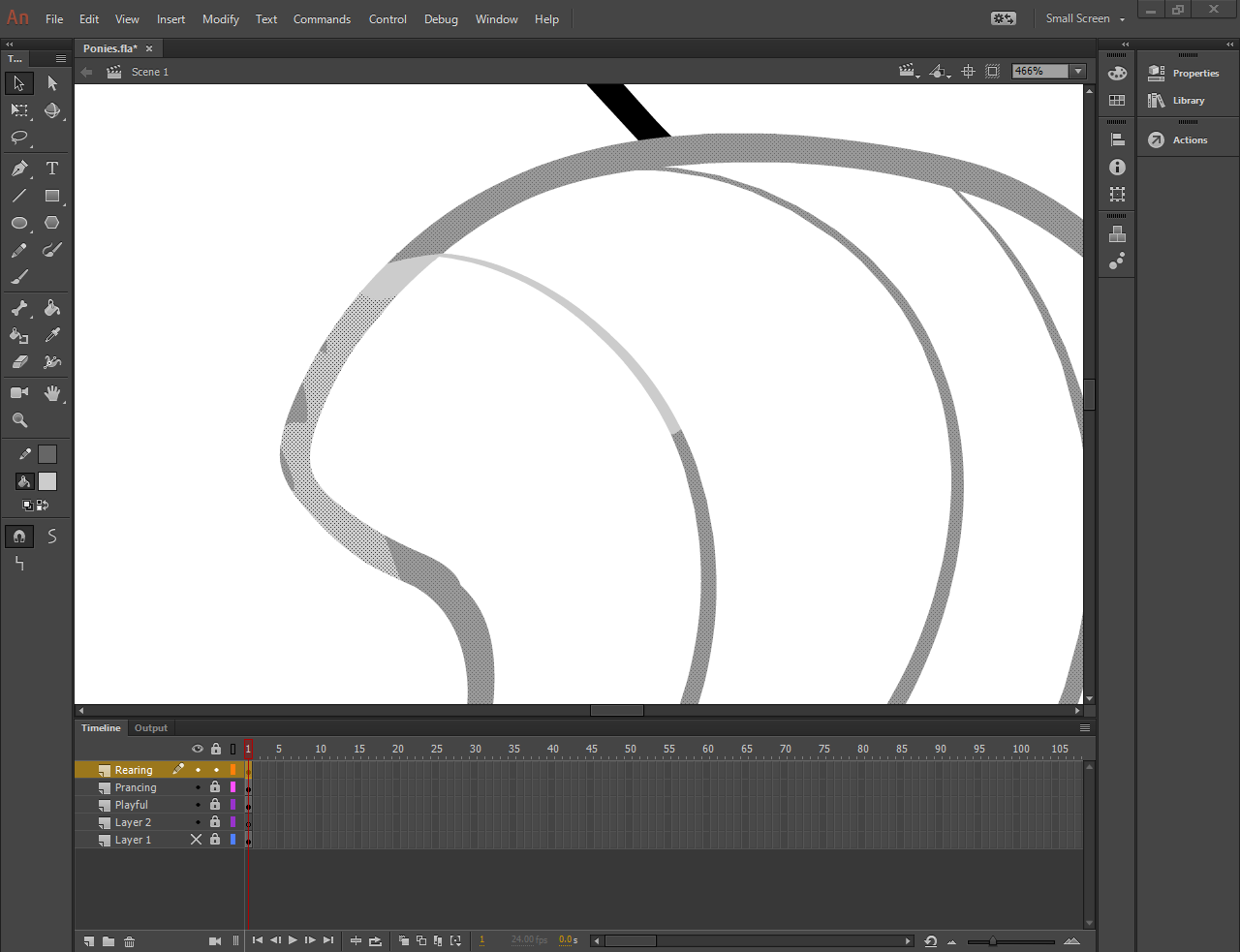
d73d064b8d909e79805be79071e90f89.png

I am using Windows 10 Home, 64-bit and Adobe Animate CC 16.2.0.24.
This topic has been closed for replies.
Correct answer robdillon

Okay, I successfully removed the files, and it looks like everything has been reset. But still no luck on the Paint Fills mode.

46bd4d6b677f990fb146a4744fc7cfb5.png


OK, I just re-read your first message. I mistakenly thought that you were having a problem with Paint Inside. Paint Fills will paint on a filled area of a object and any blank space on the stage, as you show. So to get the effect that you want to see, use Paint Inside. Here's an article on the different paint modes: Using Paint Brush Modes | Creating Graphics in Adobe Flash CS4 | InformIT

1 reply

robdillon
Participating Frequently
April 30, 2017

From the options showing in your Tools palette, it looks like you're using a tablet. If you disconnect the tablet and try the Paint Inside brush mode with a mouse, does that work correctly? If that's the case then you may need to update the driver for your tablet.

AnScathMarcach
Inspiring
April 30, 2017

With the mouse and the tablet unplugged it still does not work correctly.

robdillon
Participating Frequently
April 30, 2017

I'm using an iMac with an Intuos 4 tablet and a Macbook Pro and both work correctly using the same version of Animate as you have installed. If this is a new installation, you may want to reset your Preferences: FAQ: How do I reset Flash professional to default configurations and preferences?