Inspiring
December 13, 2018
Question

Paintbucket won't fill

  • December 13, 2018
  • 1 reply
  • 284 views

Hello

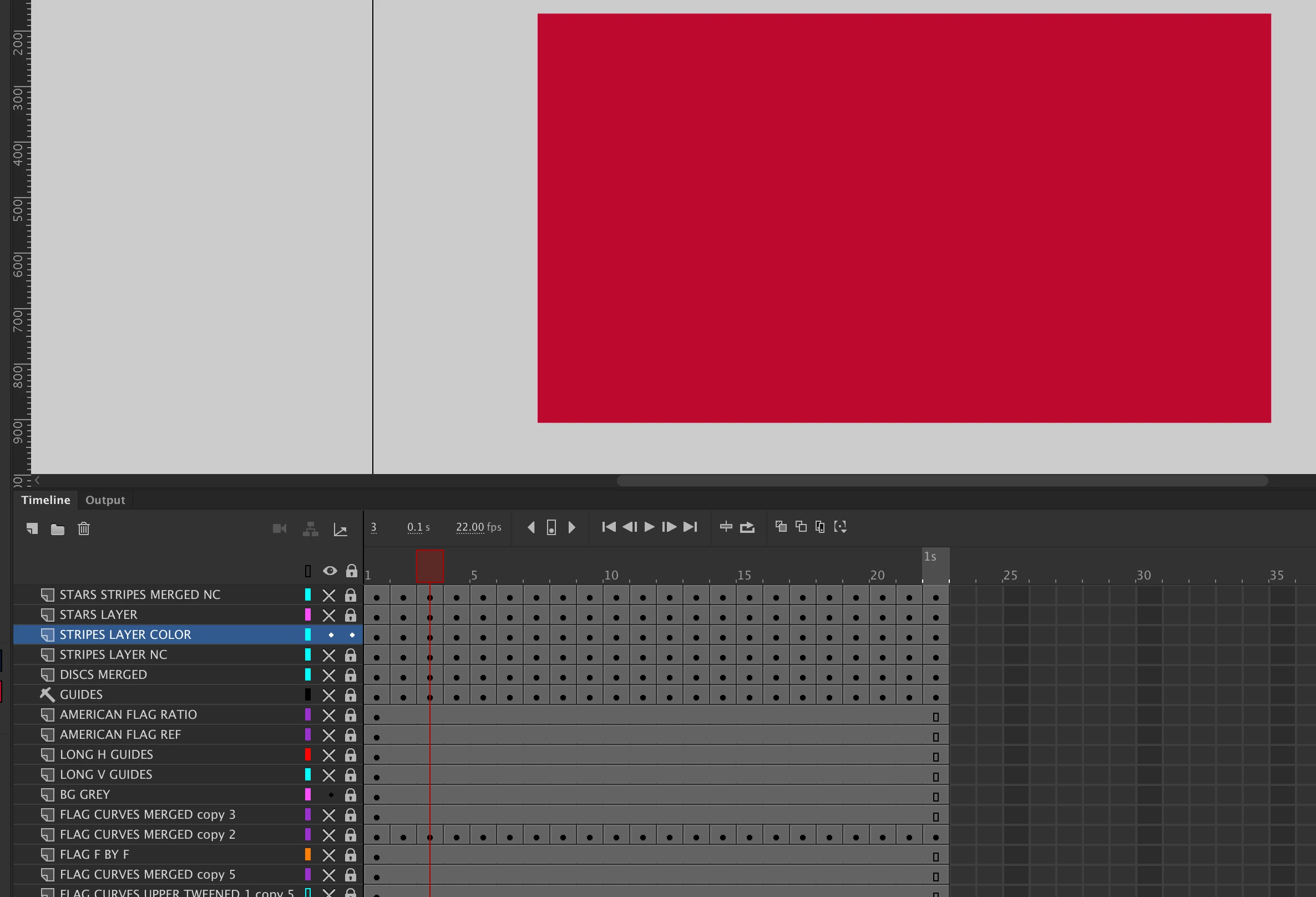
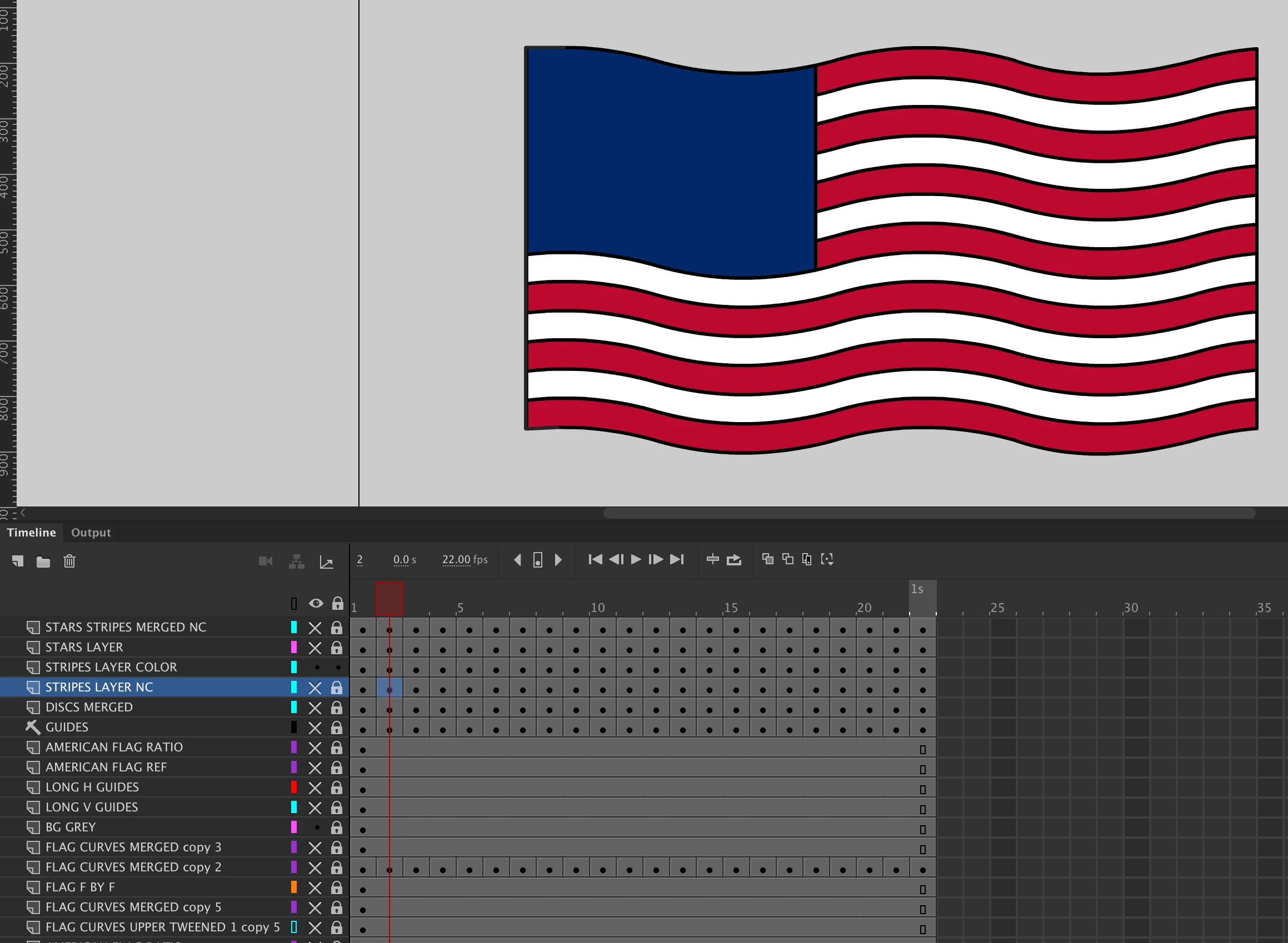
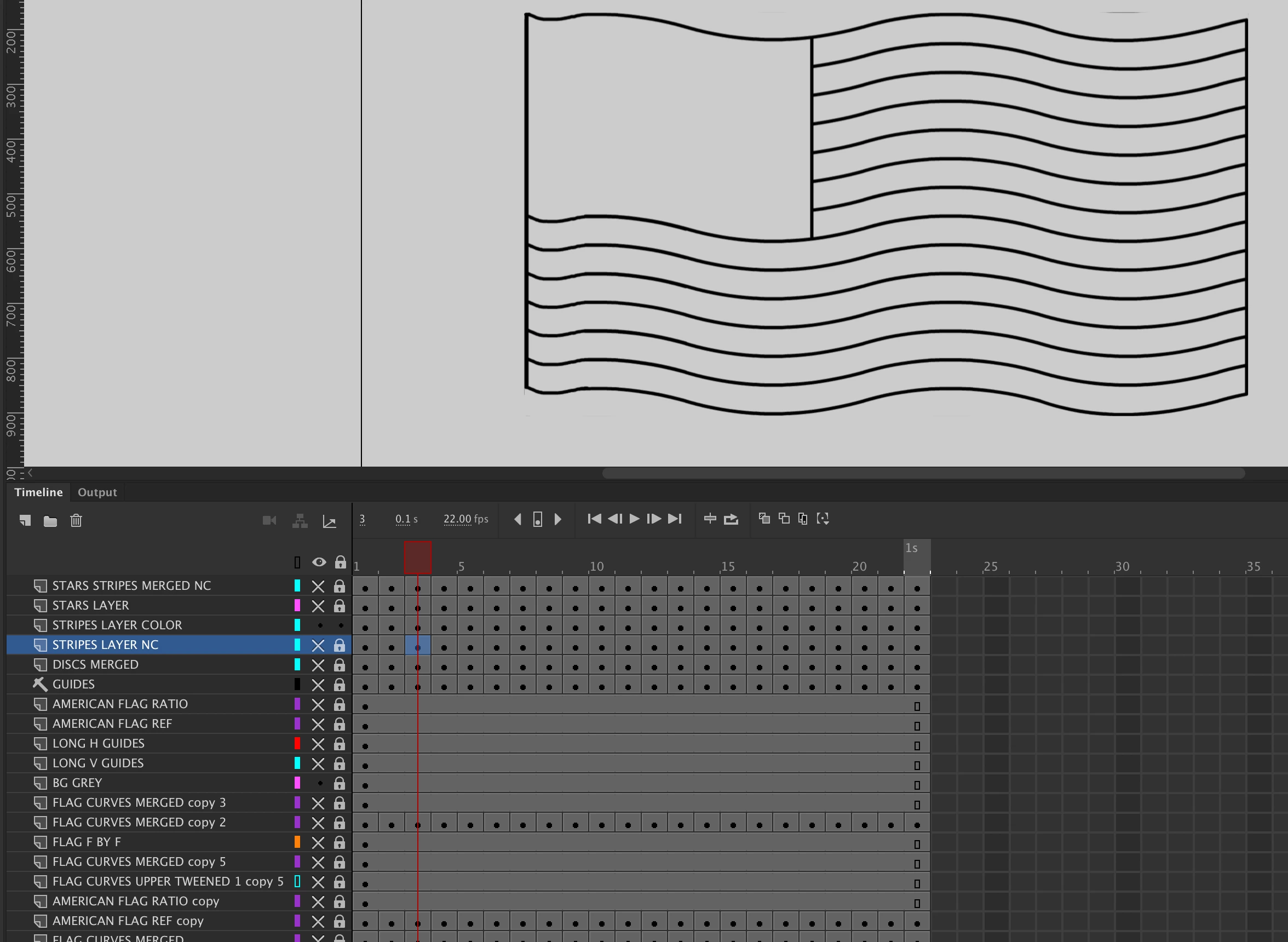
I am creating a frame by frame flag animation, with no symbols. I do not know why one frame will not fill when using the paintbucket. There do not seem to be any gaps, and I have tried Break Apart. Does anyone have any advice about this? I have attached three screen shots, 'Flag Frame 2' showing the image in frame 2 filled using the paintbucket, 'flag frrame 3' showing the image which does not fill when I use the paintbucket, 'flag frame 3 fill', showing what happens when I use the paintbucket on that frame. All the other frames fill OK. Thanks for any help. I am using Animate CC 2019 on an iMac OSX 10.14.1 with a Wacom.
This topic has been closed for replies.

1 reply

Community Expert
December 13, 2018

I know this is a silly question, but by chance is are you on the right layer and is that said layer unlocked?

toymaker1Author
Inspiring
December 13, 2018

nickg28.

Thanks for your response. I have checked, and I am on the3 right layer and it is unlocked. When I move, for example, from frame 2 to frame 3, having just succesfully filled the parts in frame 2, the paintbucket dos not fill on frame 3. I cannot find any gaps, and I have tried break apart. - ~It just fills the image with a total fill, rather than the parts selected to be filled.

regards.