

pete142
Known Participant
March 29, 2022
Question

Parenting Tool Undid Animation Placement

  • March 29, 2022
  • 2 replies
  • 556 views

Hello, so I am new to this and using Adobe Animate 22.0.5.


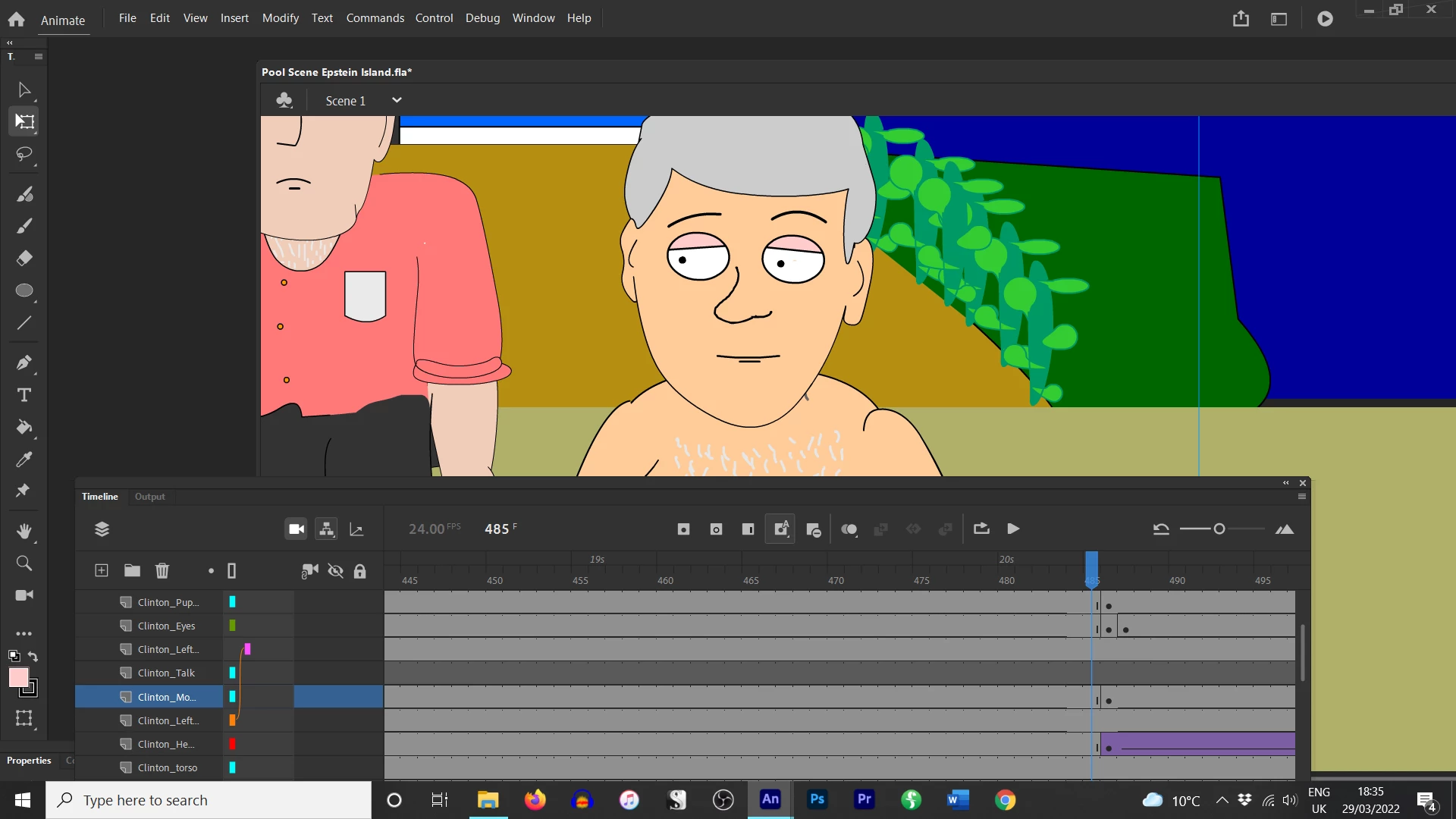
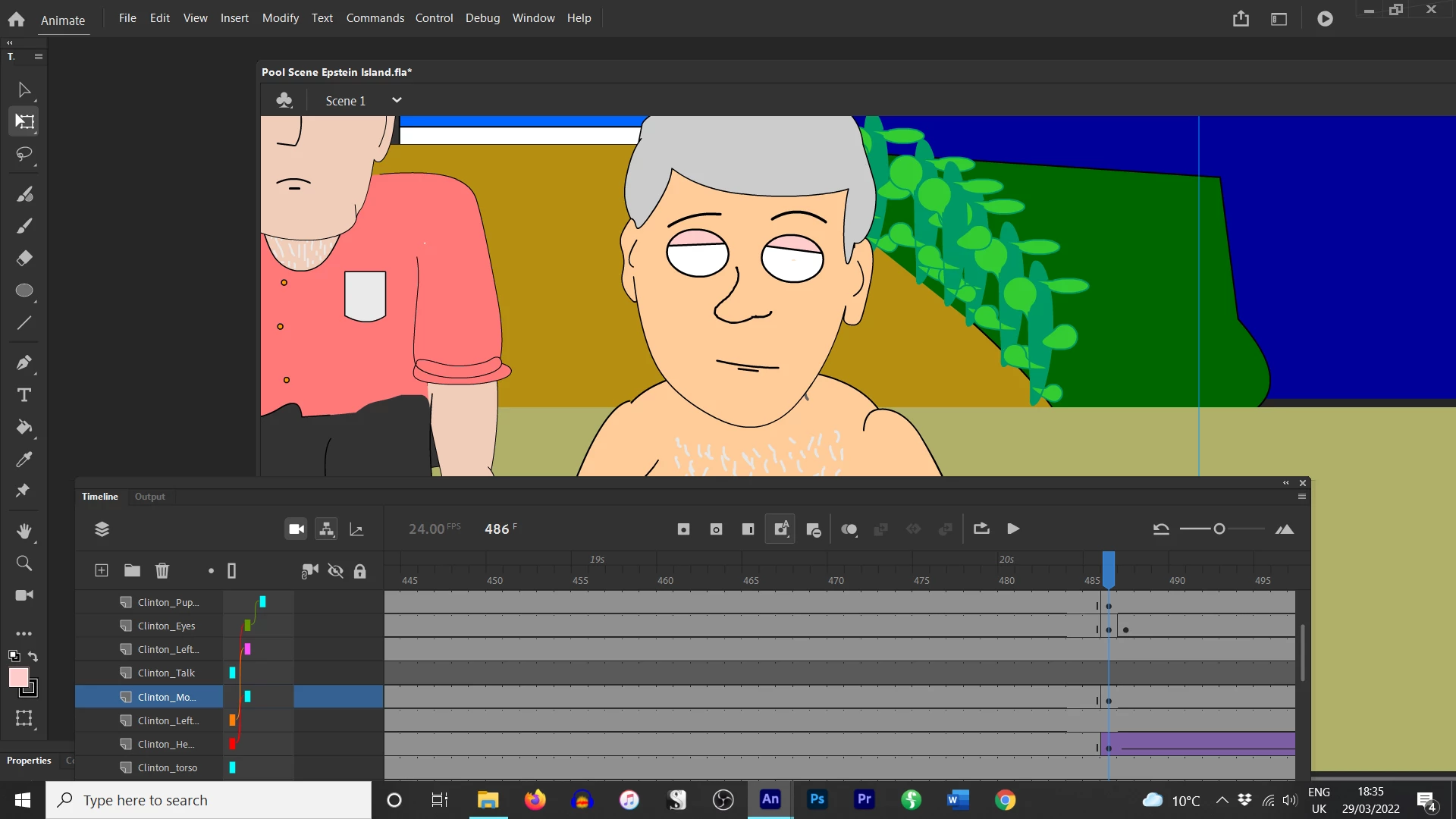
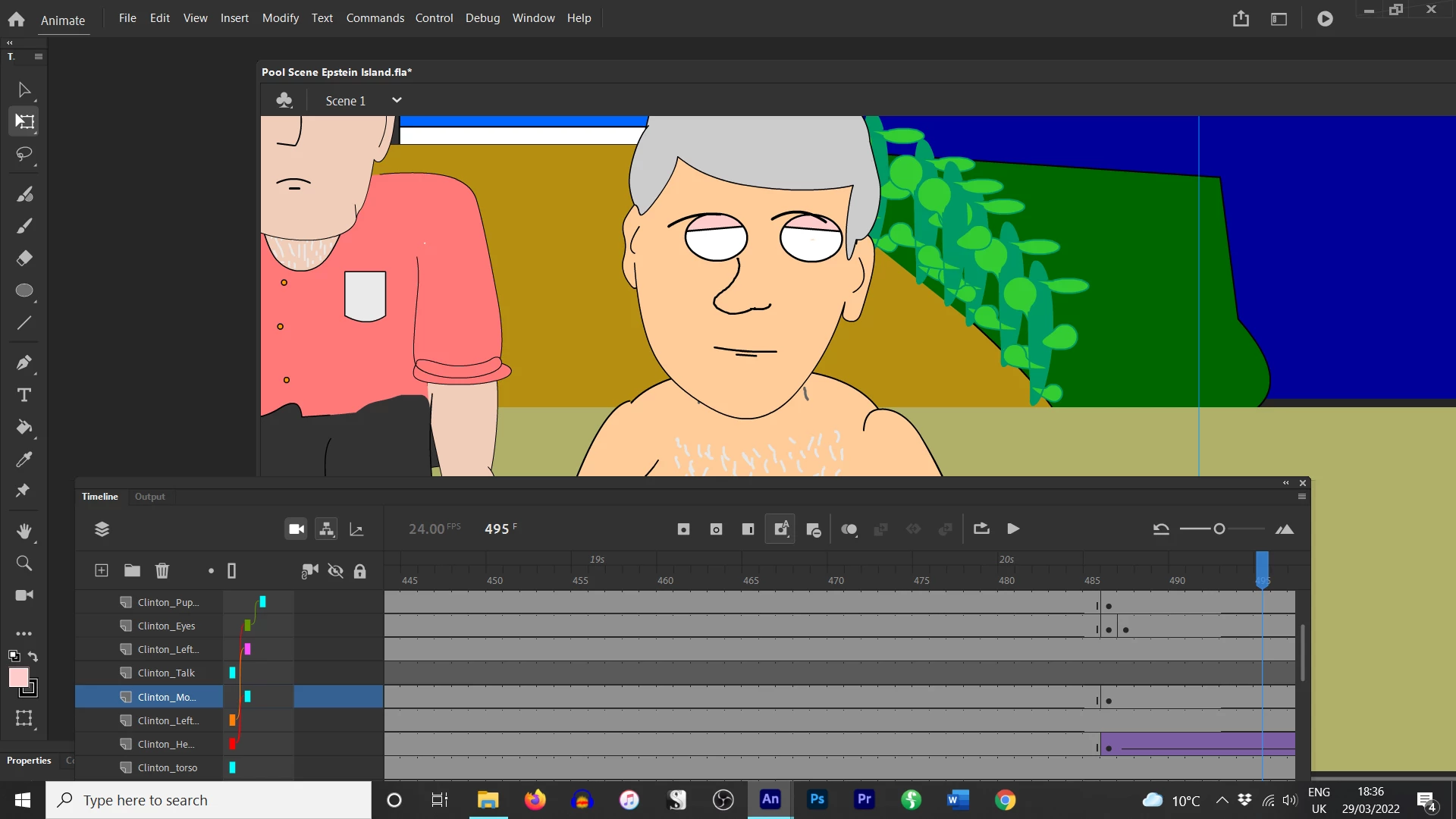
I had my character's eyes, pupils and eyebrows on individual layers. The whole thing played fine. But then the parenting tool disconnected or something and I had to redo the parenting. (Pupils to eyes, eyebrows to eyes, eyes to head, mouth to head) and now it seems no matter what I do, the layers don't actually connect properly to the head when it moves, they splinter off and do weird things (I've attached photos).


Do I need to redo these parts, use a new layer, parent earlier, not parent at all... or is there a solution I don't know about? Thank you!
    This topic has been closed for replies.

    2 replies

    Community Expert
    March 30, 2022
    n. tilcheff
    Legend
    March 29, 2022

    Hi Pete,

    You have to learn to 'nest' your symbols. Nesting means that you place logical groups of elements inside other elements.

    In this case all facial features should go inside the head symbol and then this internal timeline should be played in sync with your character timeline.

    All lip sync is done inside the head, where elements maintain their relative positions among themselves and timing is kept flexible. No parenting is needed for the facial features at all.

    This will simplify your rig structure.


    When you animate, the general rule is to have a keyframe across all layers for all elements of the rig (or at least the ones you need to move), not just the parent.


    For more information have a look here and here.


    Nick - Character Designer and Animator, Flash user since 1998 | Member of the Flanimate Power Tools team - extensions for character animation
    pete142
    pete142Author
    Known Participant
    March 29, 2022

    So I should have the eyes and pupils just in one head symbol? And avoid parenting until absolutely necessary? I was looking at a lot of Youtube tutorials so maybe I got my lines crossed. 


    I currently have all my layers in one folder per character and each layer is usually using a saved symbol. Certain things like nose, chin, hair are all part of the head. I just made the mouth and eyes separate entities as I will be moving them a lot. I've got the lip syncing down. Thanks!

    n. tilcheff
    Legend
    March 29, 2022

    Yes, all facial expression animation and lip sync should be done inside the head symbol.

    You can move those bits to simulate little 3D turns, but this is usually all very subtle and will not require parenting in most cases.

    When you work with nested timelines you can easily adjust the timing of said nested animation without the need to edit the body animation. Also keyframes can be offset to convey overlapping action.


    Nick - Character Designer and Animator, Flash user since 1998 | Member of the Flanimate Power Tools team - extensions for character animation