
Participant
July 18, 2022
Question

Part of scene hiding new images

  • July 18, 2022
  • 1 reply
  • 96 views

Trying to edit a project in animate and the right quarter or so won't show new images. I've had this happen in two projects. I add (import) a new ai image to the stage/scene, but when I drag it to the right side of the stage/scene, it disappears as if it were going behind a mask. I've had this happen whether trying to change an image on an existing layer or creating a new layer and adding the new ai image.
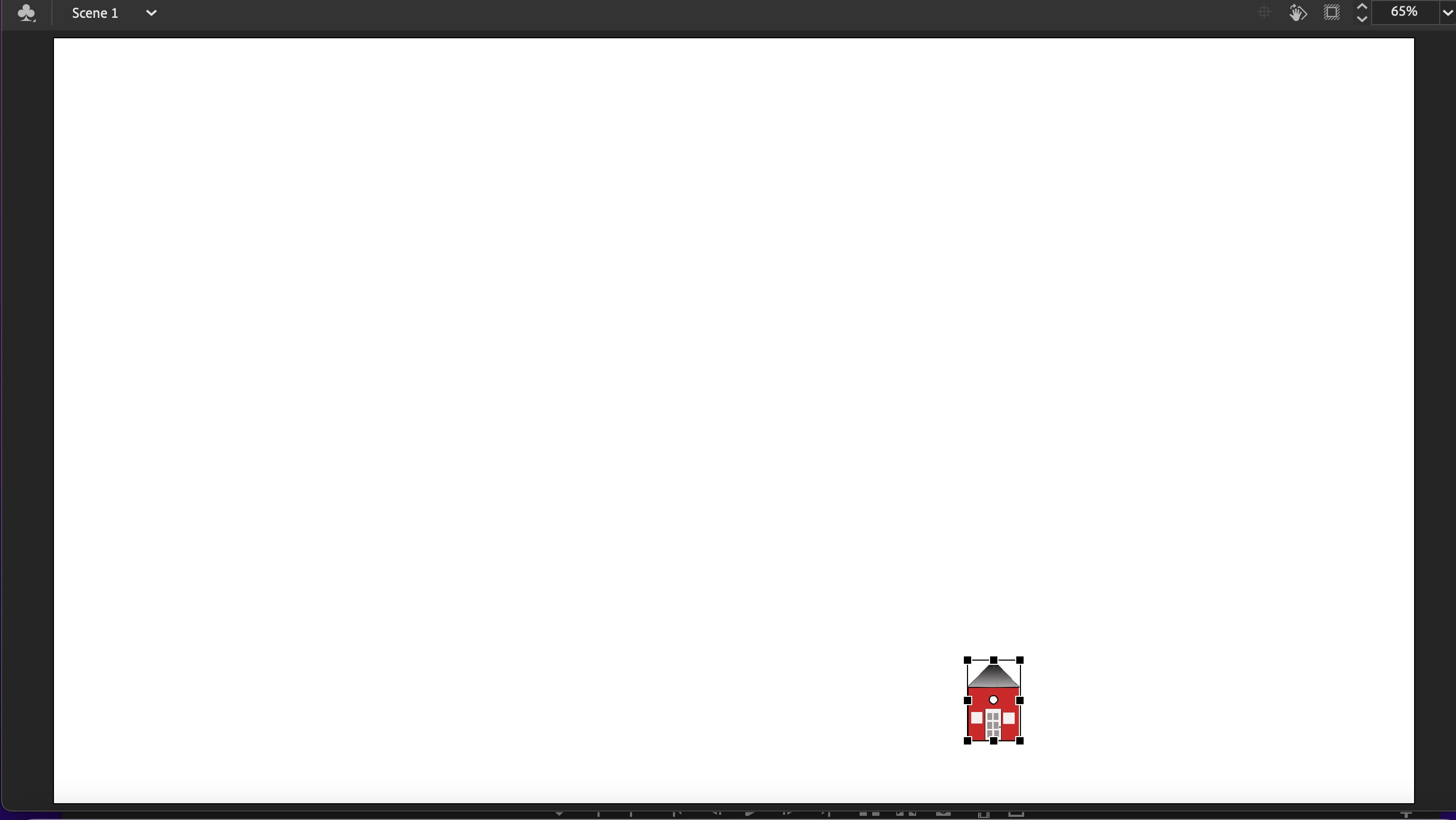
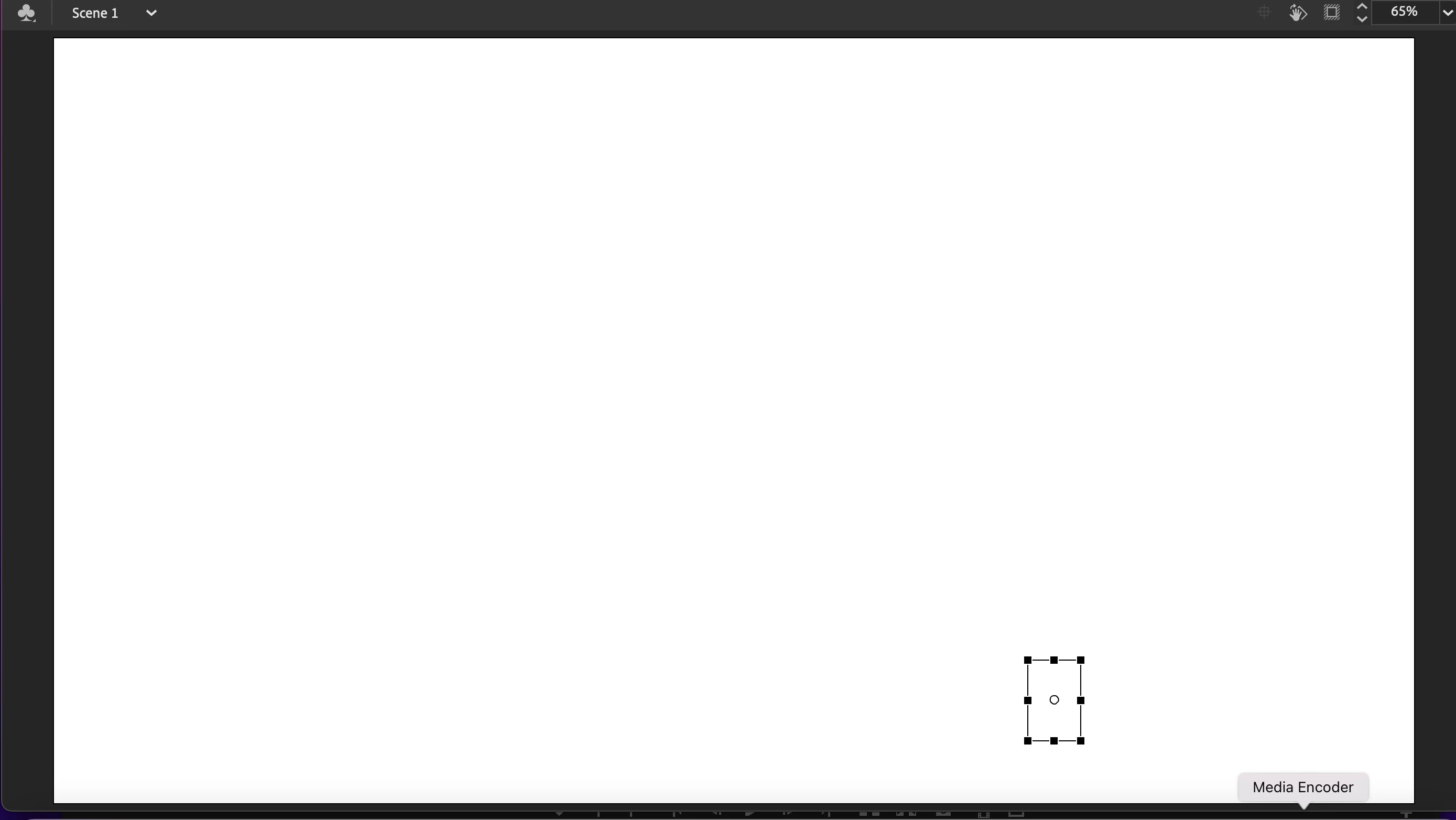
image can be seen when placed here or anywhere to the left...but not here or anywhere to the right (other layers hidden)


    This topic has been closed for replies.

    1 reply

    kglad
    Community Expert
    Community Expert
    July 19, 2022

    i don't see that happening on my computer.


    can you reproduce the problem with minimal ai steps to create the problematic ai file?

    Participant
    July 19, 2022

    There seems to be a relationship between the size of the image and the "masking" effect...but it doesn't happen with all images. The two that gave me problems before will go into the right side of the frame no problem until I take it down to a certain size...as I drag it across the screen from left to right, the display of the image seems to go to original size (very big) to invisible with only the box and handles showing. But I can take a half dozen other images and it doesn't happen. and it still happens if I convert the image to a symbol.


    kglad
    Community Expert
    Community Expert
    July 20, 2022

    unless it's reproducible, it's hard to see how anyone can help.