sergiopop75
Inspiring
July 8, 2022
Question

Paste keyframes create new keyframes

  • July 8, 2022
  • 1 reply
  • 529 views

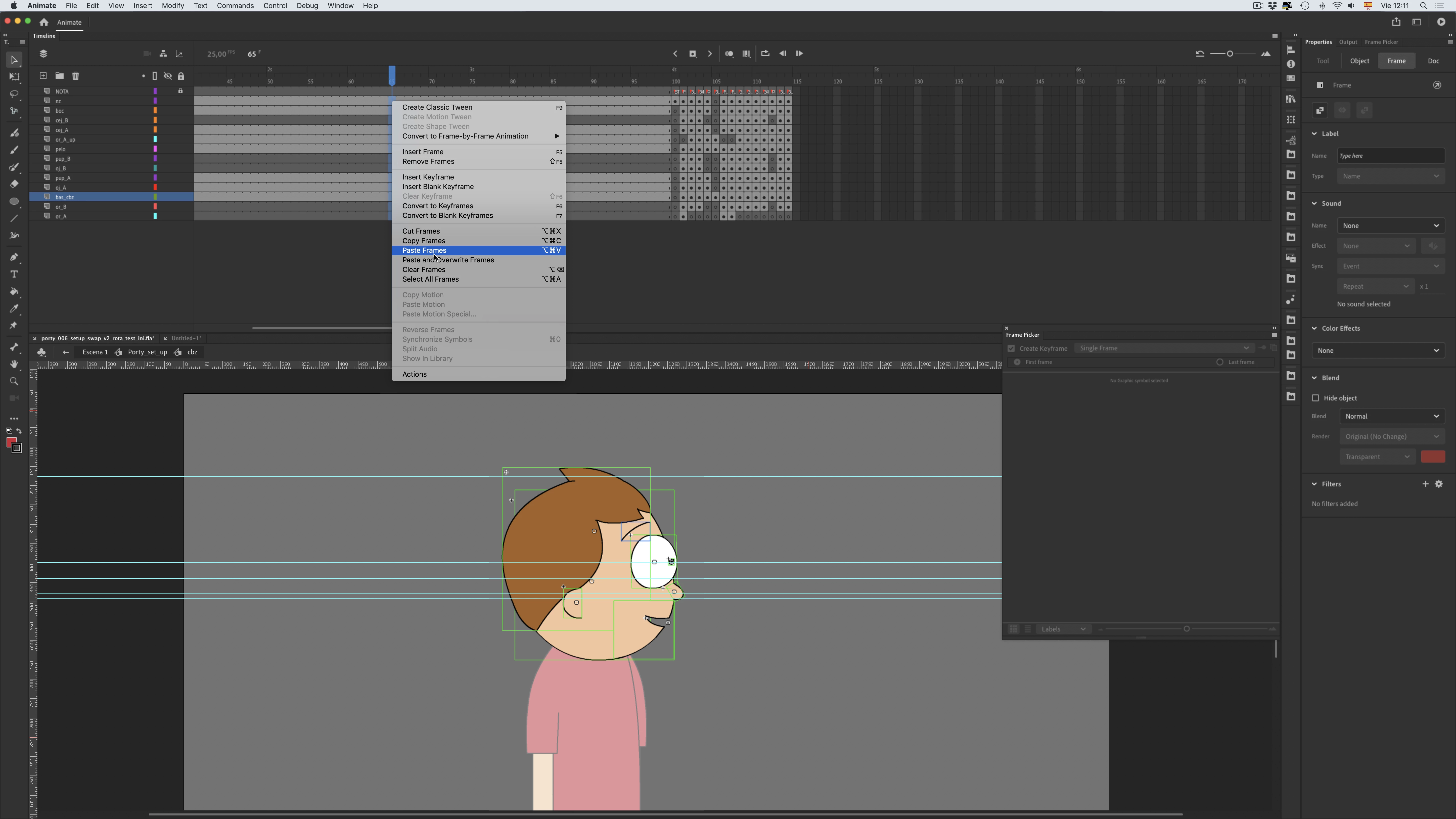
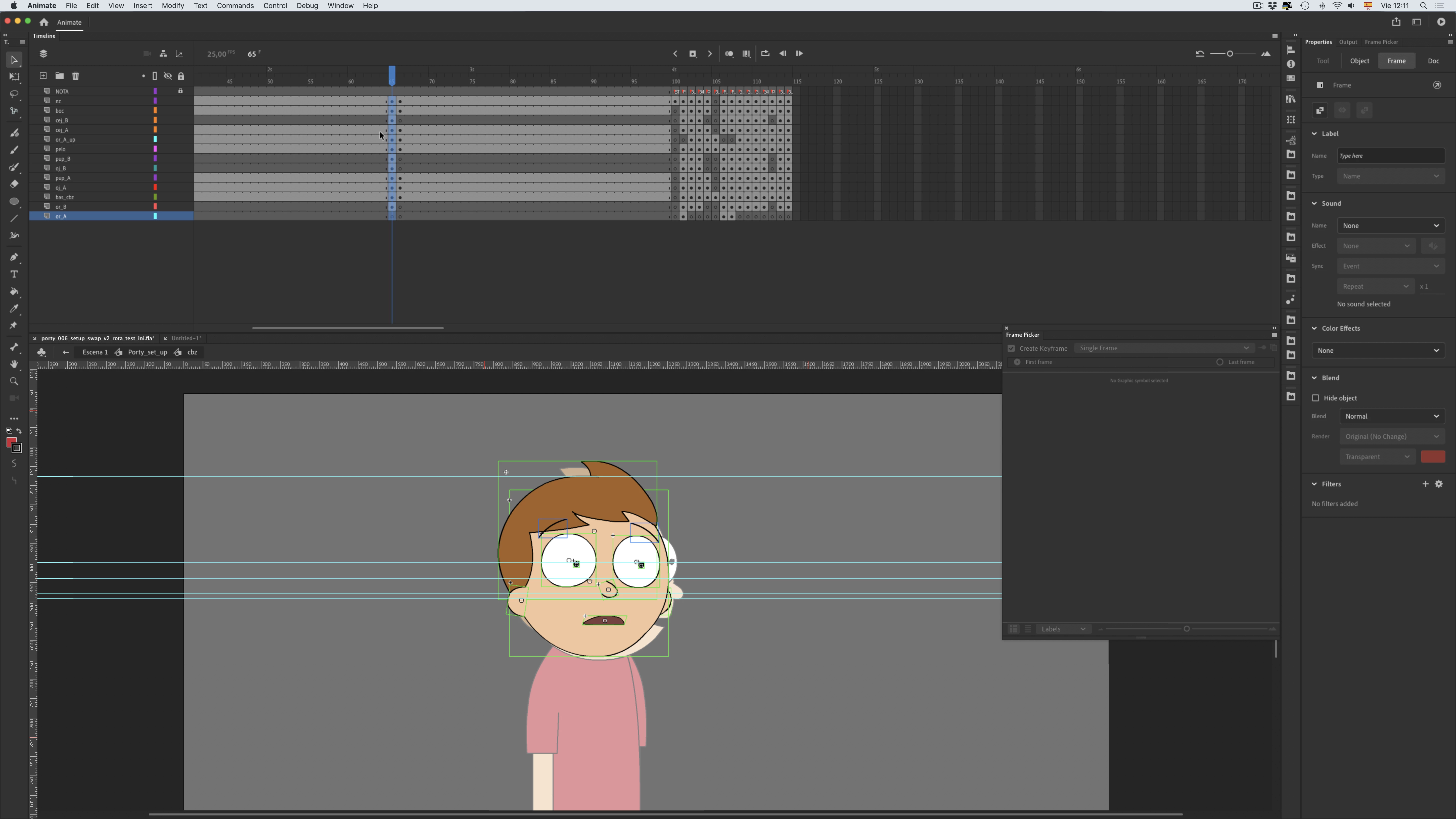
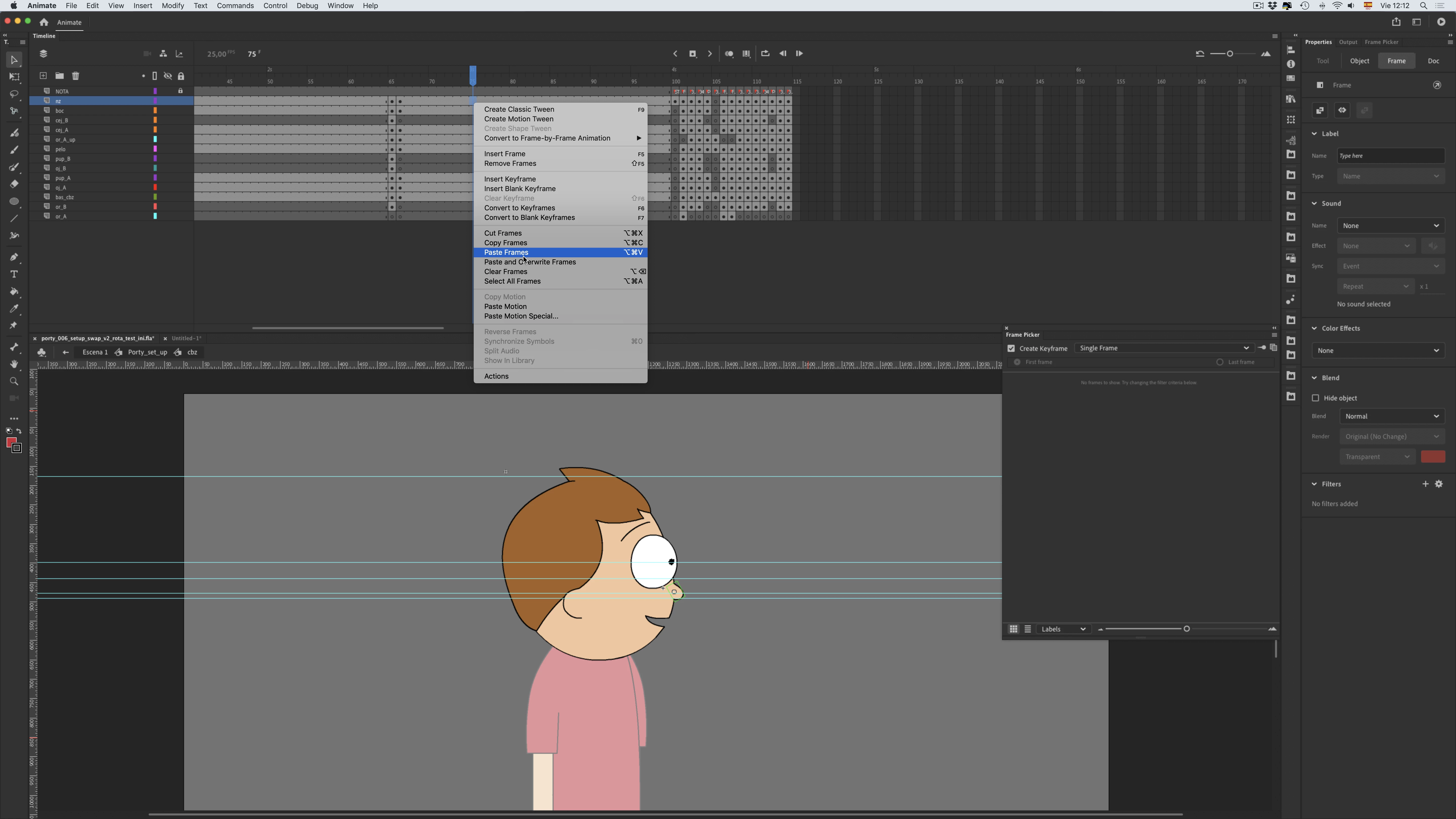
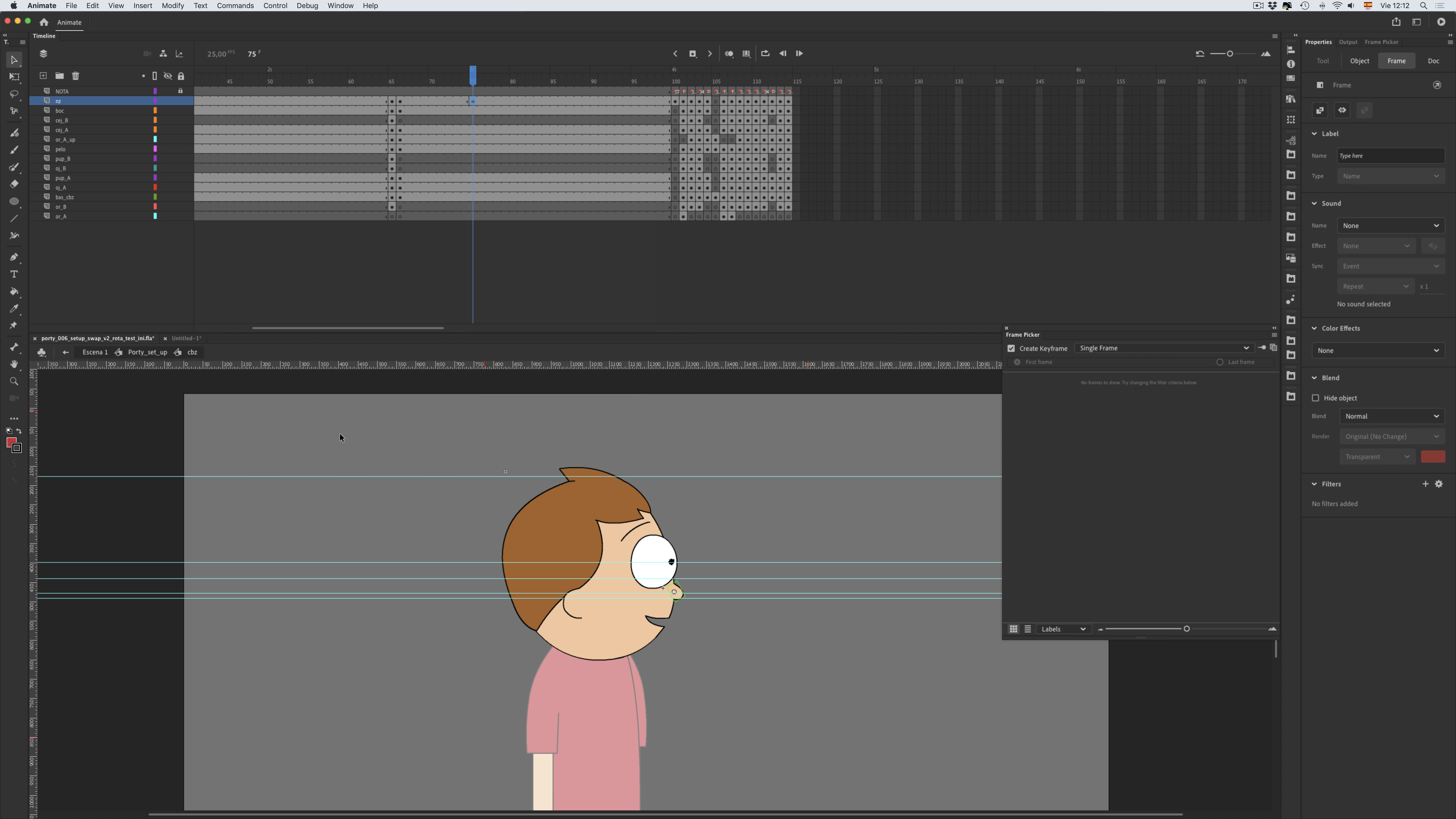
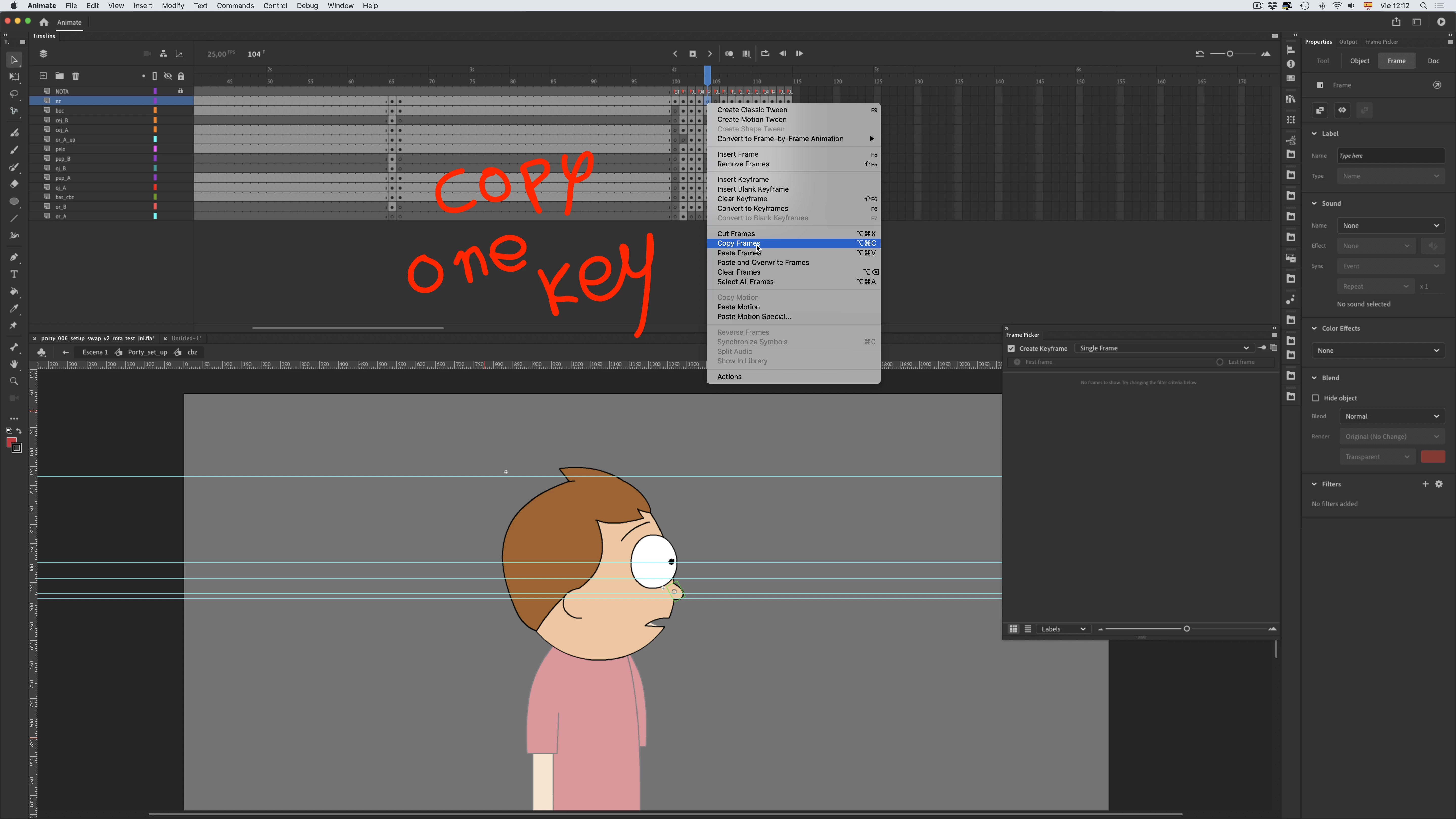
When I copy a column of keyframes and paste it into a different timeline column, it automatically generates a column with the same copied keyframes. However, if I copy a single keyframe instead of a column and paste it, it does not generate a subsequent frame. It is for a one command use, using Alt + drag is not efficient.


Image about copy column
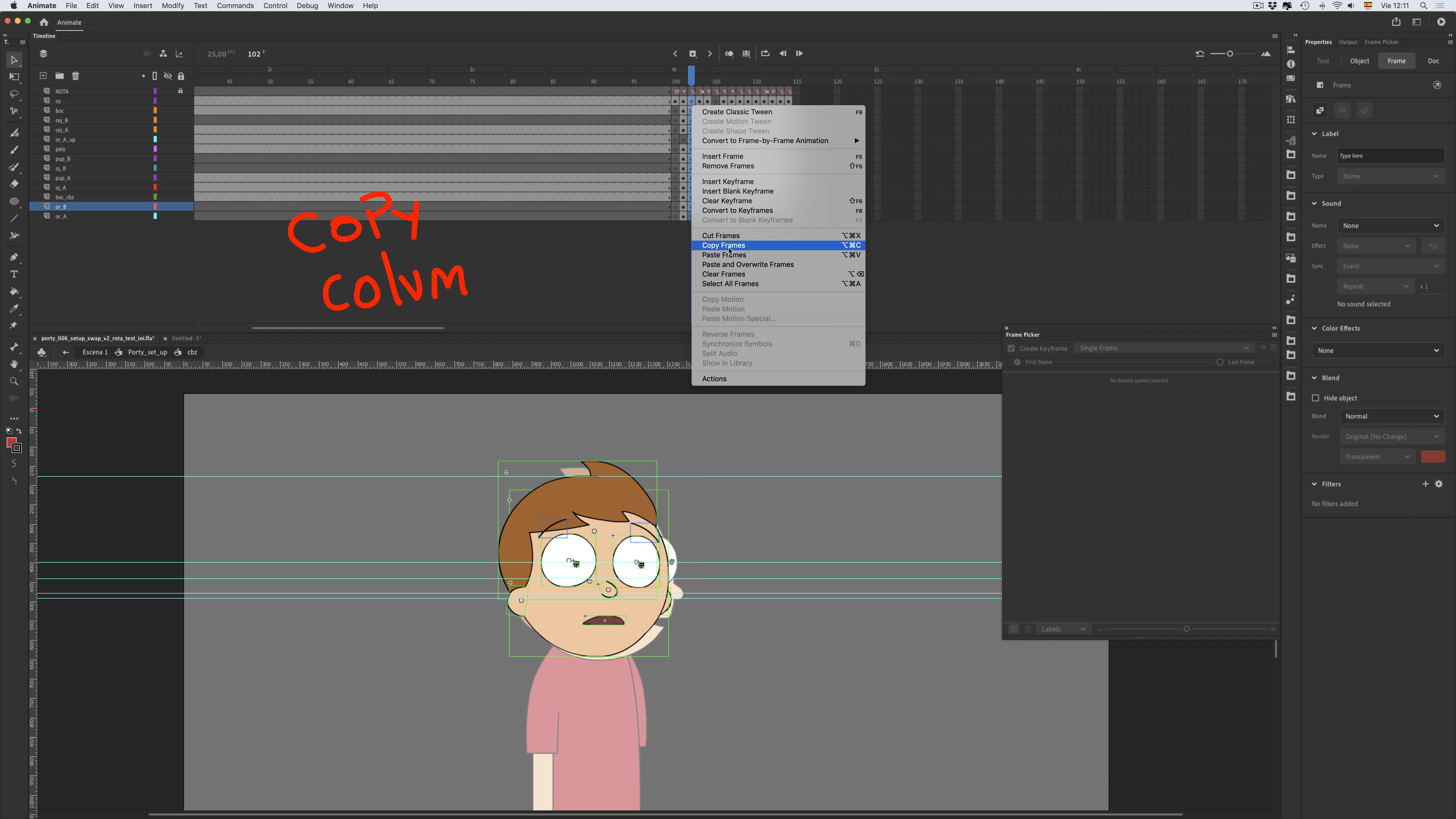
 

Image about copy only keyframe


Other Discussion: https://community.adobe.com/t5/animate-discussions/how-do-i-reactivate-keyframe-paste-in-all-animate-cc/m-p/12186384

    This topic has been closed for replies.

    1 reply

    kglad
    Community Expert
    Community Expert
    July 8, 2022

    that's inconsistent behavior on the part of animate, but is that really much of problem?  ie,


    1. you don't want the empty keyframes: select the column of empty keyframes > right click > click clear keyframe


    2. you want an empty keyframe, select the frame > right click > click insert keyframe.


    3. you can define keyboard shortcuts for the above, if 3 clicks is too time-consuming.

    sergiopop75
    Inspiring
    July 9, 2022

    Thank you, that system to delete the created frame, I already have it created as a command. But when you work with poses in successive frames, it doesn't work anymore, when creating the duplicate. It should work just like the option works when it's a single layer frame.

    ____2D vector animator since 2000 & PhD
    kglad
    Community Expert
    Community Expert
    July 9, 2022