
Question
Pasting is Disabled after Copying Adobe Animate 21
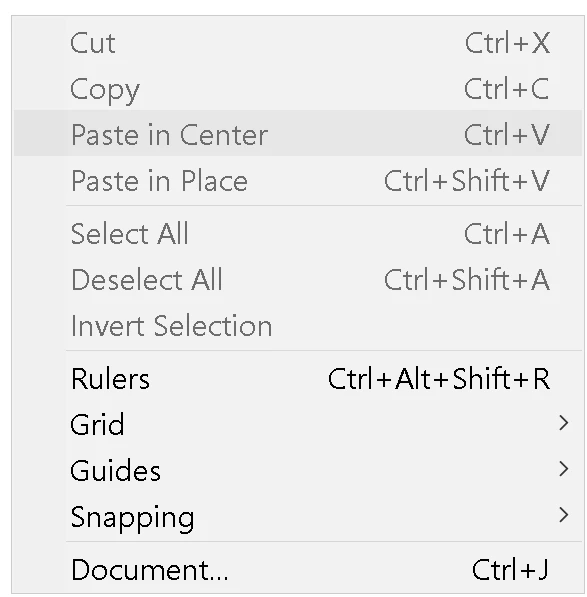
Trying to copy and paste elements inside the same Adobe Animate project or between 2 projects, I could not paste anything. The "paste" option is always disabled no matter what.
Also, when pasting from a different application, such as a screenshot, it shows the following error message:
Embedding OLE objects is unsupported. Use File->Import to import media.


 AdChoices