danielo33771543
Known Participant
August 24, 2018
Answered

Picture pixilation in my canvas

  • August 24, 2018
  • 1 reply
  • 724 views

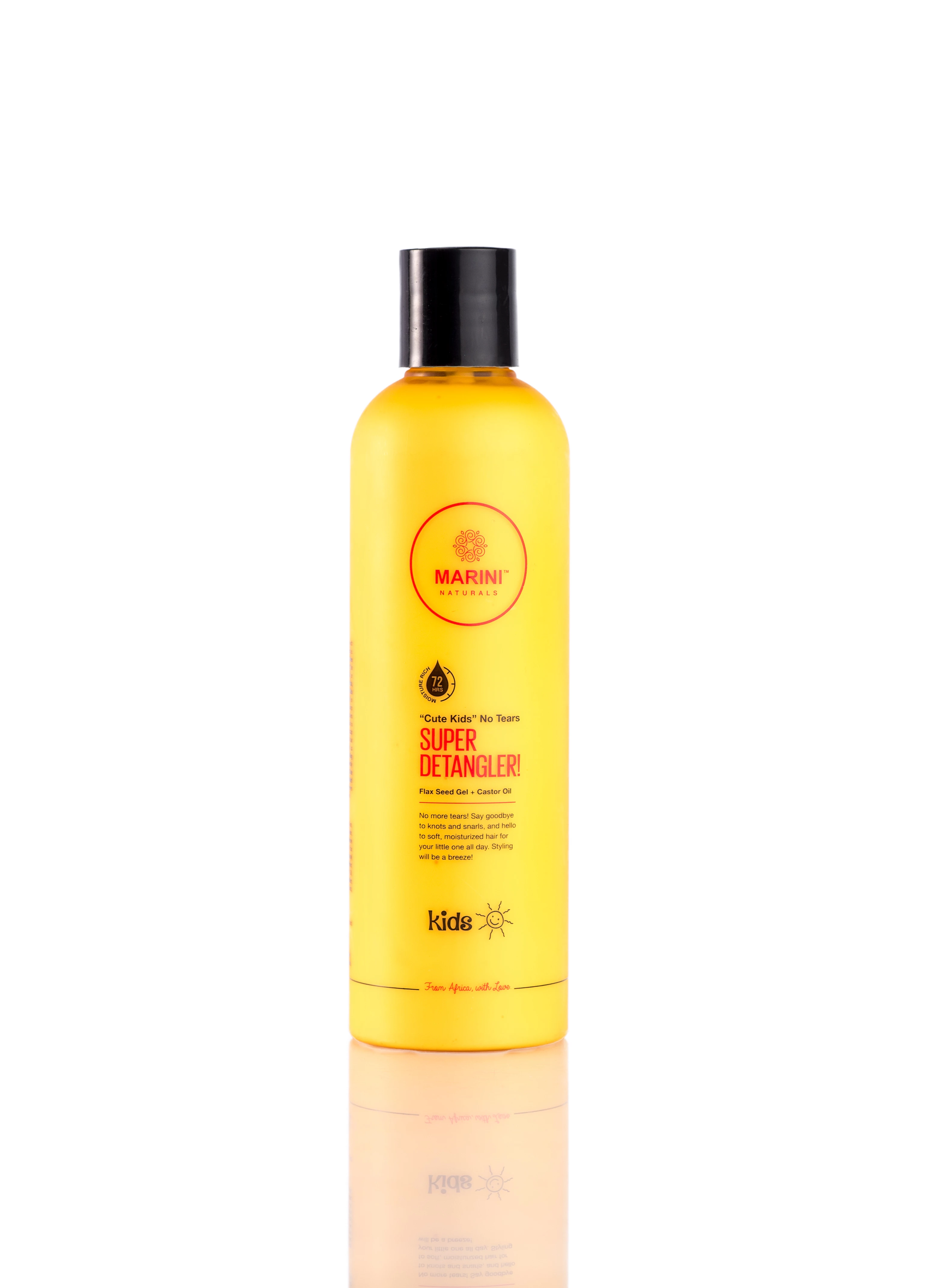
I have an image which the original size is 3088 by 4290 , resolution 72. so i . reduced it to 300 by 300, resolution 300 9 i even reduced it to 72 it became blurry)  using photoshop and imported the image on animate . My canvas is 150 px by 150 px. when i publish the image it comes out pixilated.anyone with a solution i welcome it
This topic has been closed for replies.
Correct answer JoãoCésar17023019

Hi.

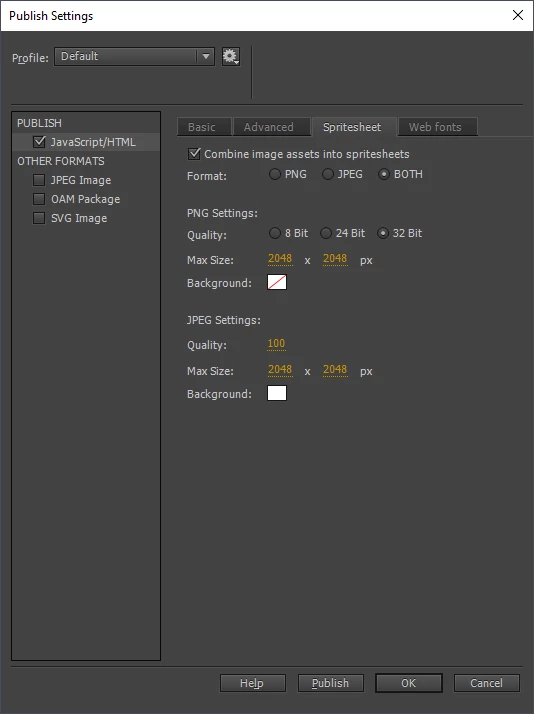
What publish settings are you using? These ones usually bring good results for me:

Your image is published with a very good quality using these values.

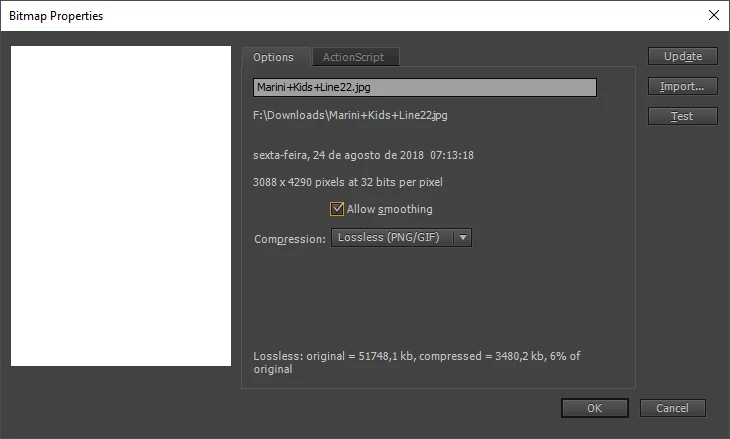
Also go to the properties of your image in the Library panel and set the compression to 'Lossless (PNG/GIF)'.

You may also turn on/off 'Allow smoothing' and see what works best for you.

I hope it helps.

Regards,

JC

1 reply

JoãoCésar17023019
Community Expert
JoãoCésar17023019Community ExpertCorrect answer
Community Expert
August 24, 2018

Hi.

What publish settings are you using? These ones usually bring good results for me:

Your image is published with a very good quality using these values.

Also go to the properties of your image in the Library panel and set the compression to 'Lossless (PNG/GIF)'.

You may also turn on/off 'Allow smoothing' and see what works best for you.

I hope it helps.

Regards,

JC

danielo33771543
Known Participant
August 24, 2018

try it at 150 by 150 px and see the results