
March 7, 2012
Question

Play pause toggle button

  • March 7, 2012
  • 1 reply
  • 1560 views

Hi,

I'm new to Flash. Kindly help anyone.

Need assistance to create toggle button. Here attaced two screenshots.

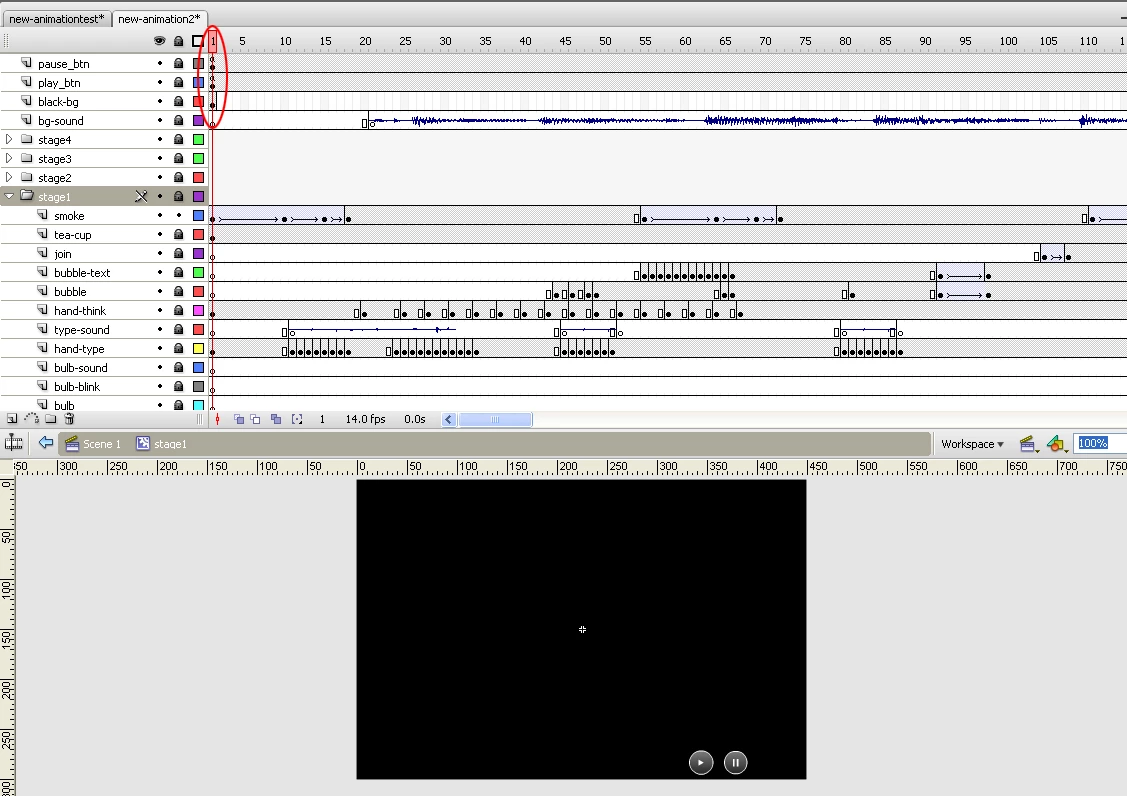
1. inner-animation.jpg - it contains all movie clips and play pasue controls.
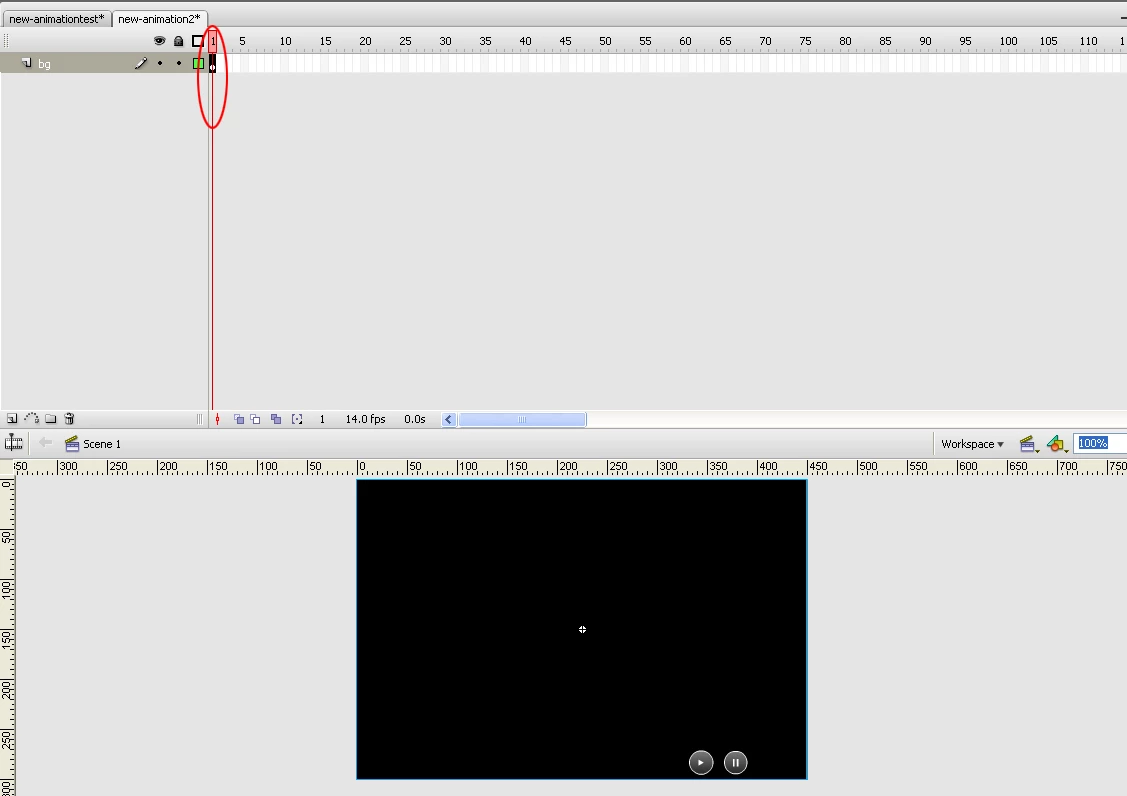
2.main-animation.jpg - this is the main timeline ( inside all movie clips & control buttons)
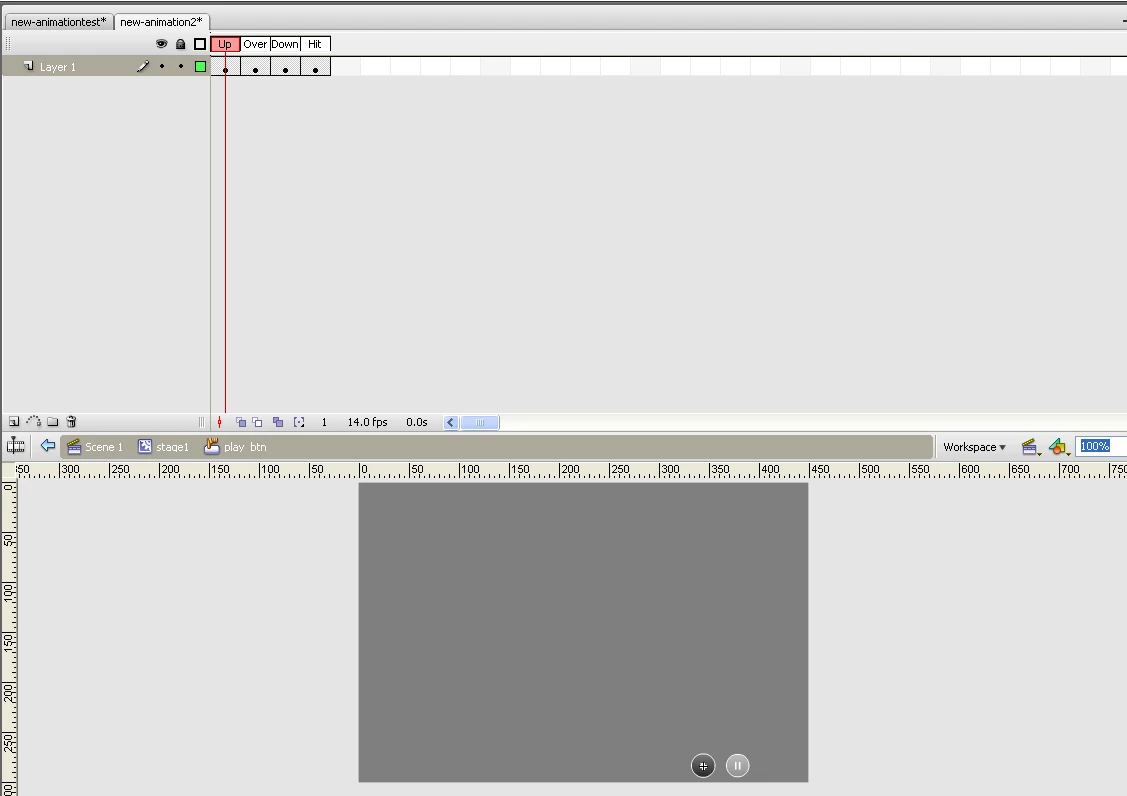
3.playbuton-inside.jpg - its a button symbol ( as well as pause )
4. There also bg music and sounds for some particular animation.

Here all working fine. But i need play & pause animation as a toggle button.

Here is the code i added for pause:

play();

pause_btn.onRelease=function(){

stop();

}

Here is the code i added for pause:

stop();

play_btn.onRelease=function (){

play();

}

This topic has been closed for replies.

1 reply

Ned Murphy
Legend
March 7, 2012

You are using AS2 code, so you should be posting in the AS2 forum (http://forums.adobe.com/community/flash/flash_actionscript?view=discussions).  If the intention is to use AS3 code, then you need to change things.

If the intention is to use the same single button for both pause and play, then what you normally would do is establish a boolean variable that you se to determine whether the clicking of the button should play or stop the movie...

var playMovie:Boolean = true; // assumes the movie is stopped at the start

pause_play_btn.onRelease = function (){

   if(playMovie){

       play();

       // manage play/pause btn

   } else {

       stop();

       // manage play/pause btn

   }

   playMovie = !playMovie; // reverse the value of the playMovie variable

}

In that code where I show "// manage play/pause btn" is where you need to do whatever you need to make the pause/play button appear as intended... either hiding one or the other, or changing its frames to show the appropriate image.

March 7, 2012

Hi Ned.

THanks for the reply.

Could u pls mention where can i put that code? and how to create buttons? explain it step by step ( with screenshots - if possible )

coz i'm very new to Flash.

Ned Murphy
Legend
March 7, 2012

I recommend you start by posting in the correct forum.  The code goes in the same place you have the code now (assuming it works as you say it does).  To create a button you can just draw a square and convert it into a movieclip or button symbol... that's as easy as it can be.

You should visit lynda.com if you need basic Flash tutorials.  You should ssearch Google if you want a tutorial especially prepared for someone like yourself.