
andrewa24946469
Participant
January 30, 2019
Question

Pop up menu keeps interrupting detail brush drawing on Lenovo Tablet

  • January 30, 2019
  • 2 replies
  • 1637 views

Hi, I would love any advice for how to stop this annoying pop up window from coming up when drawing small strokes or shapes.  Before this menu pops up there is a small circle that comes on the screen which disappears if my stroke goes outside of the circle and makes an actual graphic stroke.  If I lift up the pen without going outside of the small circle by the pen pointer, the menu comes up.
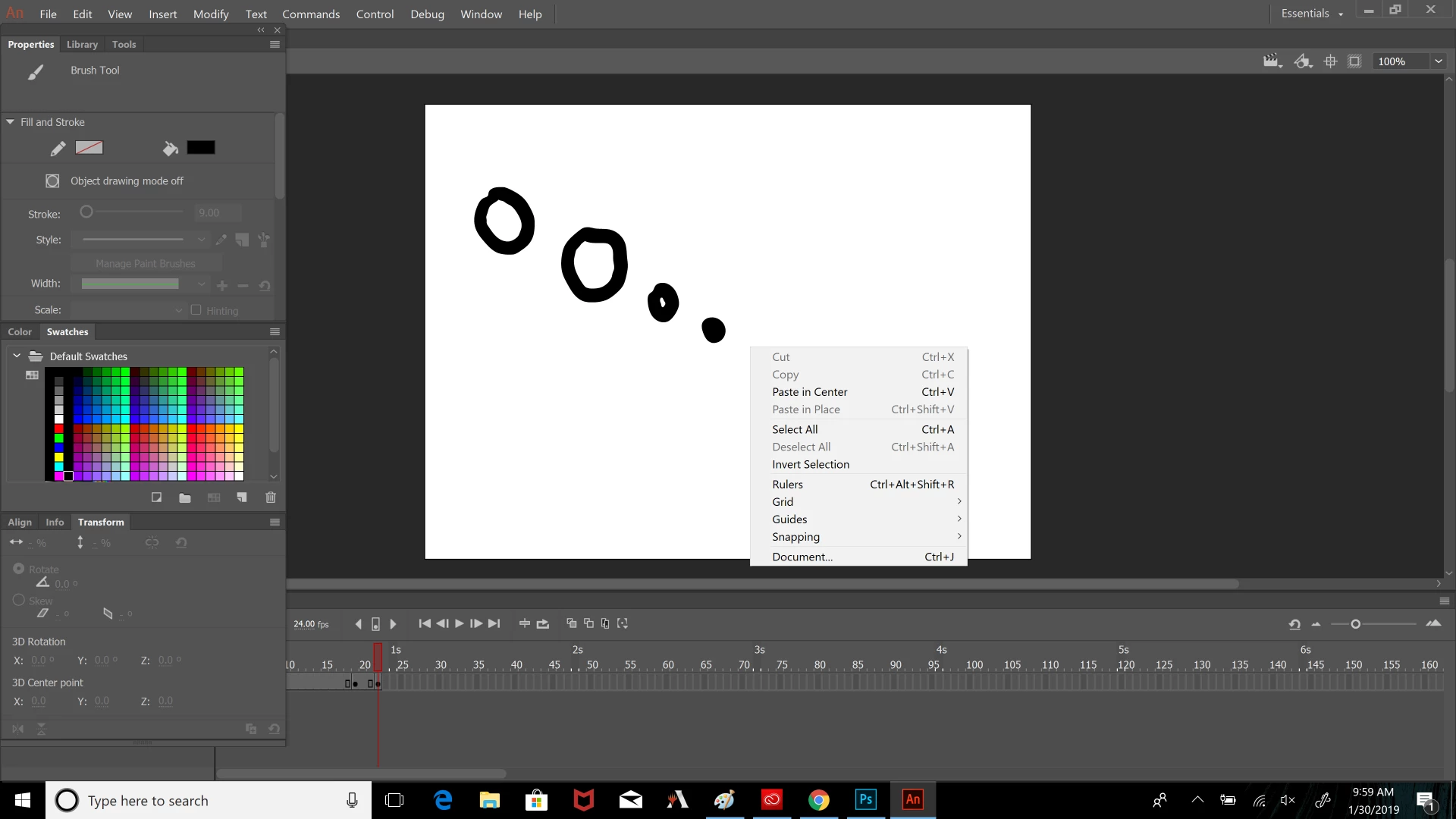
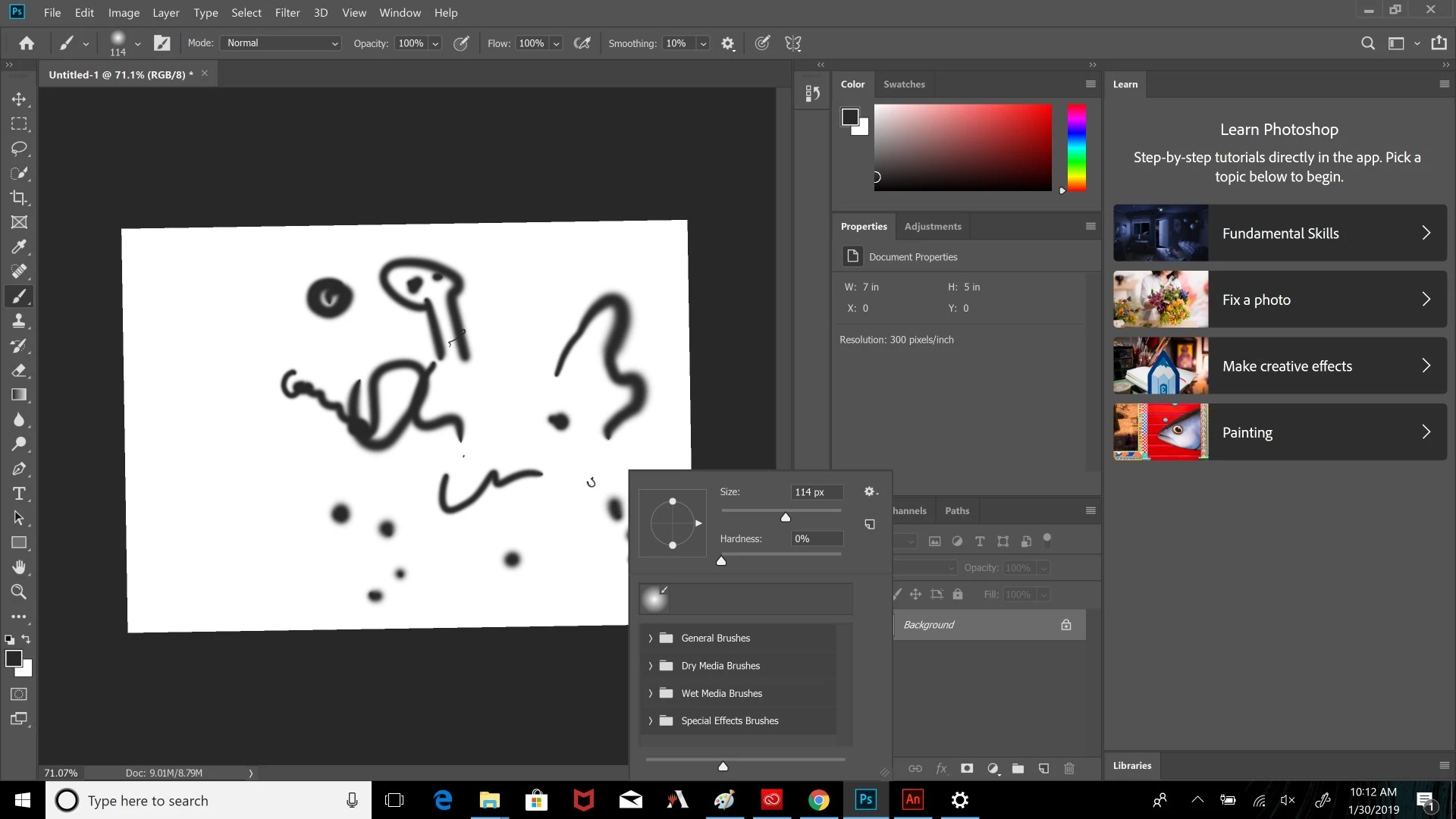
In photoshop, this menu comes up but it is not as sensitive to happening as the one in Animate
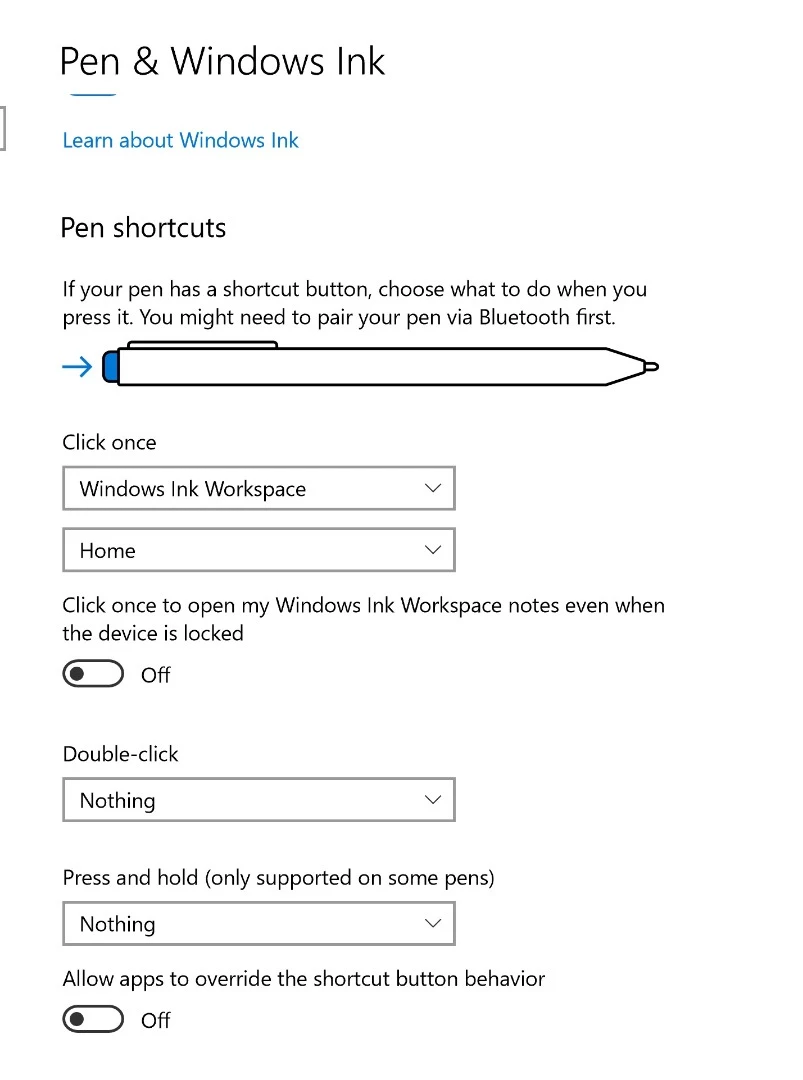
I have press and hold set to "Nothing" in the pen settings, but I'm hopeful that there is something else I can do to stop this from happening
Thank you!

This topic has been closed for replies.

2 replies

tonytopper
Participating Frequently
October 20, 2021

I am having the same problem.  I am using the Surface Pen on the Surface Book 2 and the right-click menu keeps coming up when using the pen's direct selection tool.  

This is SUPER annoying.

Preran
Community Manager
Community Manager
February 1, 2019

Am checking with the team, will get back as soon as I hear from them.

Thanks,

Preran

andrewa24946469
Participant
February 8, 2019

thank you!  i hope there's a simple setting i can change so that i can do detailed drawing on my Lenovo tablet in Animate

Inspiring
February 8, 2019

Hi Andrew,

I noticed your screenshot of the Windows settings but have you tried different settings in the software that came with the Lenovo tablet?

I have a Huion (I know not the same) but I haven't really tampered with the Windows settings at all. I have tweaked a few things in the Huion tablet settings. And everything is going okay for me at the minute.

Also, sorry you maybe already have done this, but are your tablet drivers up-to-date?

Cheers.