
Answered
Problem when test and publishing the final + Xmx256m
?? test jvm.ini
-Djava.awt.headless=true
-Xmx256m
i edit jvm.ini to :
-Djava.awt.headless=true
-Xmx16384m
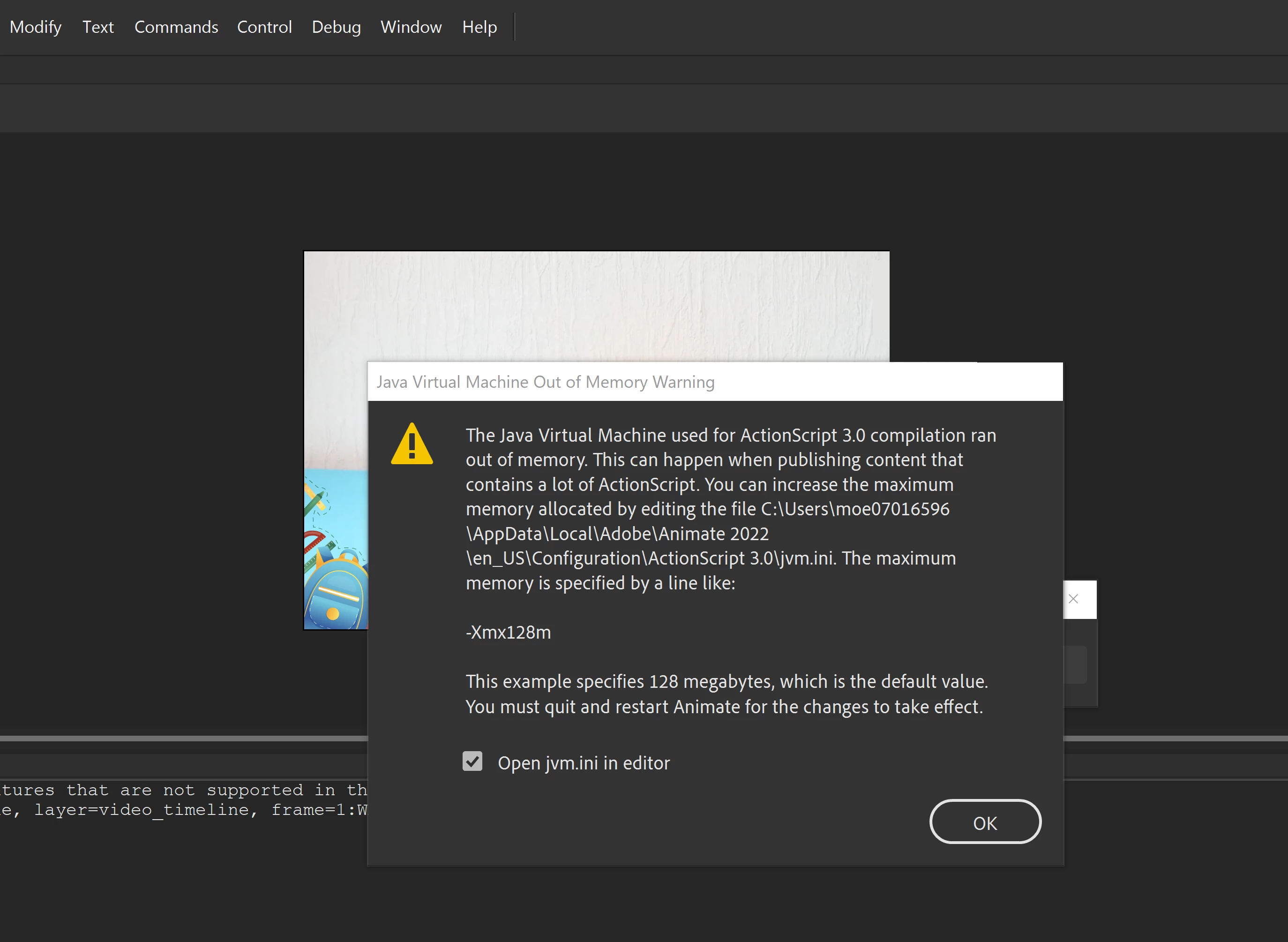

?? test jvm.ini
-Djava.awt.headless=true
-Xmx256m
i edit jvm.ini to :
-Djava.awt.headless=true
-Xmx16384m
did you quit and restart animate?
if so, recheck jvm.ini and make sure you're checking in the correct directory. (you probably have more than one jvm.ini on your computer.)
Already have an account? Login
Enter your E-mail address. We'll send you an e-mail with instructions to reset your password.


 AdChoices