Participant
April 22, 2022
Question

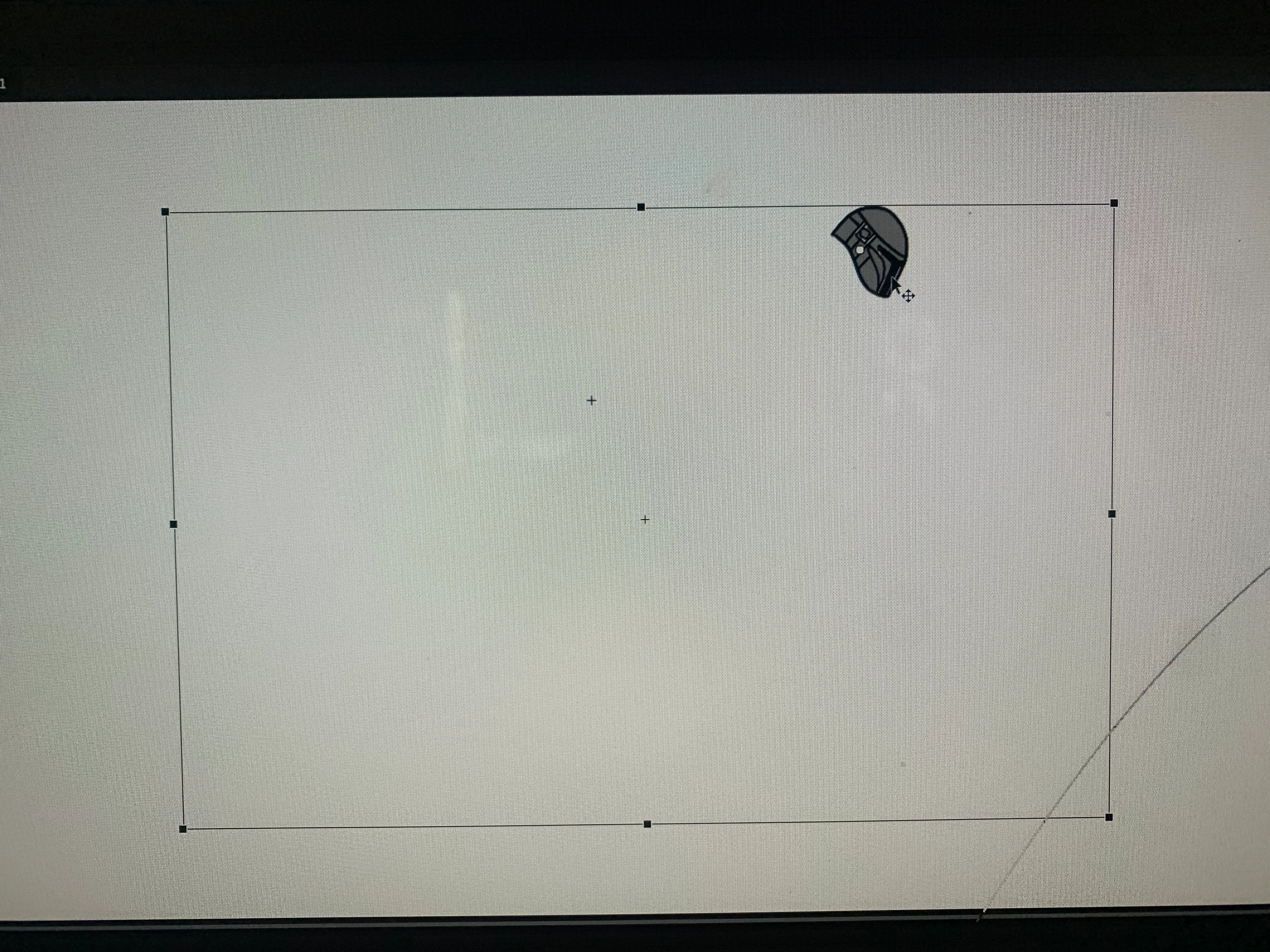
Problem with symbol and free transform box

  • April 22, 2022
  • 1 reply
  • 273 views

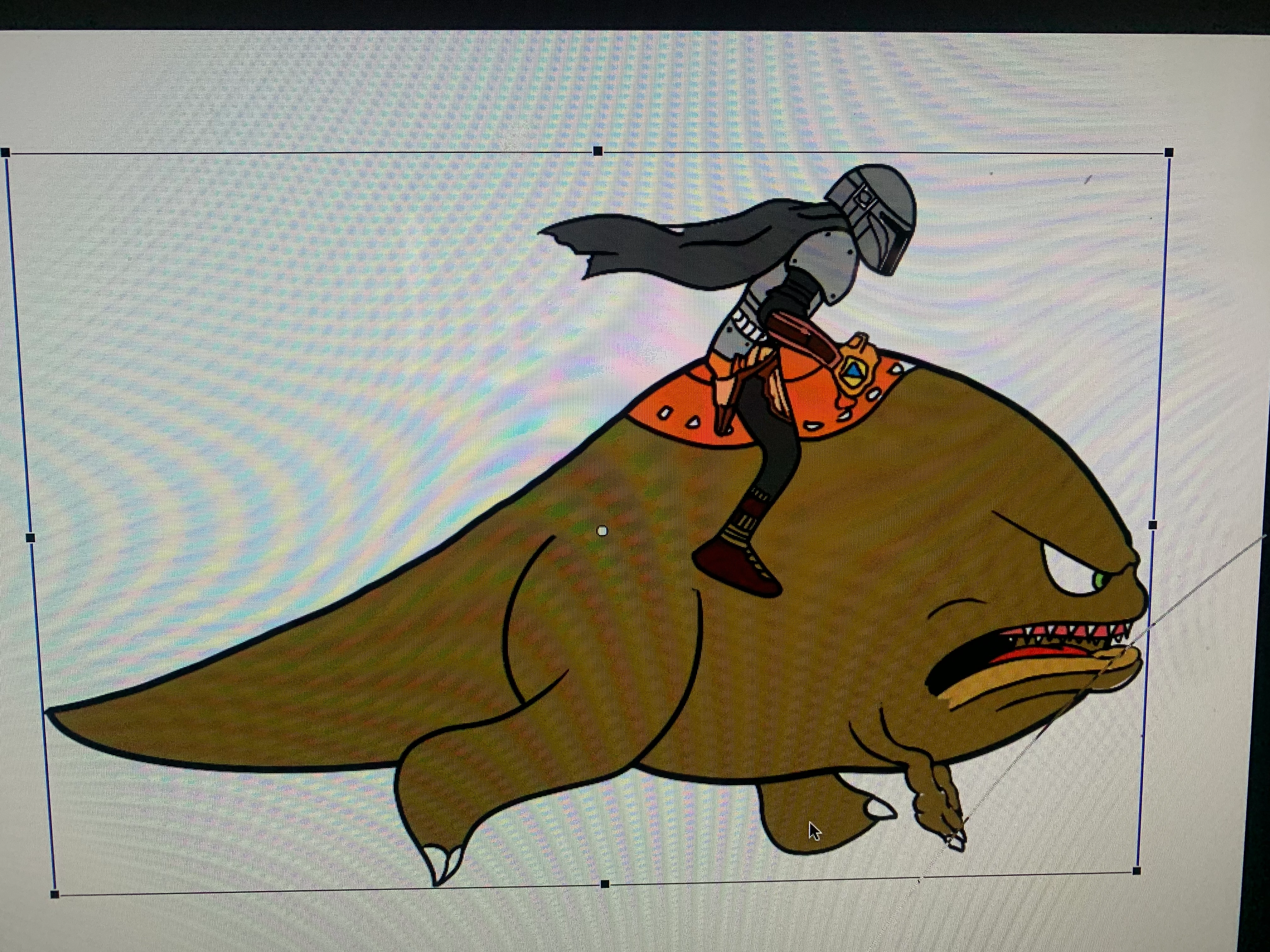
Everytime I import a psd Doc into animate and I convert a layer into a symbol the free transform box reamins way bigger than the actual symbol can anyone help me with this.  


    This topic has been closed for replies.

    1 reply

    Mario_CR
    Community Expert
    Community Expert
    April 22, 2022

    The bounding box size is the canvas size of your file in Photoshop.

    PSDs can be finicky with Animate, I would say it's better to export your file as PNGs. It's possible to crop each layer according to its contents by using "layers to files".

    - In Photoshop, go to File > Export > Layers to Files.

    - In file type use PNG-24 and in options select Trim Layers.

    -Click Run.

    Video tutorial: https://youtu.be/kBtCAzUQSsw?t=272


    - Once done every layer will be exported as individual PNGs and cropped accordingly. You can now import these in Animate.

    Participant
    April 22, 2022
    Awesome, it worked thank you so much but Is there any way to avoid this problem when i see people import psd into animate on tutorials there bounding box is appropriately sized???? How do i do this?

    Sent from my iPhone
    Mario_CR
    Community Expert
    Community Expert
    April 22, 2022

    Alright the PSD import is hit and miss and it may or may not work for your file but try these settings, you may get a better result. Note: In the import window, highlight all layers with your mouse before changing the settings or else it will only change them on your current selected layer: