
Known Participant
December 17, 2021
Question

Problems with new Asset Warp

  • December 17, 2021
  • 1 reply
  • 444 views

After the last update, I did some testing with the new warp tools along with the parenting tool and found some bugs.

When trying to make a looped animation, I tried to copy the first frames to the end of the timeline and misconfigure shapes:
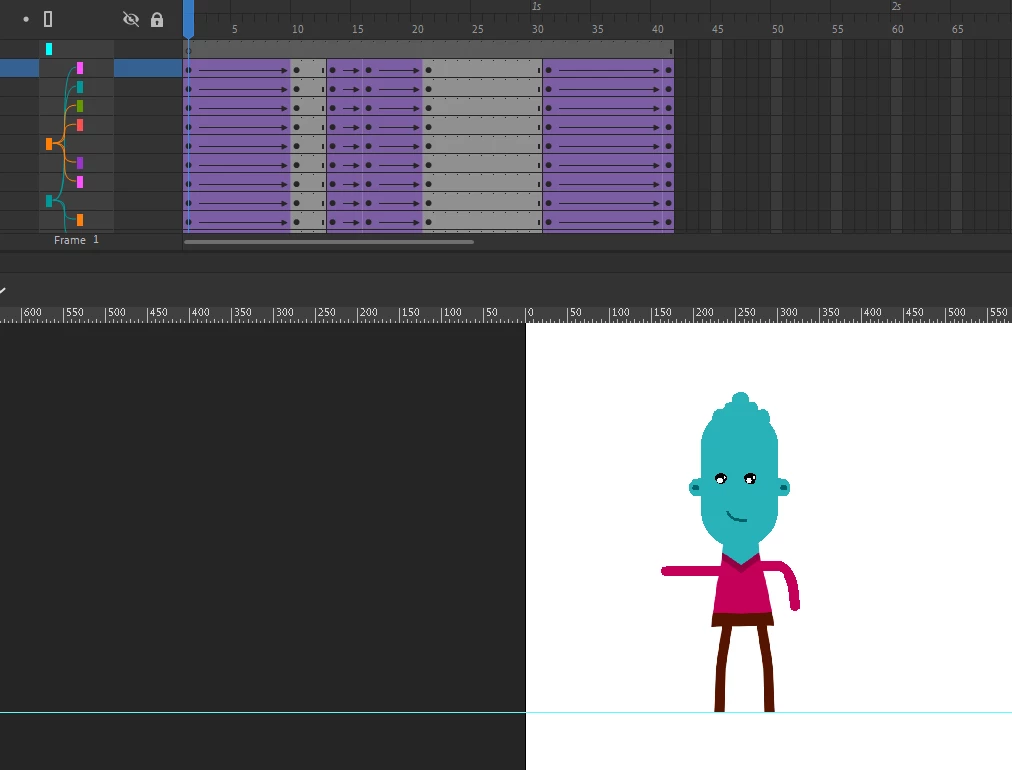
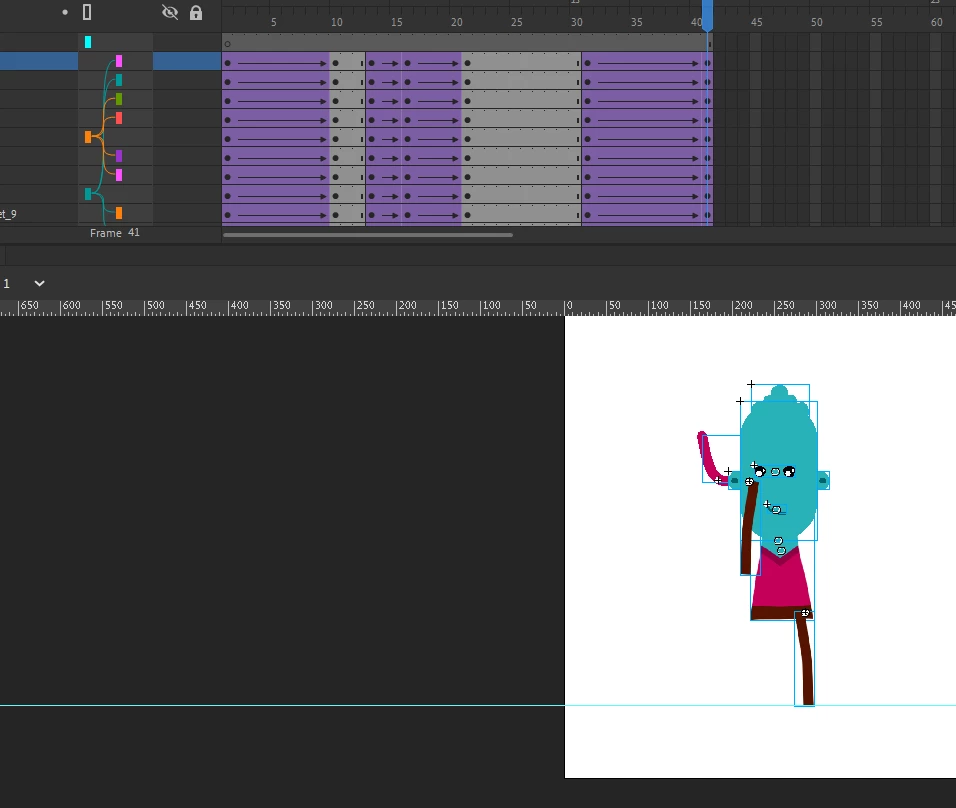
I also tried to copy the frames to a new file and other problems came up as well:
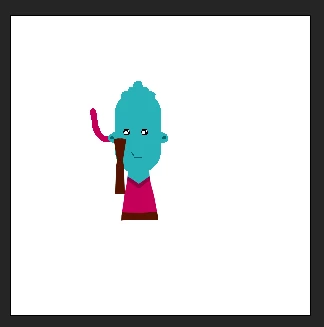
I'll make the file available here:
https://drive.google.com/file/d/1nAGPHN7MDDBWS0bACmWkk1jaPadSYGiM/view?usp=sharing, https://drive.google.com/file/d/1s3Vwv0ZBQVDKCnsokU3VTEQ_IduV7tJe/view?usp=sharing

This topic has been closed for replies.

1 reply

Adobe Employee
December 17, 2021

Thanks for reporting the bug. Issue exist while copy-pasting the keyframes/layers with rig and parenting combined. I have raised a bug internally to track this and we will keep you posted once there is a fix for the same.


Known Participant
December 17, 2021

For the type of animation I do, the combination of the two is important.

Tip: The new Warp converts shapes into image when used, it could have a preference to export this image, such as quality for example.

Obrigado! 

Mohanaraj
Adobe Employee
Adobe Employee
December 19, 2021

Hi - Animate now auto converts vectors to bitmaps for better warping & tweeing. However you can turn off this behavior in Preferences > Drawing > Asset warp tool check box


Thanks!

Mohan