

Problems with Pen Pressure on Dual Monitor setup (4k+hd).
UPD: Sorry for bothering. After wacom drivers reinstallation, everything goes back to normal. But it was very strange.
I've got this setup:
Win 10, Cintiq 22(not Pro version, res 1920x1080) + 4k display (res 3840x2160) as my main screen.
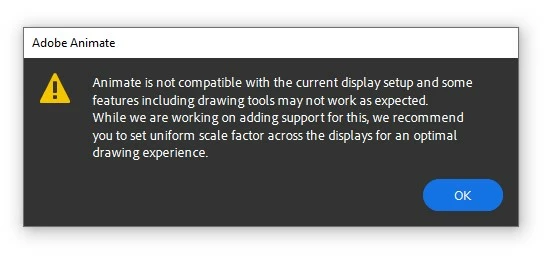
Everytime i launch Adobe Animate 2020 my Cintiq just freezes. It registers movements and clicks, but the cursor is dead. To fix this each time after i starting Animate i have to restart my wacom drivers to be able to move cursor again. However, brushes are acting weird (stroke will appear after a two seconds i started it if i move slow, short strokes are not showing at all), i missing pen pressure, and the windows pops up when i pick my brush tool:
In Photoshop and Autodesk Sketchbook everything is fine.
Is there any solution to get things right without getting rid of my primary 4k display?
 AdChoices