
Participant
June 2, 2021
Question

Project space not accurately representing movie size

  • June 2, 2021
  • 4 replies
  • 809 views

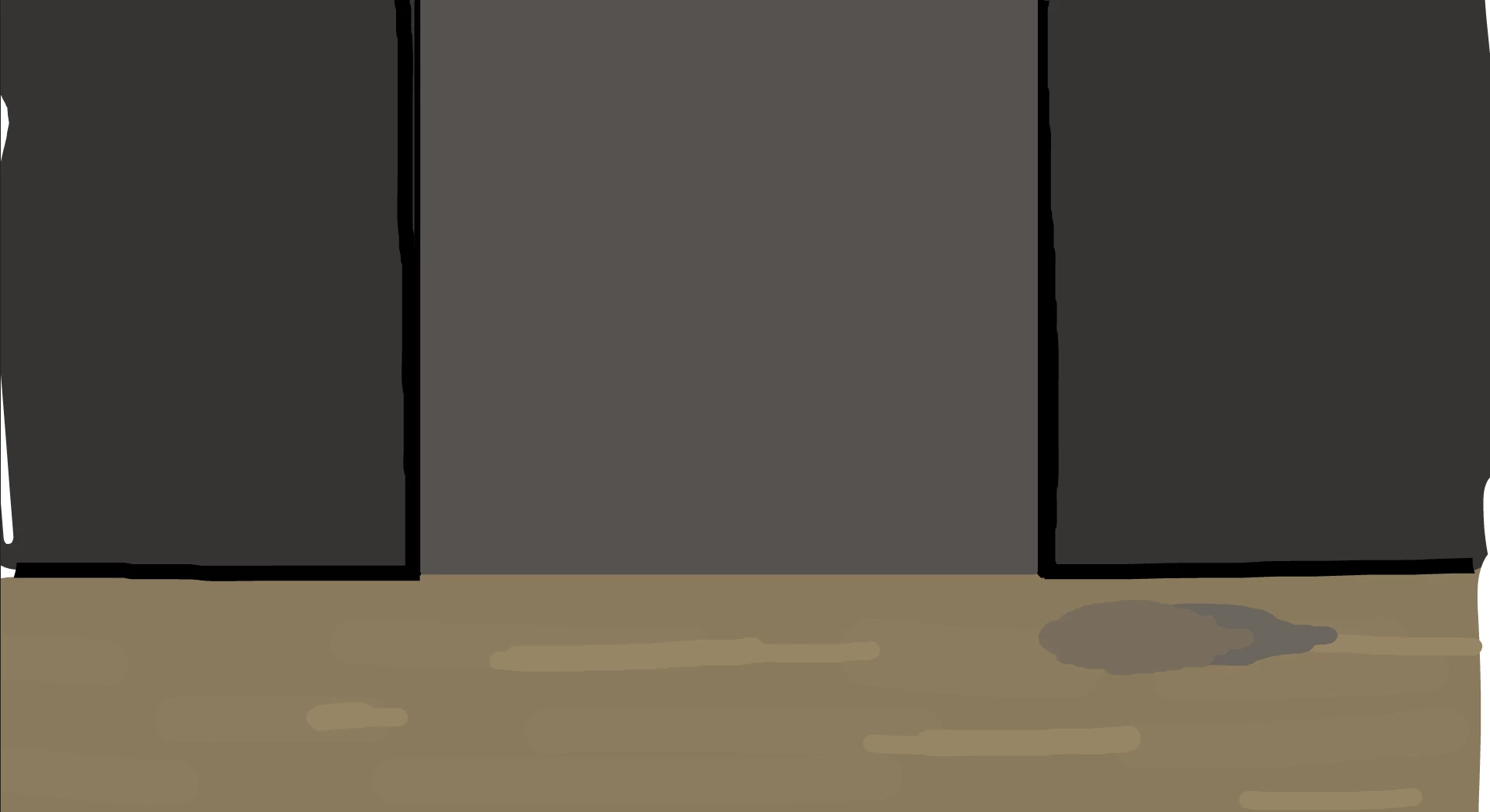
So I just started using animate for the first time again in a few years, and I am sure that there is a solution here somewhere but I just couldn't find it. I am currently working on a test / project and I am having a weird issue where the work space isn't correctly representing the size of the output. When running the test movie, It shows strokes and objects that are only just clipping outside the edge of the project and It is confusing me beyond belief.  I have stripped the project quite a lot to try to figure it out. As you can see in the picture below (even tho its a little hard to notice) there are white and messy strokes on the outsides of left and right but not the top and bottom. Any help would be greatly appreciated!
This topic has been closed for replies.

4 replies

Mario_CR
Community Expert
Community Expert
June 4, 2021

That's just how the flash player works, you can drag the corners of the player window to cover the content outside the stage. Someone asked a similar question not that long ago see this thread: https://community.adobe.com/t5/animate/animation-out-of-scale/m-p/12006976#M343534

I guarantee that when you render that to video it won't show anything beyond the stage border.

Community Expert
June 3, 2021

Try selecting everything and making it slightly bigger and see if that fixes your issue. 

M00N1Author
Participant
June 4, 2021

While this does technically fix the problem, I would have to replicate this for a lot of frames and it would cause some issues. And It also becomes harder to gauge what is inside the workspace and what is out.

n. tilcheff
Legend
June 4, 2021

Mask your stage.


If you need, download this sample file to see how this is done:

https://flash-powertools.com/edapt-movie-template-free-download/


Nick - Character Designer and Animator, Flash user since 1998 | Member of the Flanimate Power Tools team - extensions for character animation
Legend
June 3, 2021

"As you can see in the picture below (even tho its a little hard to notice) there are white and messy strokes on the outsides of left and right but not the top and bottom. Any help would be greatly appreciated!"


So you're trying to figure out how to enable white and messy strokes at the top and bottom as well?

M00N1Author
Participant
June 4, 2021

No, I'm trying to remove the messiness from the outside. Sorry for the miscommunication!

Legend
June 4, 2021

Which version of Animate are you running? There should be a box around the stage area by default.

kglad
Community Expert
Community Expert
June 3, 2021

in the document settings (click back stage>properties panel>document settings) tick apply to pasteboard.  is there any difference between what you see in the ide and your test movie?

M00N1Author
Participant
June 4, 2021

No, not at all. I've tried playing around with the document settings to no avail.

kglad
Community Expert
Community Expert
June 4, 2021

then what's the mystery?


if you see unwanted stuff in the area of the stage in the ide, remove or move it.