
Putting selections on images.
New here.
Ok so I got this photo, from the the cartoon Tim.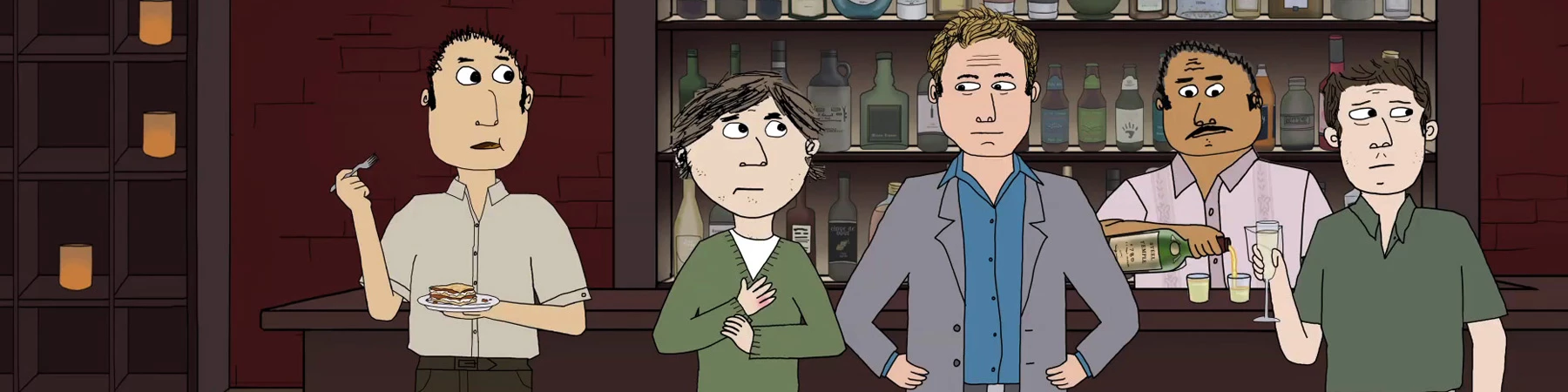
It doesnt look HD but its pretty HD. So I want to select the people heads and stuff so then i could move them around and stuff. So far from what I know you can't, you have to get on an editing program and select the stuff and leave no back ground. So just for a test out i selected the guy who's eating a sandwich, i selected his head, mouth, and left eye. Now after the first time When i got on selections it was only the head. Im kind of thinking now of layers so tell me if I'm correct here : you select a new layer and upload the mouth/eye each one seperate. then i could just select an eye, clicking on the leyer that the eye is one and I have it good now. Ok so thats about it. Just how would I make a little scene out of this?


 AdChoices