MegaZ
Participating Frequently
October 18, 2019
Question

Question

  • October 18, 2019
  • 1 reply
  • 307 views

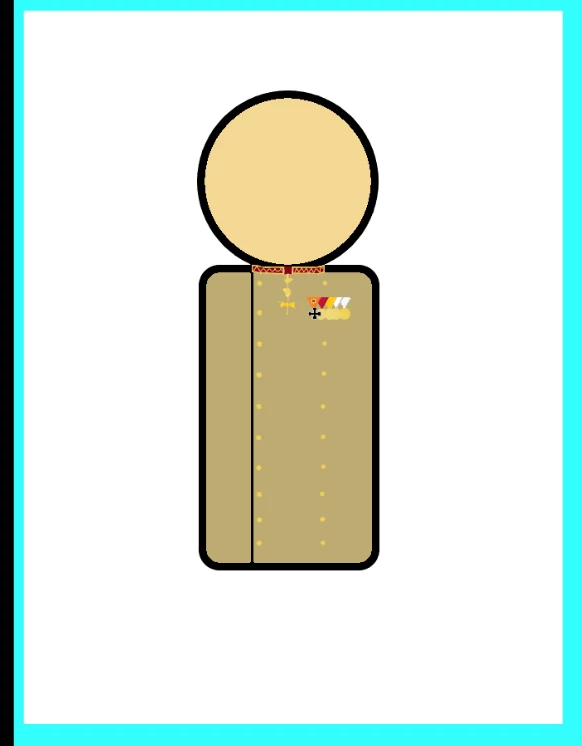
As I was importing this image right here, the white square came along with it. Is there any way I can remove it easily?

This topic has been closed for replies.

1 reply

_keyframer
Community Expert
Community Expert
October 18, 2019

The white square meaning the background? 

2 ways:

  1. Go back to the original bitmap and edit out the white background color in your favorite image editing program and save it as PNG-24 with alpha. Import back into AnCC
  2. In AnCC select the bitmap with white background and use the Trace Bitmap feature to convert it to vector, select the white area and delete it. 

Personally, option 1 is your best choice since trace bitmap will likely change the overall look of your image and possibly create to many vectors to maintain its integrity. 

Animator and content creator for Animate CC
MegaZ
MegaZAuthor
Participating Frequently
October 18, 2019

Thank you very much! This really helps