
Answered
Re-sizing Documents that has Layer Depth Adobe Animate
Hi there!
I am working on a project and have finished my animation but have realized I am wanting to resize my document larger (1920x1080 to 3840x2160). I am Using the Document settings and ticking scale content, which usually works for me.
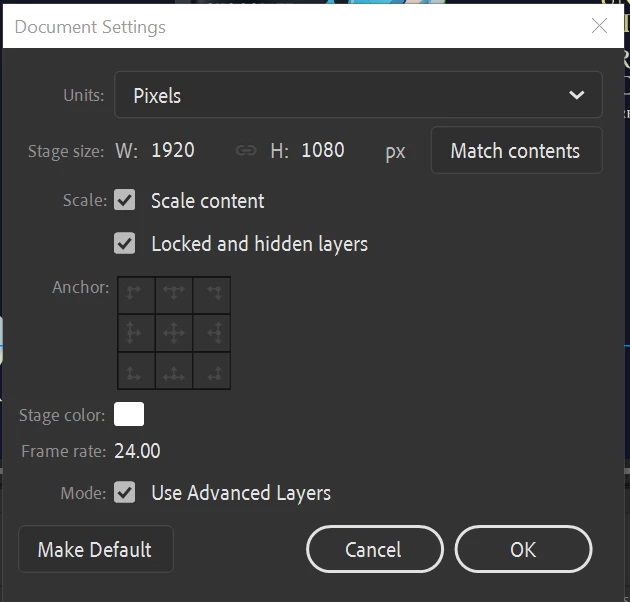
However, I think because of my multiple layer depths (I have a Parallax slide in) it is changing the positioning of the layers with Layer Depth to be very weird coordinates.
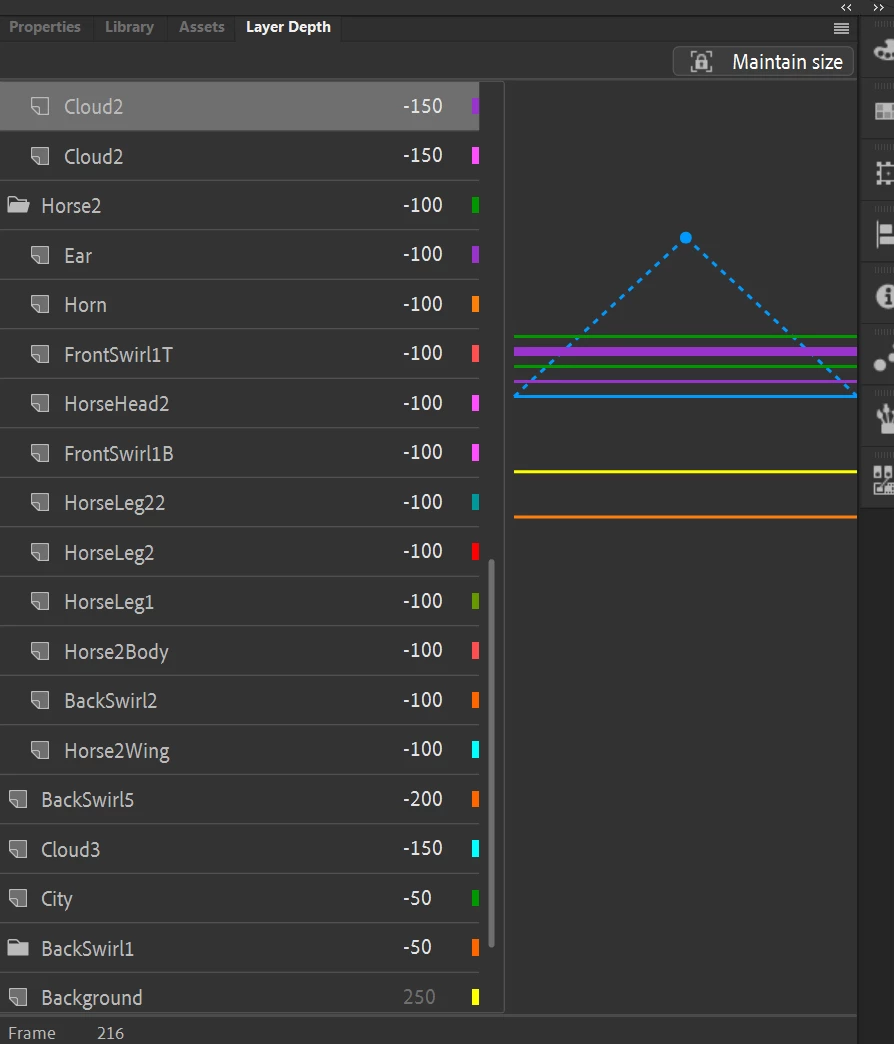
Is there a way to fix this? Or to merge the camera/layer depth motions so re-scaling can be done? (I'm okay with having a non-reversible method as I will keep the smaller size file for editing and the larger size for exporting).
Cheers!
Sian.


 AdChoices