Known Participant
March 17, 2020
Question

Retain Stroke Size

  • March 17, 2020
  • 2 replies
  • 1826 views

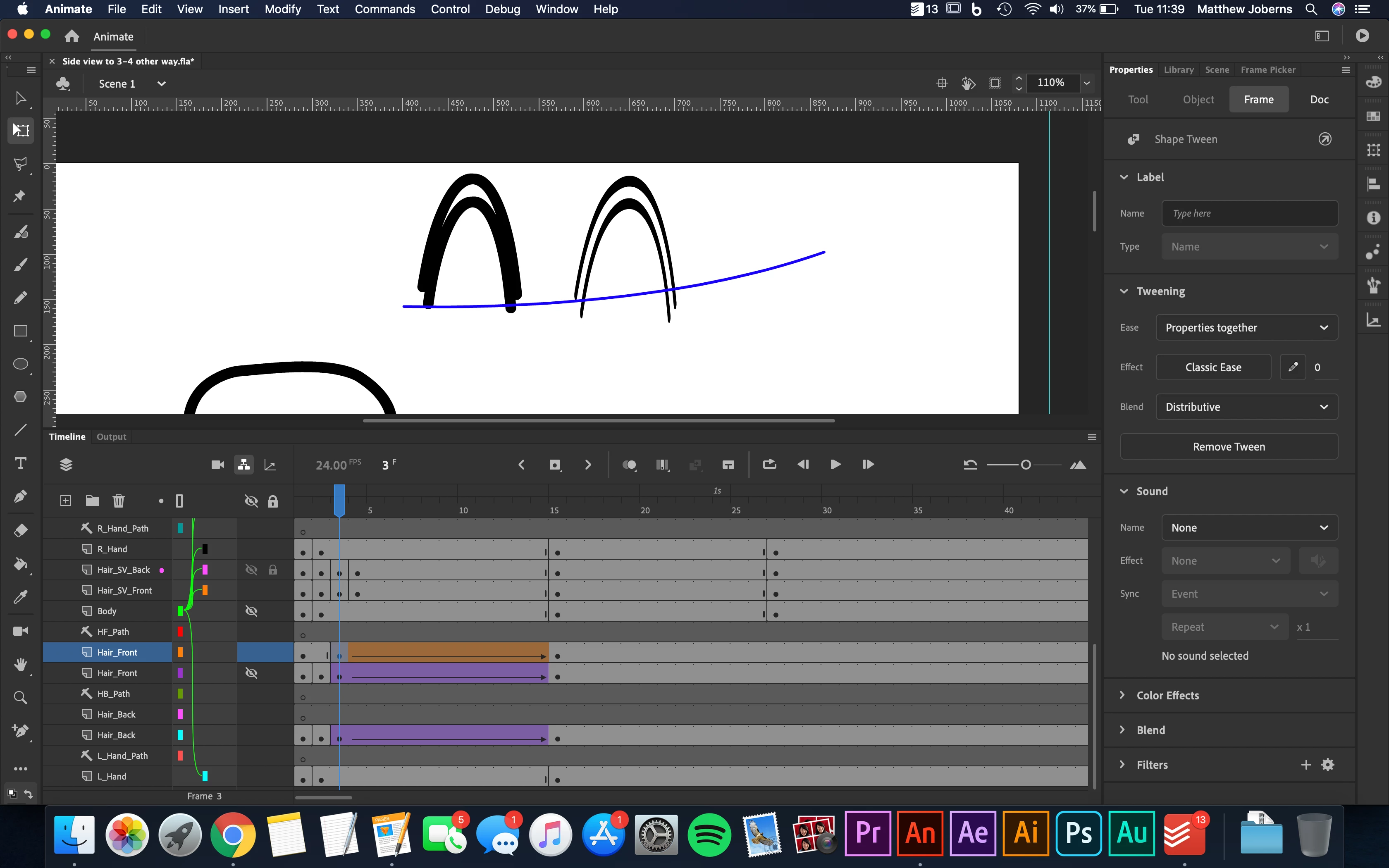
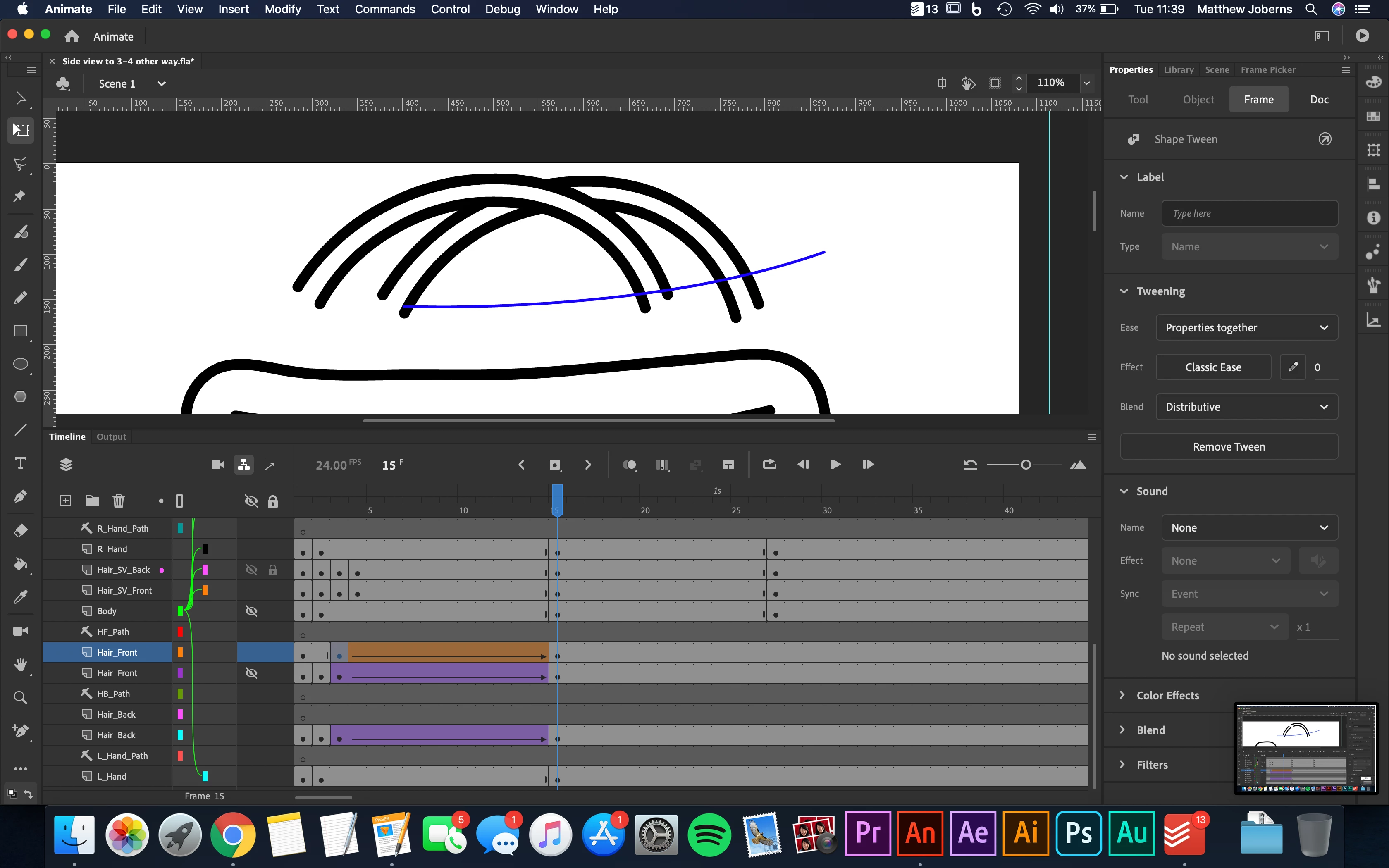
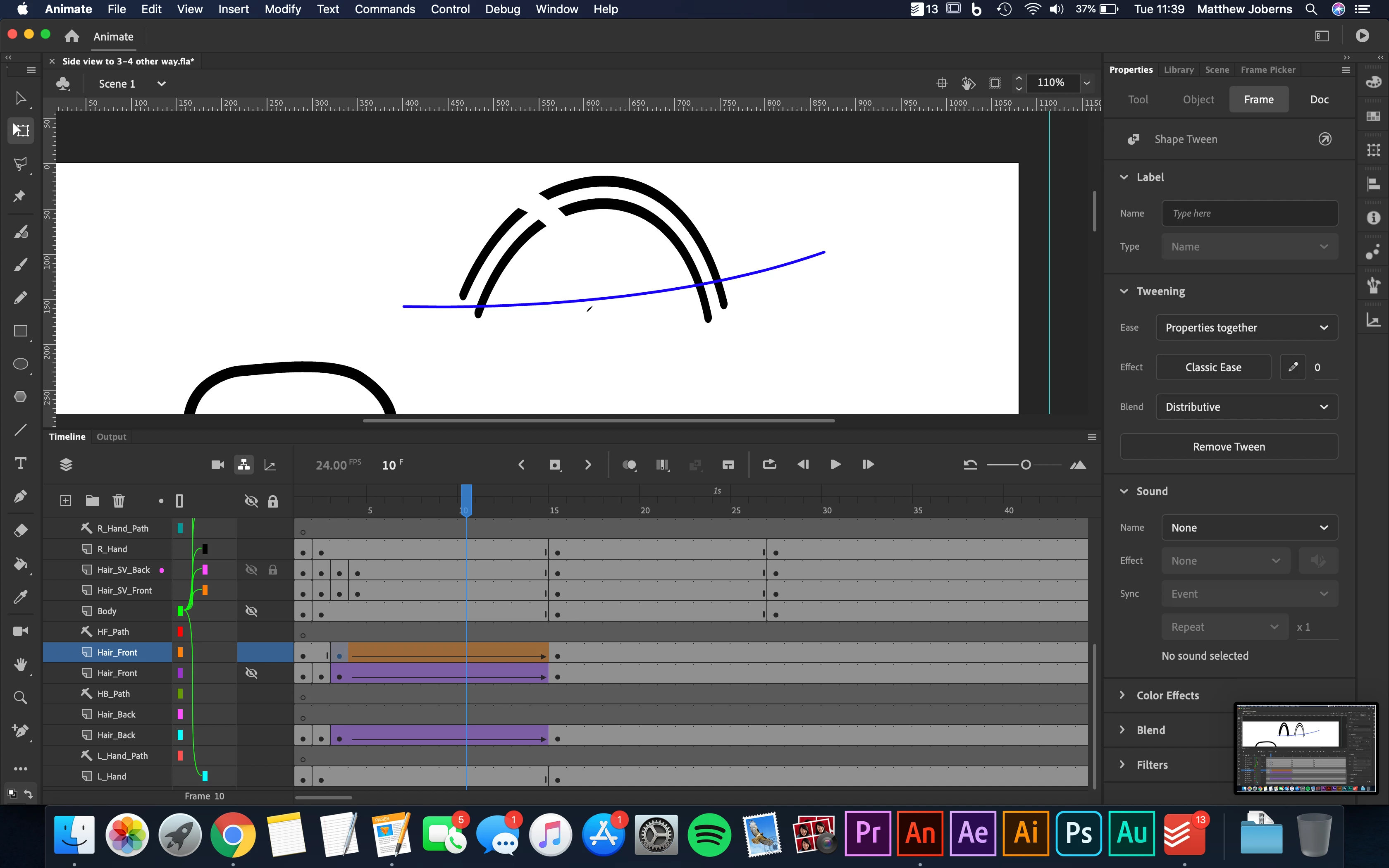
Hey so ive got a shape that i have draaw with strokes and then filled in. i want to have it go from squashed to full size but for all of the strethcing have the stroke size of 12. In the pictures on the left is a shape drawing so drawn with the brush and filled in and on the right is a symbol which means when it gets sqaushed the strokes become squashed too. If you know how i can have a tween with the stroke staying the same size throught that would be very helpful as at the momonet after the frist frame of the tween the stroke disappears du to it going so small you cant see it i think


Thanks for any help
    This topic has been closed for replies.

    2 replies

    JoãoCésar17023019
    Community Expert
    Community Expert
    March 17, 2020

    Hi.


    If you're using actual strokes - not fills - than you can select the strokes, open up the Properties panel and set the stroke scale to none.


    Regards,

    JC

    n. tilcheff
    Legend
    March 17, 2020

    Yes! You're right, João!

    How did I forget about it 🙂


    Nick - Character Designer and Animator, Flash user since 1998 | Member of the Flanimate Power Tools team - extensions for character animation
    n. tilcheff
    Legend
    March 17, 2020

    Hi mate, 


    You can only achieve this kind of squash without losing stroke thickness with a Shape Tween.

    There is no way to do it by squashing a symbol on the outside, obviously, because all these transformations are applied to the whole instance.

    You may be able to compensate inside the symbol, but you will need to re-think your rig and your approach.


    Nick - Character Designer and Animator, Flash user since 1998 | Member of the Flanimate Power Tools team - extensions for character animation