


Rig Mapping Problem - Ghost Boxes?
Hello community,
I have been running into an issue that I have tried to solve myself without any luck.
When I use the rig mapper on my character, other boxes appear when I am assigning body parts:
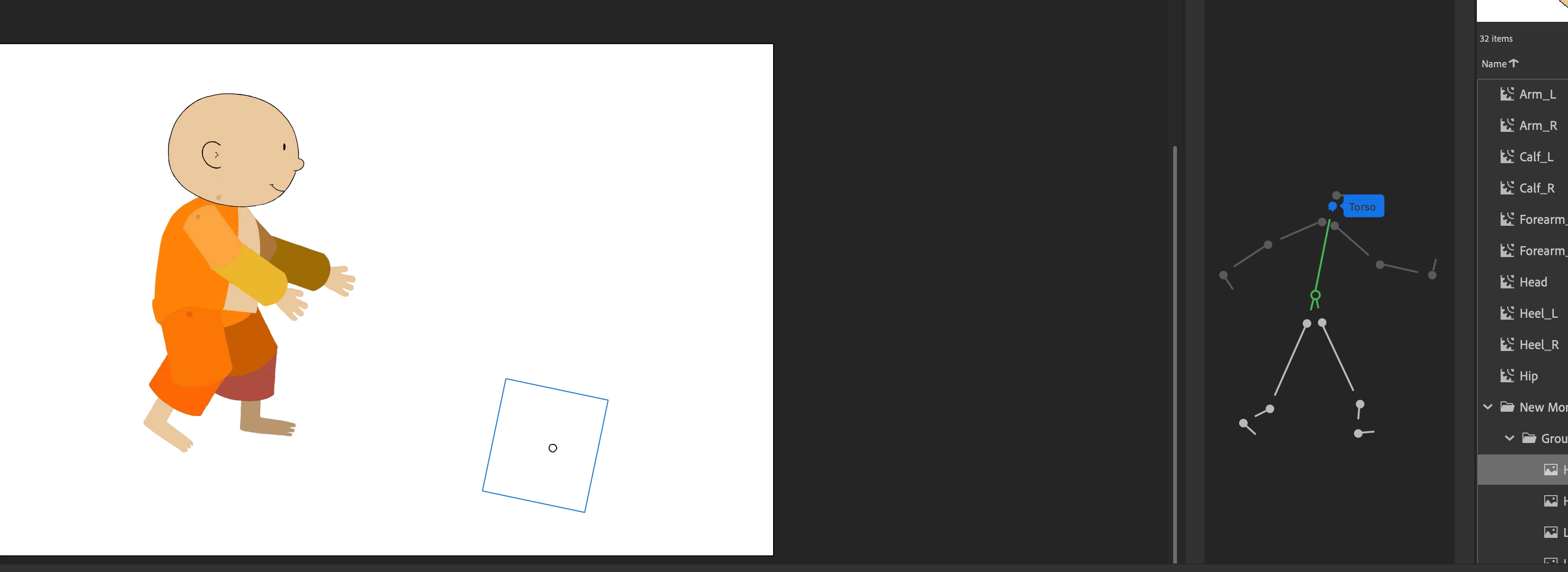
I have tried importing the character over and over to a new canvas, changing each body part into a symbol, and parenting again and again.
Despite that, these "ghost boxes" appear when I am using the rig mapping tool.
When I try to highlight the correct body part, say the torso, another box appears.
I am eventually able to click on the actual torso and assign the right body part:
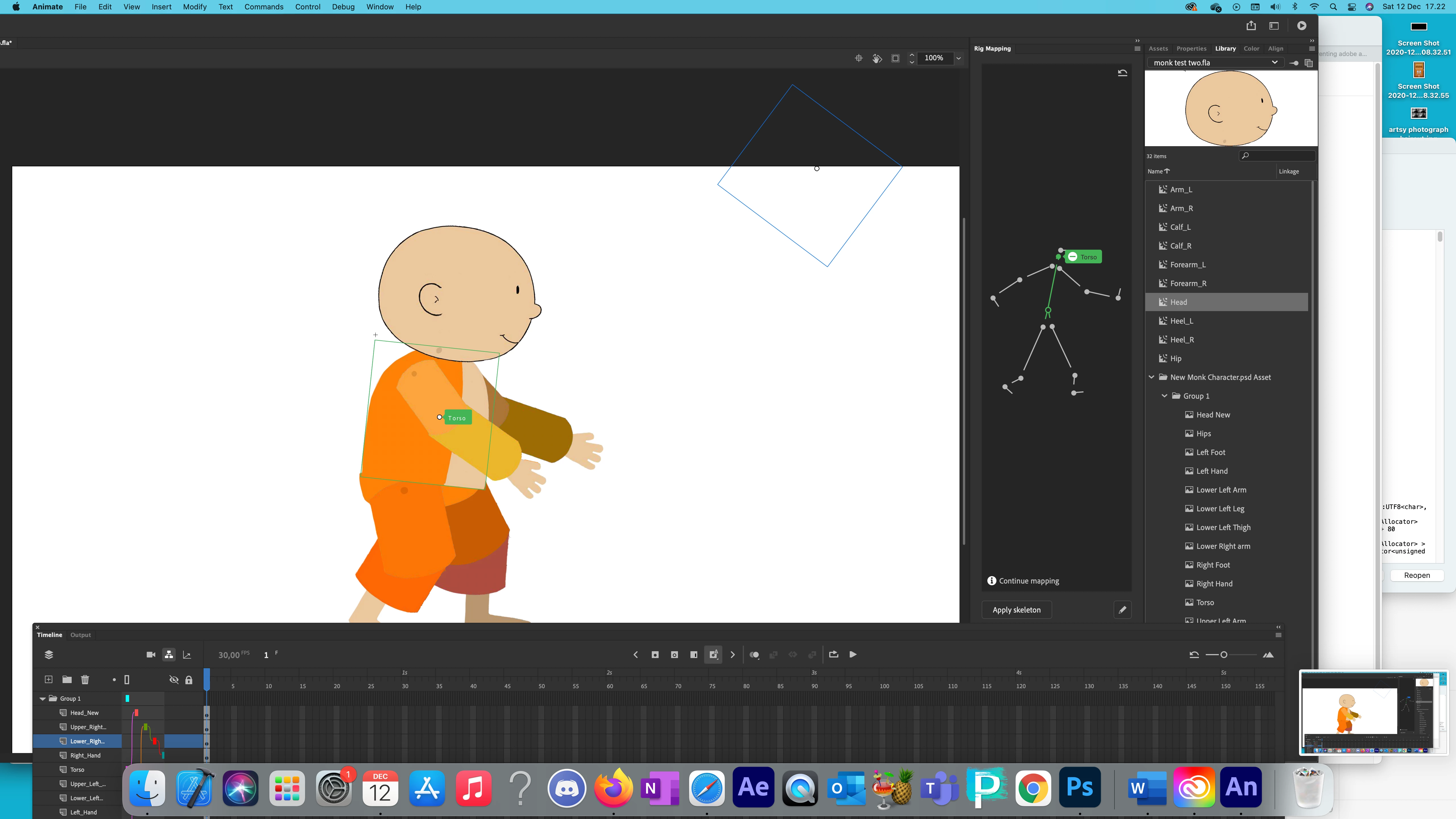
For each body part, there is a twin "ghost box"
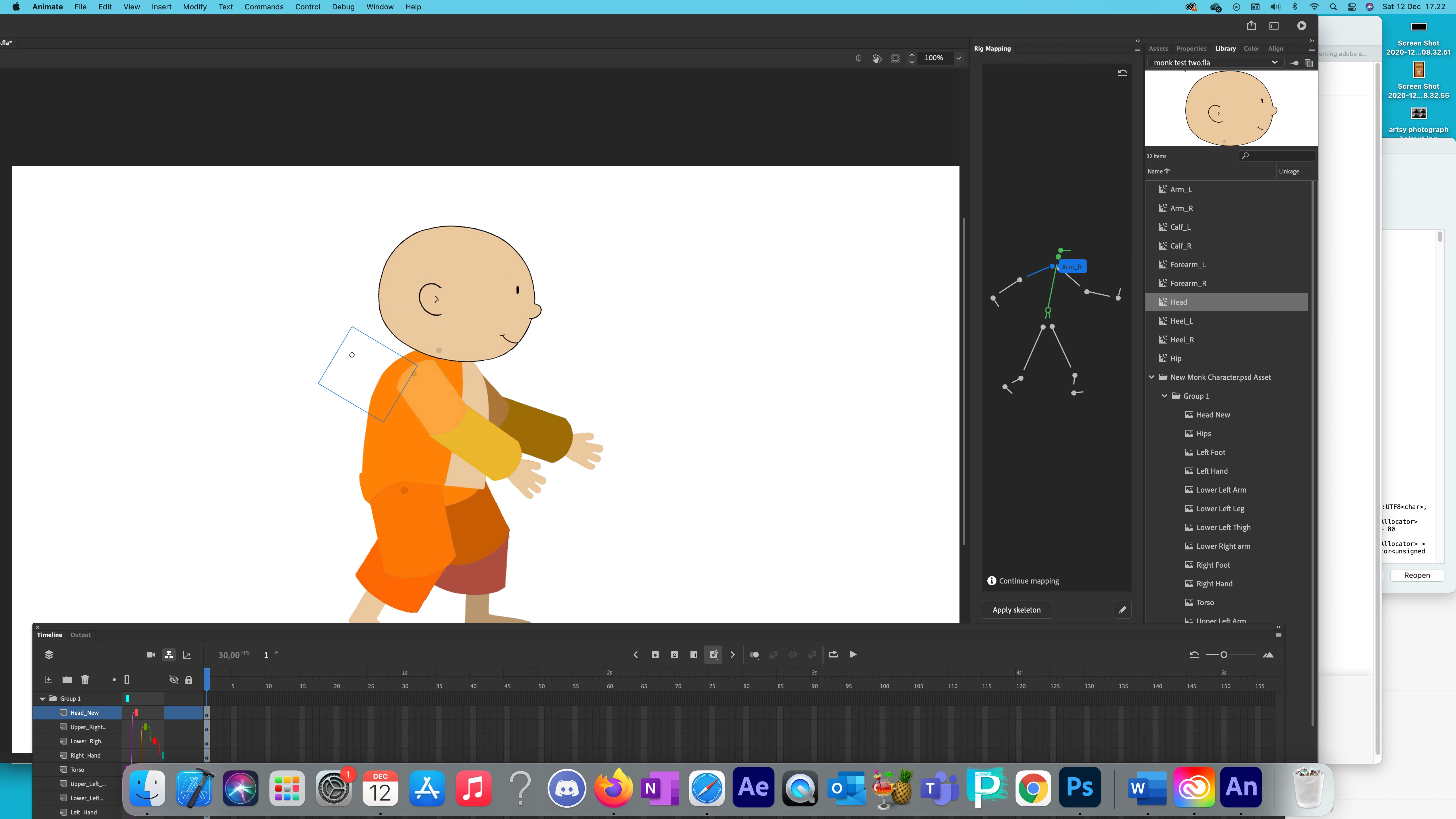
Like I said, with some patience, I am able to assign the actual body part.
When I apply the skeleton, this is what happens:
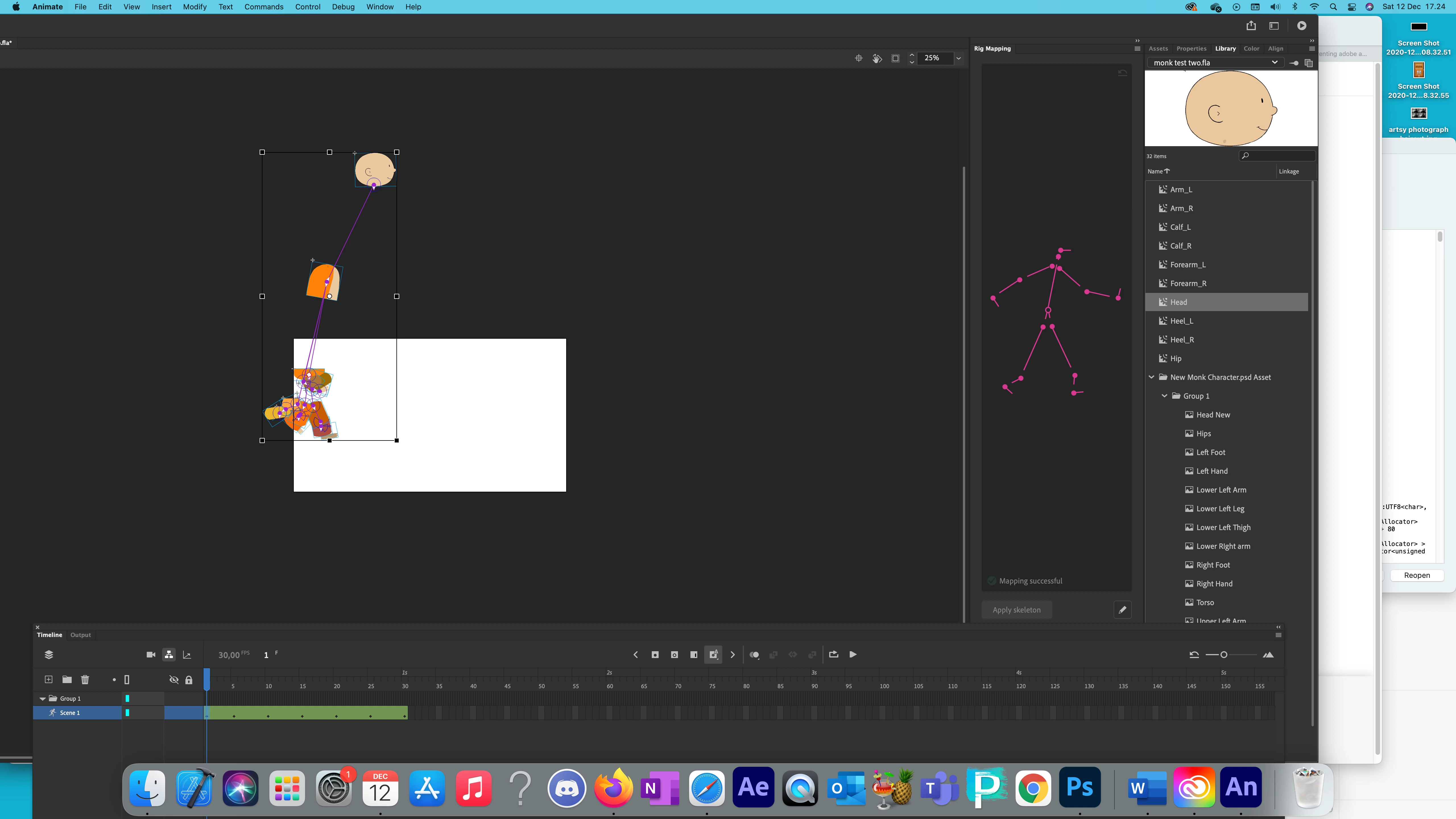
I keep getting the same result each time. I am usually very tech savvy and able to solve problems myself. I have watched the tutorials over and over again, but I am at a loss.
Can someone please advise?
Thank you,
Molly
 AdChoices