

pete142
Known Participant
March 28, 2022
Question

Rotating Symbol and moving it with Tween works UNTIL the final Keyframe

  • March 28, 2022
  • 1 reply
  • 367 views

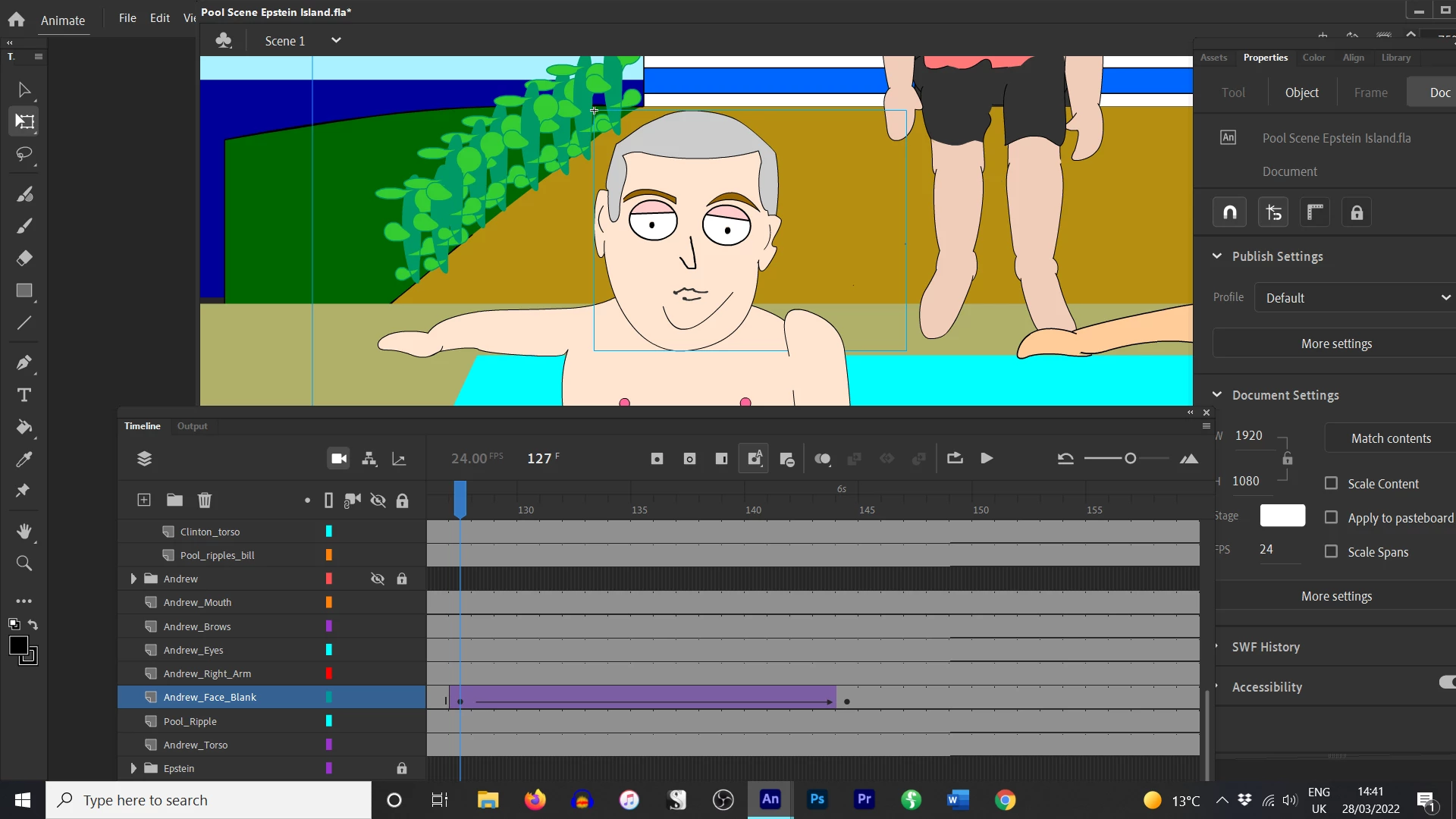
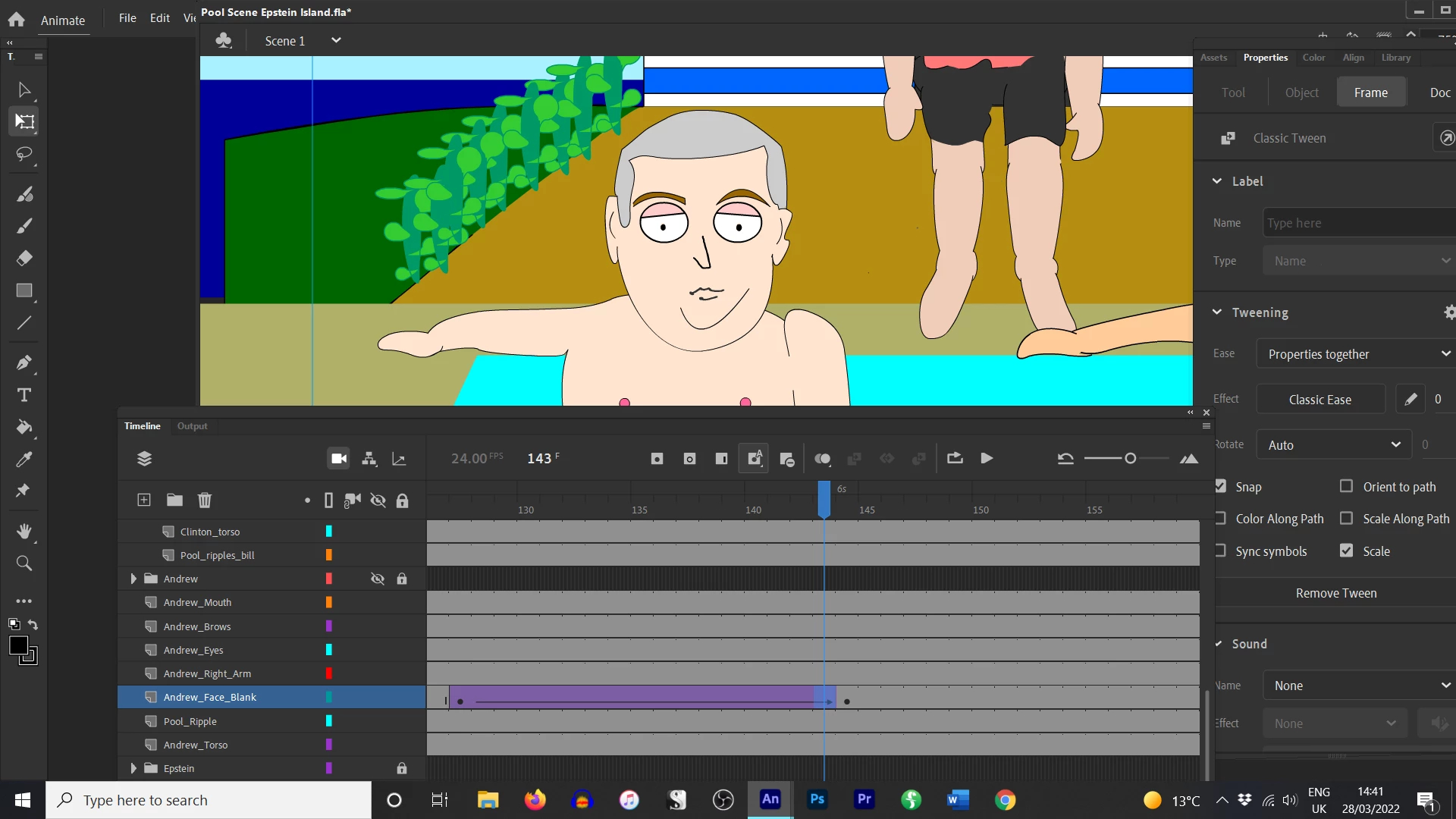
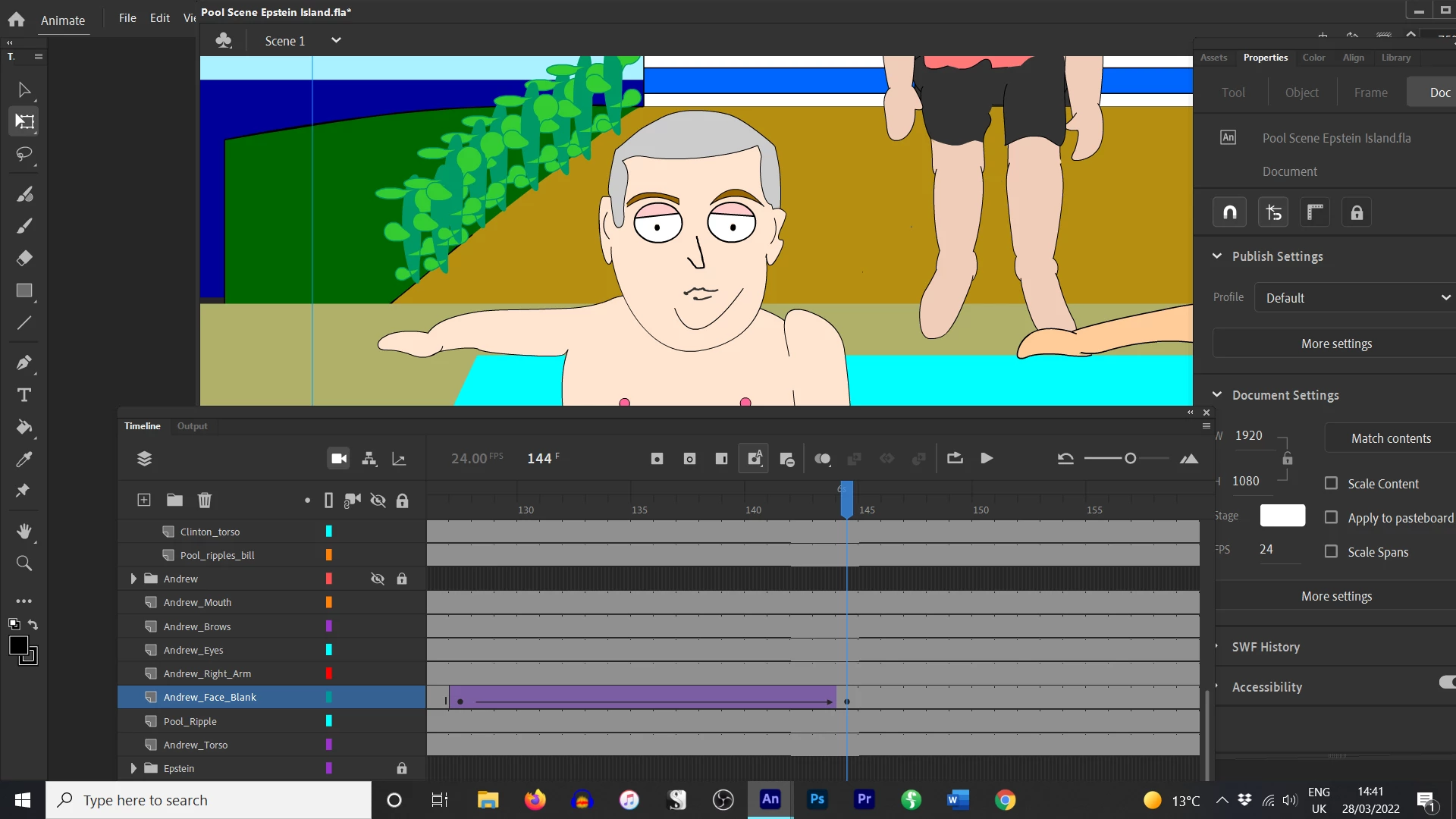
So I am just trying to get his head to move. I rotate the head (with eyes, mouth and eyebrows parented to the face). I add a classic tween and it works, but then on the final keyframe, it JOLTS back to a weird position. It's as if it obeys the rotate tween, but not the moving tween so catapults it back as if that part never happened. Not sure why?? I am using Adobe Animate 22.0.5
    This topic has been closed for replies.

    1 reply

    kglad
    Community Expert
    Community Expert
    March 28, 2022

    insert a new layer

    copy frame 127 of the problematic tween layer and paste it in frame 127 of the new layer.

    hide the problematic layer

    add a keyframe at frame 144 of the new layer

    change the position only

    tween the new layer

    test


    if that works, change the rotation at frame 144

    test again


    if that works delete the problematic layer.


    p.s. you should be saving periodically with appended version number to prevent loss of your work.


    pete142
    pete142Author
    Known Participant
    March 28, 2022

    Thanks. I have to learn how to tween two layers. Still learning the basics. I appreciate your answer.

    kglad
    Community Expert
    Community Expert
    March 28, 2022

    you can (and should) rotate and move in one layer.


    creating the new layer is intended to force you to redo your tween.