Answered
ScrollPane Problem
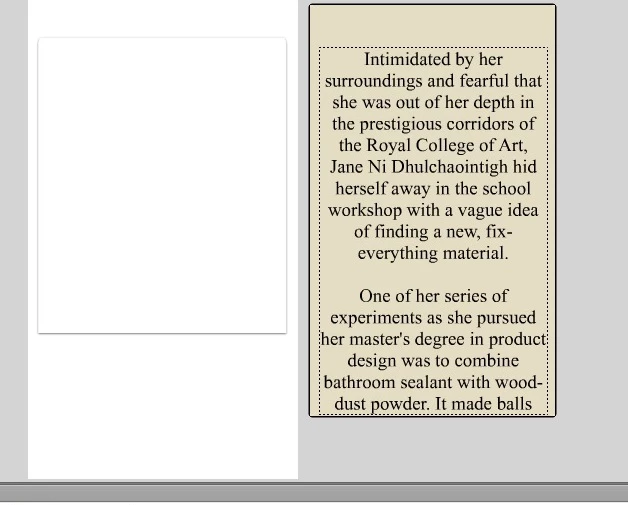
ScrollPane = scrollpane
graphic + text (movie clip)= mytext
ScrollPane and graphic same width difference length
i want make it drag with hand.
using:
scroolpane.source = mytext;
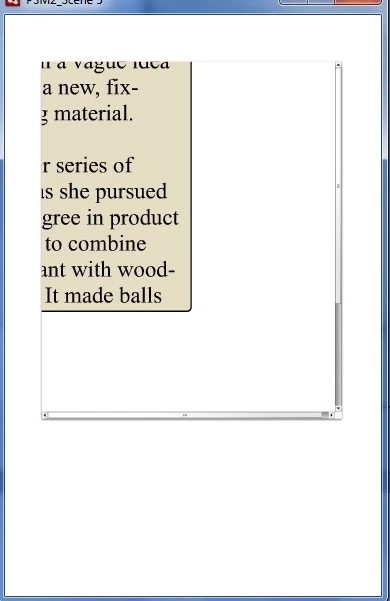
result show me like that.

ScrollPane = scrollpane
graphic + text (movie clip)= mytext
ScrollPane and graphic same width difference length
i want make it drag with hand.
using:
scroolpane.source = mytext;
result show me like that.
create a new fla,
add a scrollpane,
create a new movieclip,
copy some text and paste static text onto the stage of that movieclip,
move the text to 0,0,
add the movieclip to the stage,
assign an instance name (mytext),
copy and paste your corrected code in the actions panel,
test.
any problem?
Already have an account? Login
Enter your E-mail address. We'll send you an e-mail with instructions to reset your password.


 AdChoices