Participant
November 15, 2020
Answered

serious problem in animate with macOS big sur

  • November 15, 2020
  • 1 reply
  • 1393 views

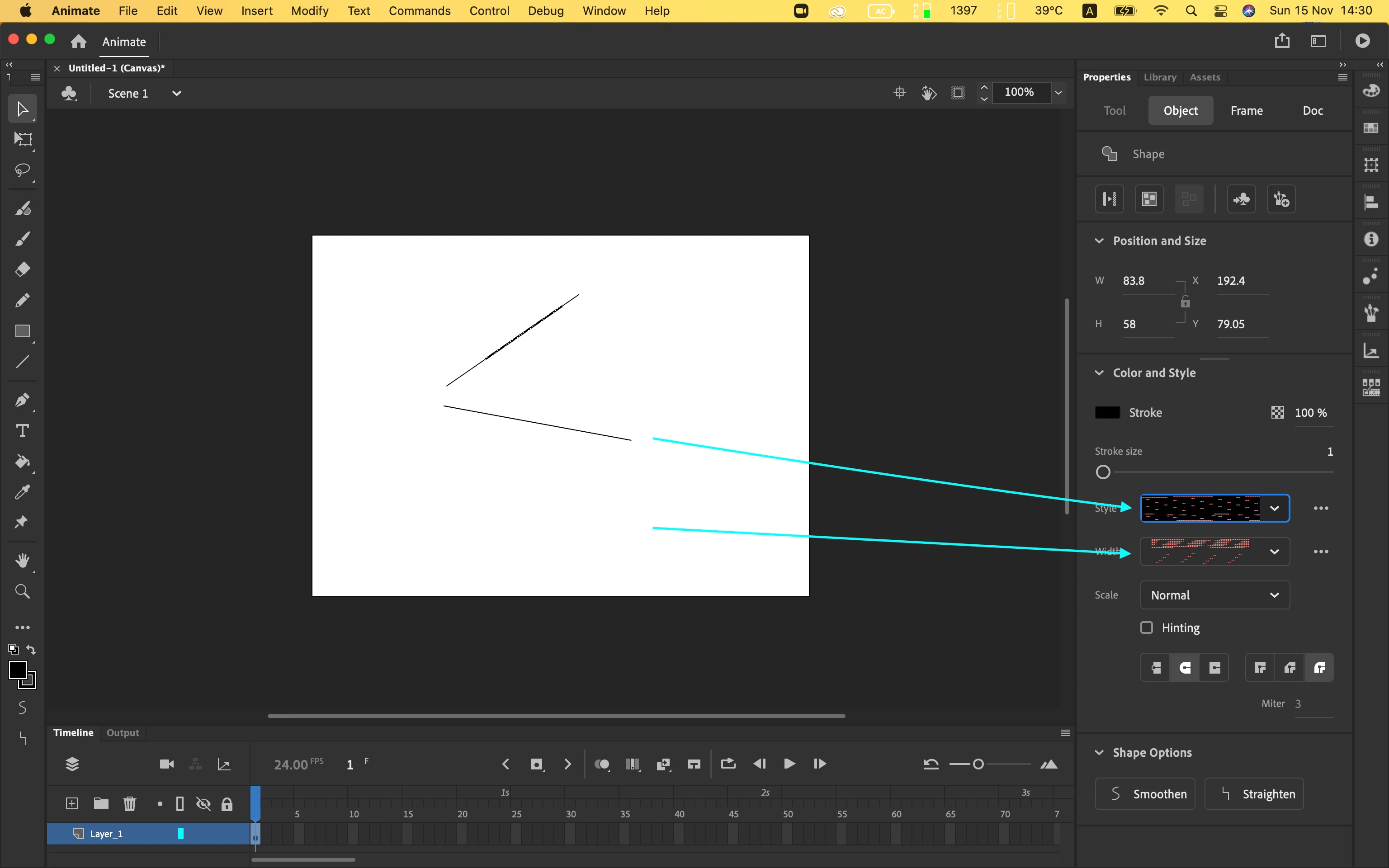
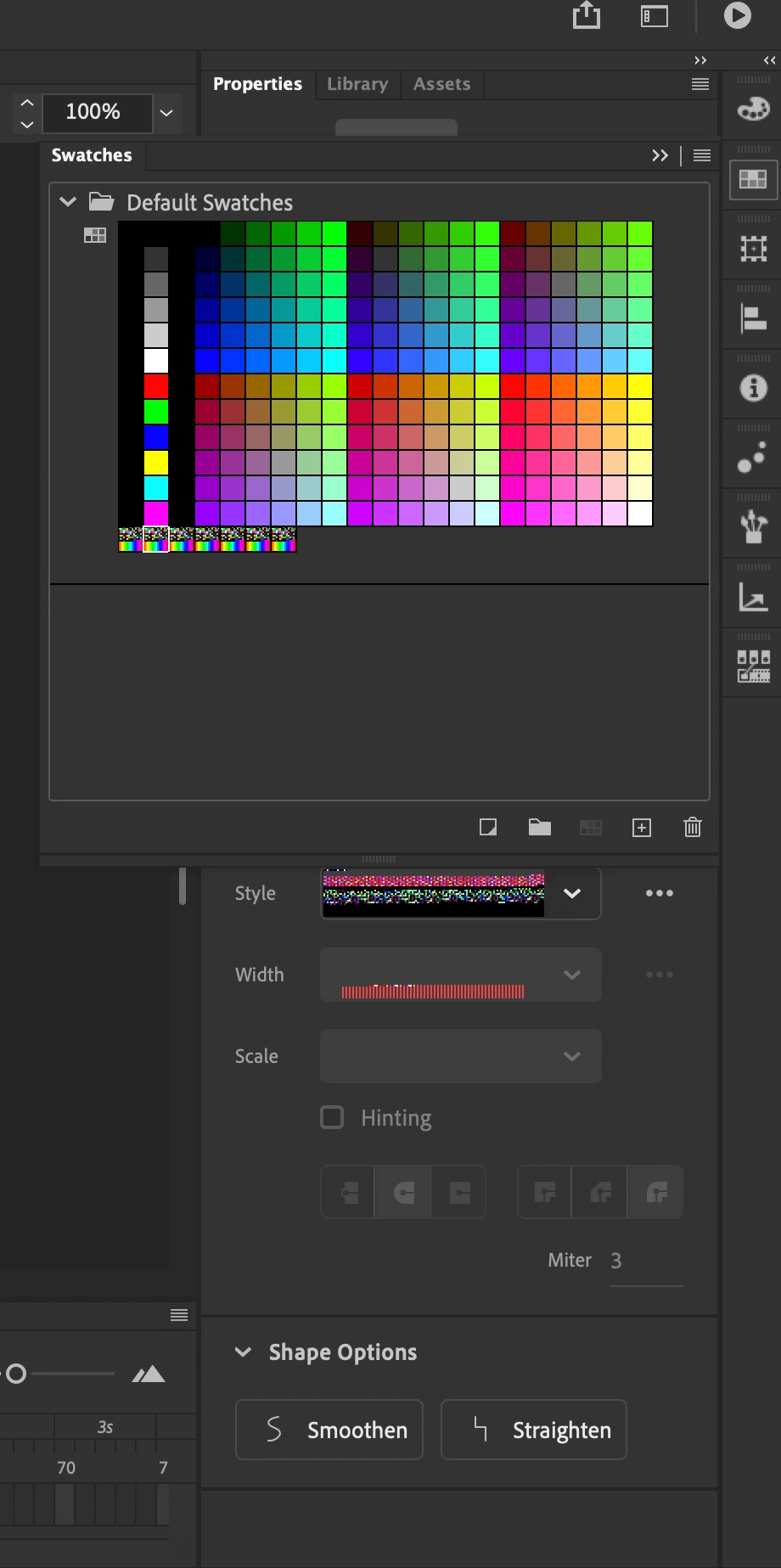
Hey guys! i updated my mac to the last macos version and i have a problem with the color and line setions in the tool and object windows to describe this problem i wiil atach a photo

the colors seems to be destorted and impossible to work.

if someone have a solution i will glad to try and fix this broblem


This topic has been closed for replies.
Correct answer Mark Paterson

In the Creative Cloud app, go to All Apps, then down to Animate. Click the elipsis and select 'Other versions'.


1 reply

Participant
November 15, 2020

update: i downgradet the animate version from 21 to 20 and now animate works fine but stiil i need a solution for the new 21 version

Inspiring
November 17, 2020

The latest versions of Animate (and Acrobat) are currently incompatible with Big Sur. Adobe says so right here, although I don't blame you for finding out the hard way as it took me a good deal of searching to find this out. It's frustrating because the Big Sur beta has been around since July. At the very least it would be nice if we had some kind of estimate like "by the end of November" wouldn't it? 

Participant
November 17, 2020

Mark tnx for the reply! i hope adobe will fix this issue soon and it would be nice to get an official response from them