
Vincent Alim
Known Participant
October 8, 2017
Question

Set different background sound for labels

  • October 8, 2017
  • 1 reply
  • 401 views

Hi guys,

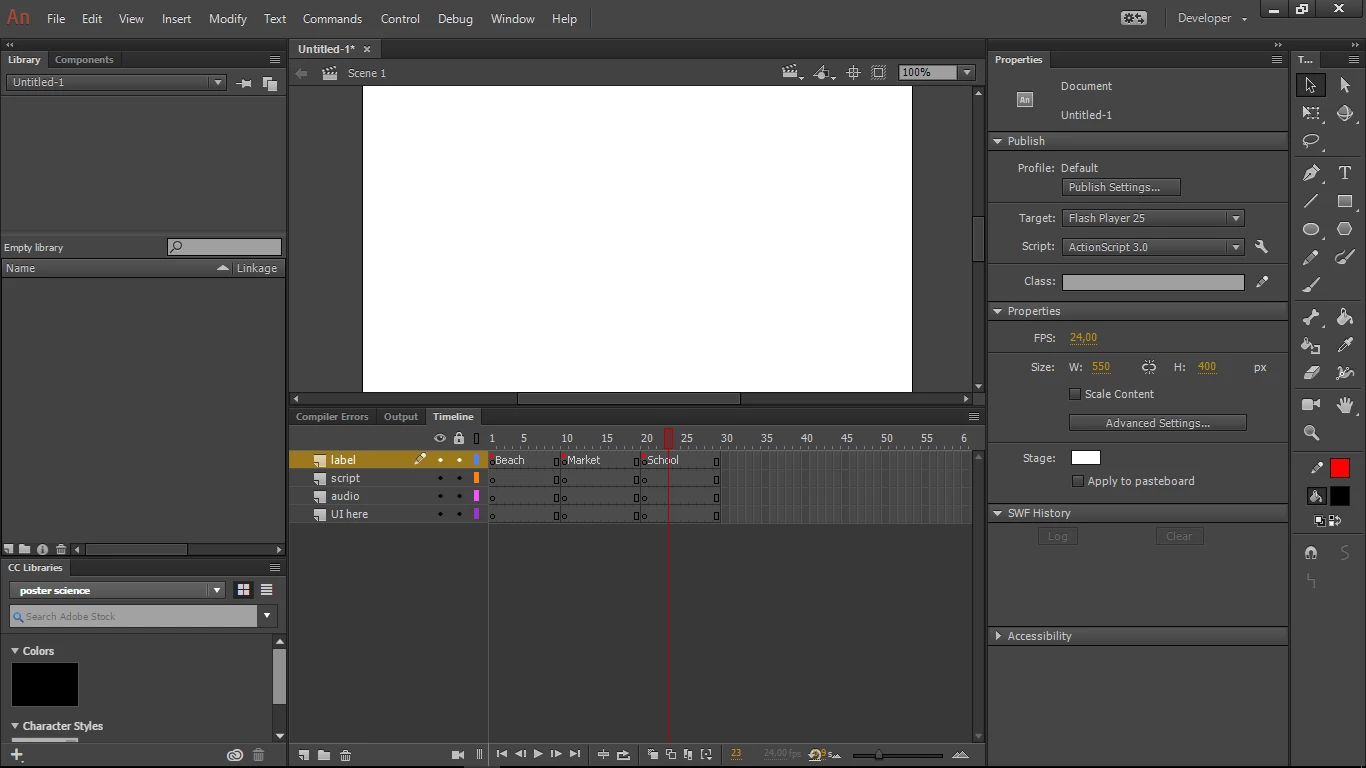
How to set different background sound if I have 3 labels.

For example, I have 3 settings like : Market, School, and Beach.

Everytime user change their option, we move to different label using gotoAndPlay("beach") for example.

Then, how to change the background music right after they choose another place?
I've found some script like:

Script

var snd:Sound = new SoundPlay();
       var channel1:SoundChannel = new SoundChannel();

       channel1 = snd.play();

But I'm not sure how to use it in different labels.

Thank you.

This topic has been closed for replies.

1 reply

JoãoCésar17023019
Community Expert
Community Expert
October 8, 2017

I hope it helps!

FLA: https://goo.gl/3YgtvP

Code:

import flash.events.MouseEvent;

import flash.media.Sound;

import flash.media.SoundChannel;

import flash.media.SoundTransform;

import flash.net.URLRequest;

var sChannel:SoundChannel;

var bgmList:Vector.<String> = new <String>

[

     "bgm/369711__mrguff__hit-impact.mp3",

     "bgm/146718__fins__button.mp3",

     "bgm/264446__kickhat__open-button-1.mp3"

];

function playSound(path:String, volume:Number = 1, start:Number = 0, loops:int = 0):void

{

     var sound:Sound = new Sound();

     var sTransform:SoundTransform = new SoundTransform();

     if (sChannel) sChannel.stop();

     sound.load(new URLRequest(path));

     sChannel = sound.play(start, loops);

     sTransform.volume = volume;

     sChannel.soundTransform = sTransform;

}

function onMouse(e:MouseEvent):void

{

     if (e.type == MouseEvent.CLICK)

     {

          if (e.currentTarget == button1)

          {

               playSound(bgmList[0], 1, 0, 100);

               gotoAndPlay("bgm1");

          }

          else if (e.currentTarget == button2)

          {

               playSound(bgmList[1], 1, 0, 100);

               gotoAndPlay("bgm2");

          }

          else if (e.currentTarget == button3)

          {

               playSound(bgmList[2], 1, 0, 100);

               gotoAndPlay("bgm3");

          }

     }

}

button1.addEventListener(MouseEvent.CLICK, onMouse);

button2.addEventListener(MouseEvent.CLICK, onMouse);

button3.addEventListener(MouseEvent.CLICK, onMouse);

stop();