


setChildIndex 2015.11.26 vs createjs 1.0.0 differences
So I have some older content that I have been trying to update publishing with Animate 20 and createJS 1.0.0 and I have hit a bit of a snag.
I have a tool that selects "badges". Let's call Badge the main display object, which is comprised of a background circle (drawn as a Createjs.Shape filled in with a variable color at runtime), a level indicator (a movie clip exported/design time), and a individual player icon (also a movie clip exported/design time) that is one on a specific frame, each with a this.stop();
This rendered fine with the older version of createjs (2015.11.26), but it seems that now the shape drawn in code now occludes the other children no matter what z-index I try to assert.
Among other things, I've tried to control the z-index by adding in the following order:
(this = parent = main badge object)
  this.addChildAt(this.bg,0);
  this.addChild(this.levelIcon);
  this.addChild(this.playerIcon);
//stage.update(); // Tested, no impact
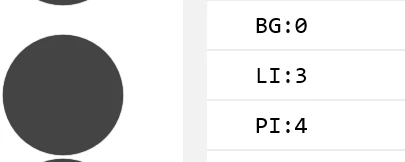
console.log("BG:"+this.getChildIndex(this.bg));
console.log("LI:"+this.getChildIndex(this.levelIcon));
console.log("PI:"+this.getChildIndex(this.playerIcon));
Properly shows me the correct and expected index, yet I only see my drawn background.
If I make the bg object visible=false, I believe I can see my desired icon.
Something is slightly different that I don't quite have a handle on yet. Anyone have any thoughts?
Thanks,
jpwalters
 AdChoices