Participating Frequently
February 9, 2021
質問

Shape hints doesn´t work

  • February 9, 2021
  • 返信数 1.
  • 389 ビュー

Hi,

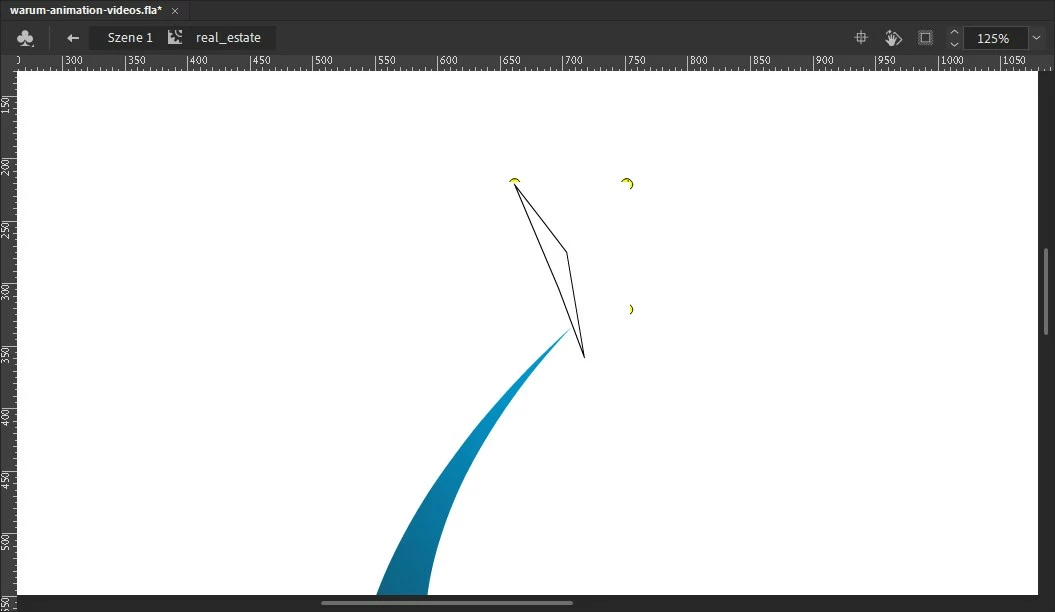
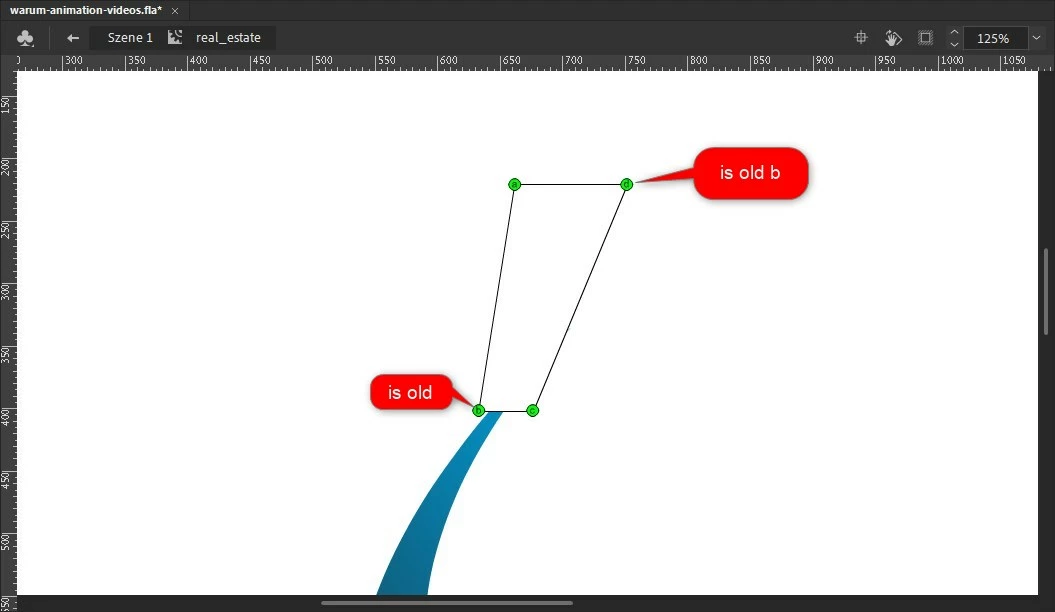
i have set 4 shape hints, but the corners turn. Corner point b goes to corner point d and d to b.

What am i doing wrong?
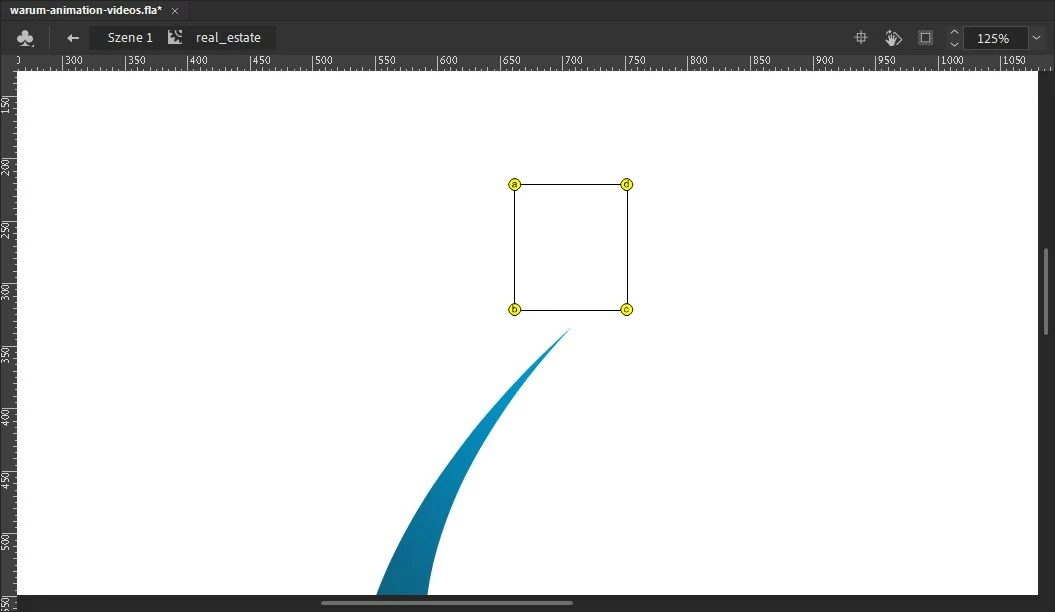
Best regards,

René

このトピックへの返信は締め切られました。

返信数 1

kglad
Community Expert
Community Expert
February 9, 2021

we can't tell what you're doing because we can't determine what's in the two keyframes.


ie, shape hint a in the first keyframe will tween to shape hint a in the second keyframe.  likewise, b will go to b, c to c and d to d.


so, move a,b,c,d in the second keyframe to the spots where you want a,b,c,d (resp) in the first keyframe to tween. 

reneAdobe作成者
Participating Frequently
February 17, 2021

I do that, don't I? Another example. e,f,g,h. The blue rectangle should be scaled vertically upwards. 


But in the tween the lower edge runs up over the upper edge and then scales upwards. See attachement.


Best regards,

René


kglad
Community Expert
Community Expert
February 17, 2021

the easies way to do that is with a scale tween, but here's a fla with both a shape tween with hints and a scale tween:  http://www.kglad.com/Files/forums/tweens.fla