
tayloralaska
Participant
August 20, 2021
Question

Shape hints/tween not working as expected

  • August 20, 2021
  • 1 reply
  • 1071 views

Hello so I drew a shape as part of a figure, the shape is on it's own layer independent of the rest of the figure.

I added a shape tween to the shape but before even touching the shape, this weird 'artifacting' happens as if the vertices are trading positions.
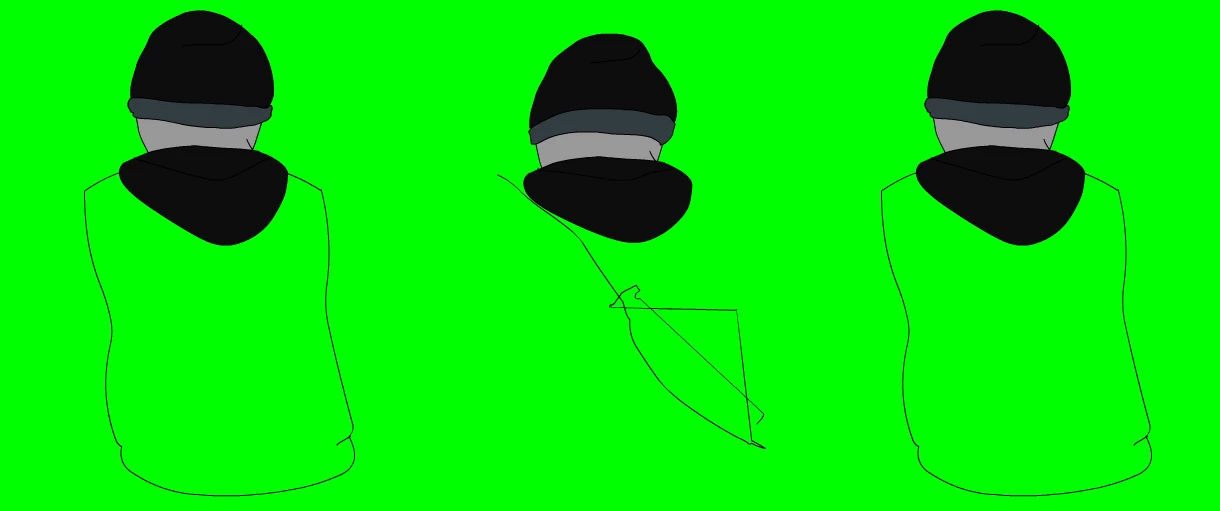
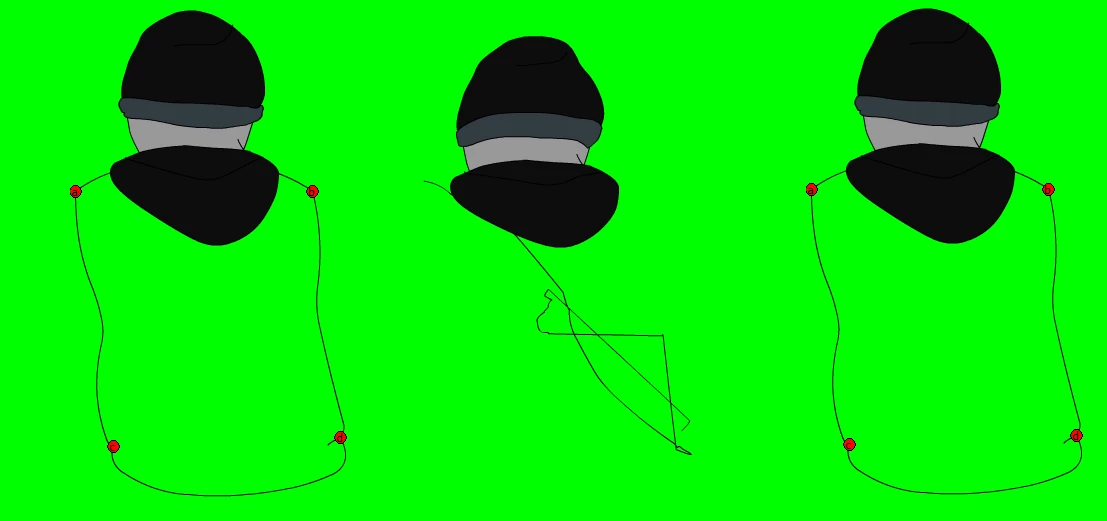
I tried adding 'shape hints' but what they instead did was make the shape disappear entirely during the transition. This time they didn't, but they still didn't work.
This topic has been closed for replies.

1 reply

n. tilcheff
Legend
August 21, 2021

If shape hints are added correctly they turn green.

Start with only one hint, add it to a point which have the least offset. Make sure it snaps (the magnet in Properties has to be active) and make sure it turns green.

Check the tween.


Then add another hint and check. The direction should be counter clock-wise.


BA

CD


CB

DA


The aim should be to get the job done with the fewest possible hints. 

Often one or two is all that is needed.


Nick - Character Designer and Animator, Flash user since 1998 | Member of the Flanimate Power Tools team - extensions for character animation
tayloralaska
Participant
August 21, 2021

I'm still getting this problem, it seems shape tweens are completely useless 😞