
Shape Tween not recognizing Shape Hints
I'm new to Adobe Animate and attempting to create a simple test animation of an isometric cube-button squishing in place.
Intended Frame 1 & 3:

Intended Frame: 2
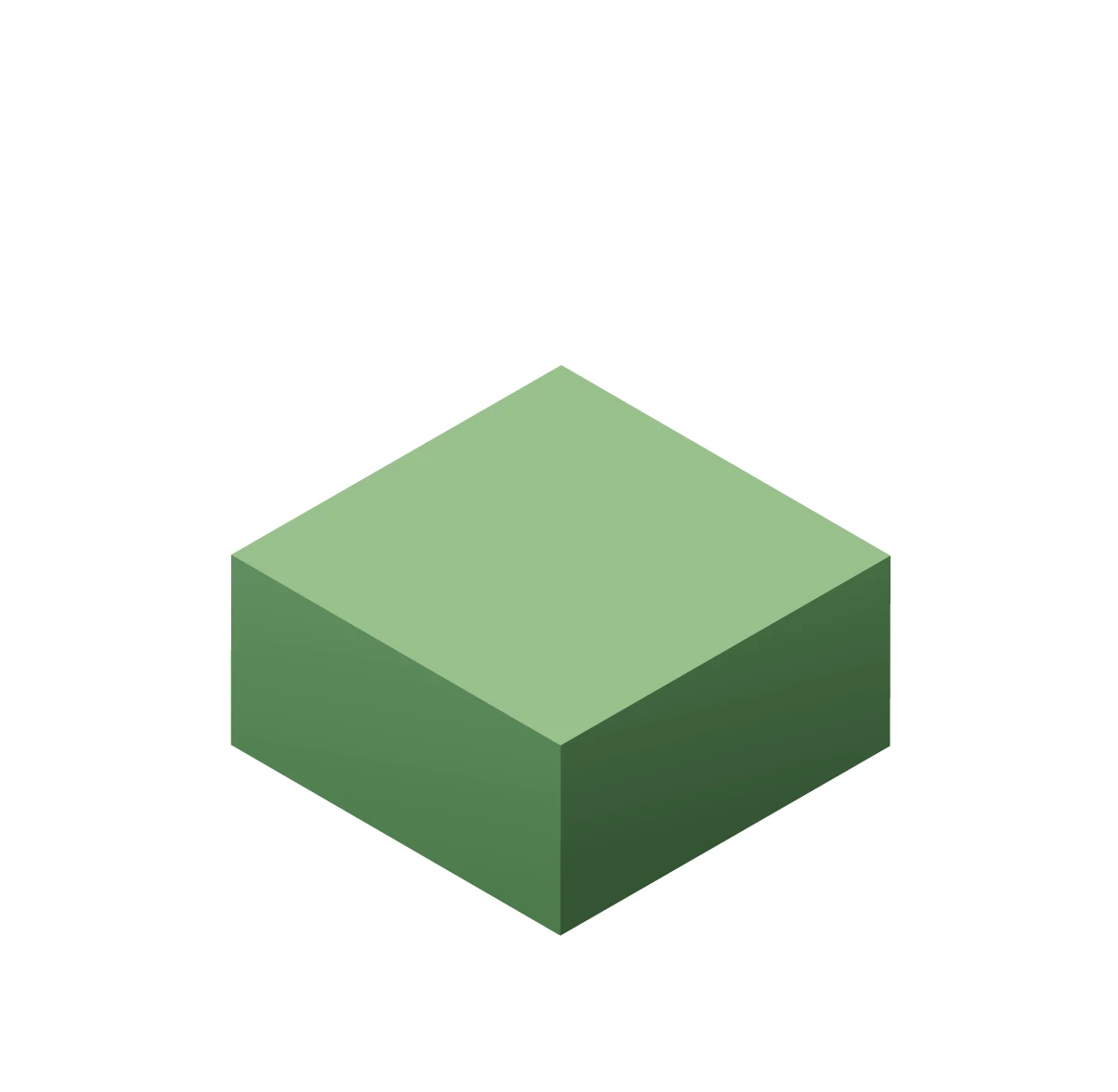
I've set up my file with each polygon on its own layer. Animating the 'top' up and down is easy enough with a classic tween, but I'm unable to consistently deploy the shape tween for the left and right 'sides.'
The 'right side' animated easily with a shape tween, without using shape hints at all. But the left side wants to switch corners in a way that ruins the effect:
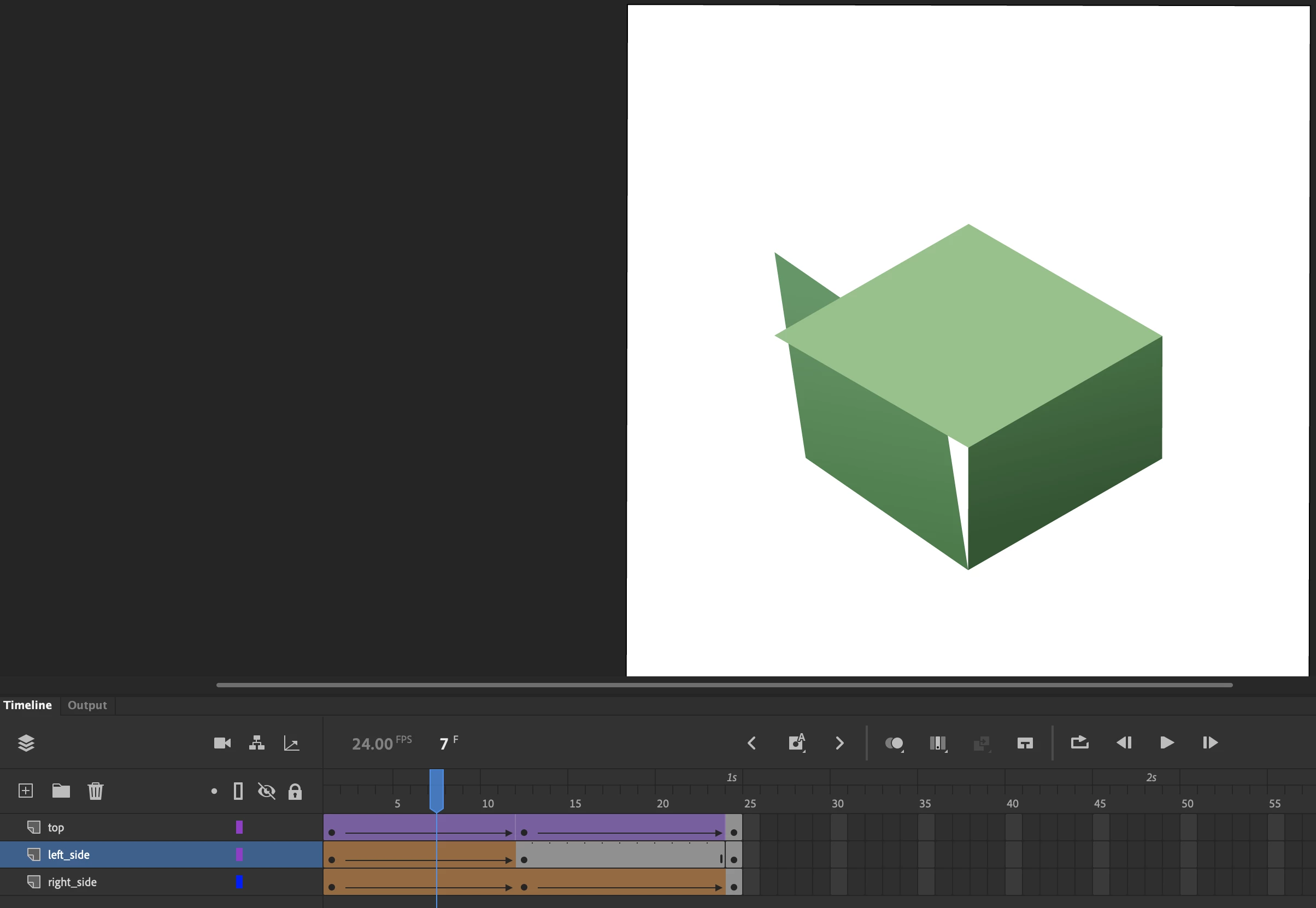
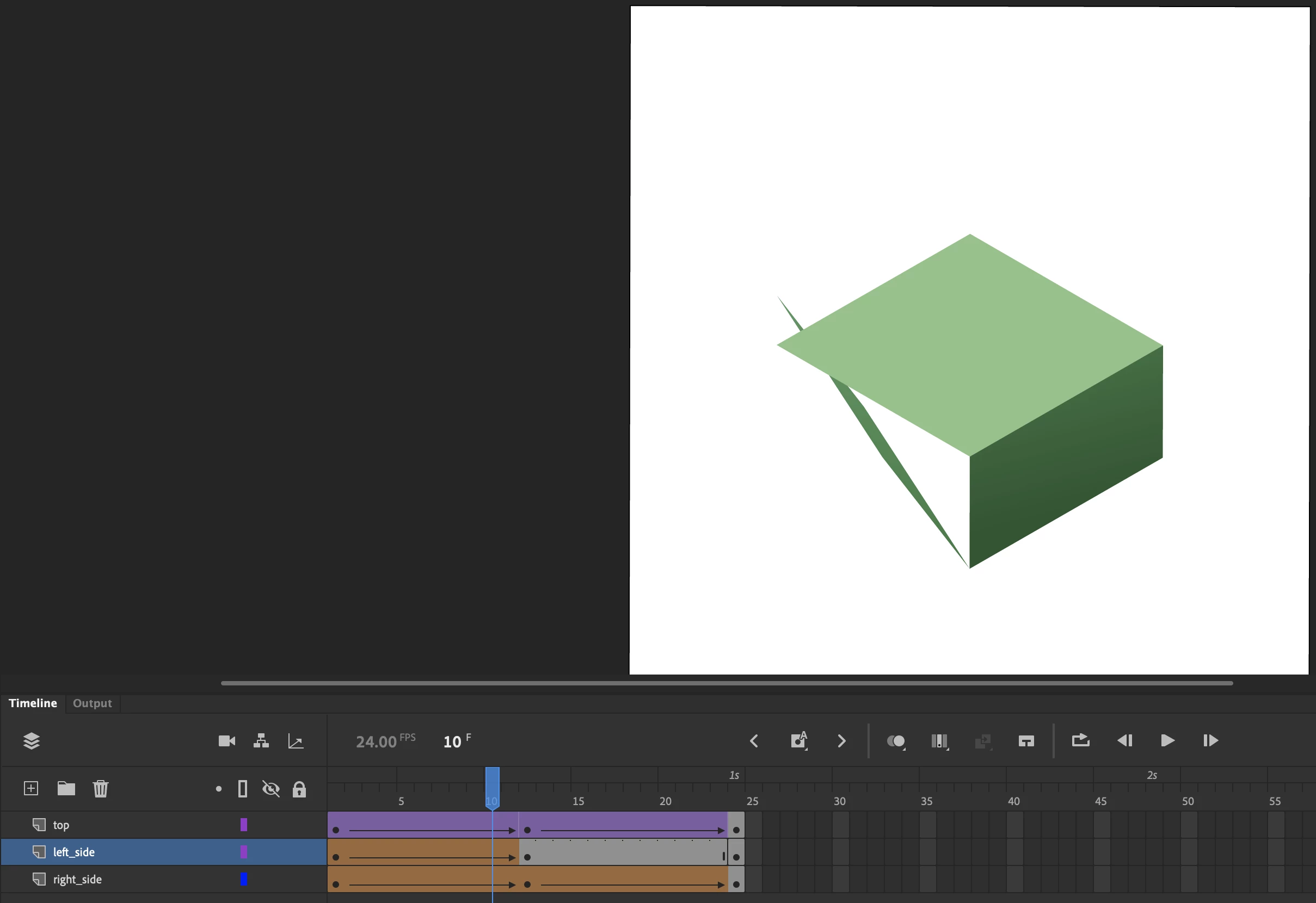
I have tried to use shape hints to prevent this from happening, but to no avail:
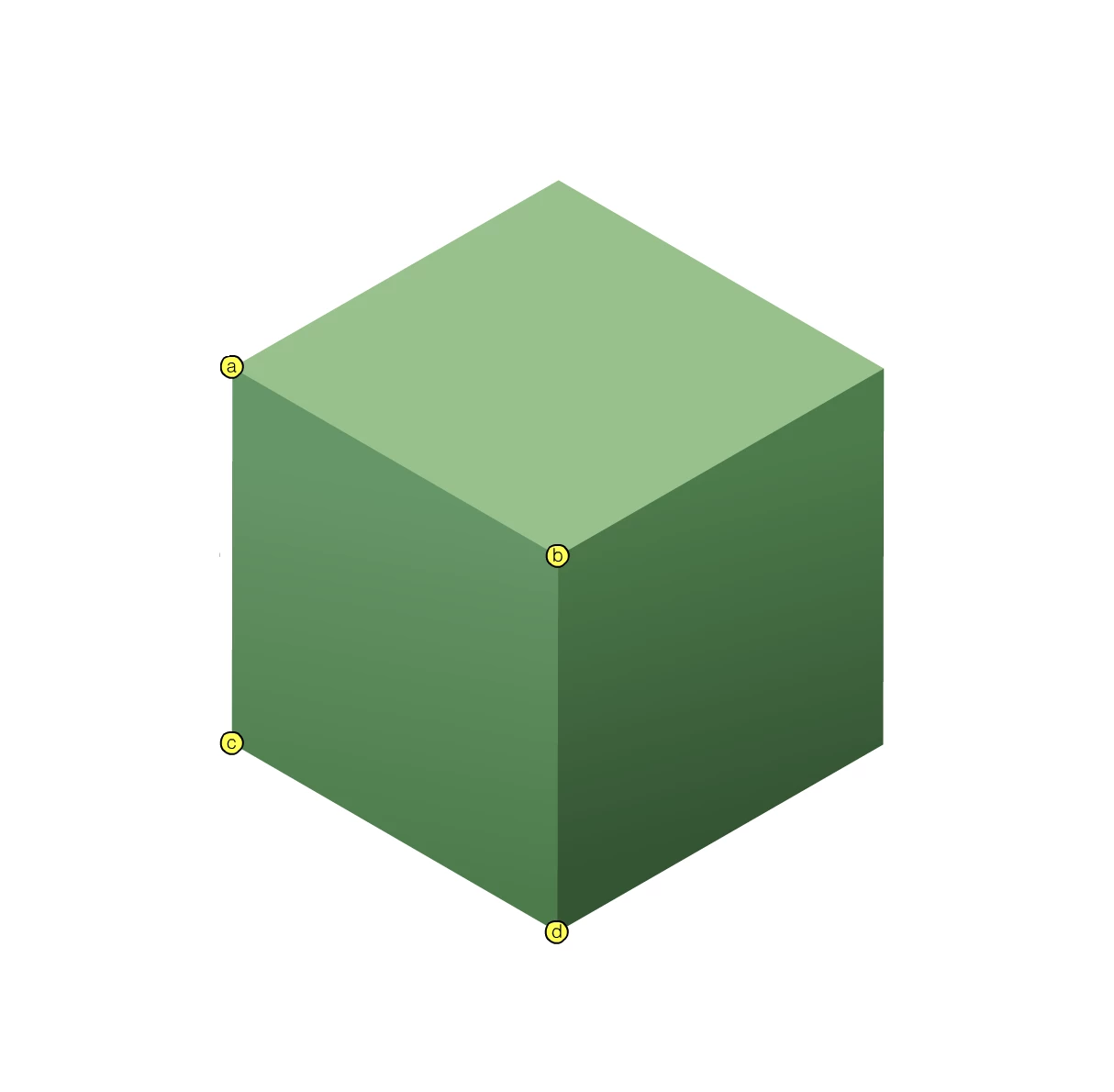
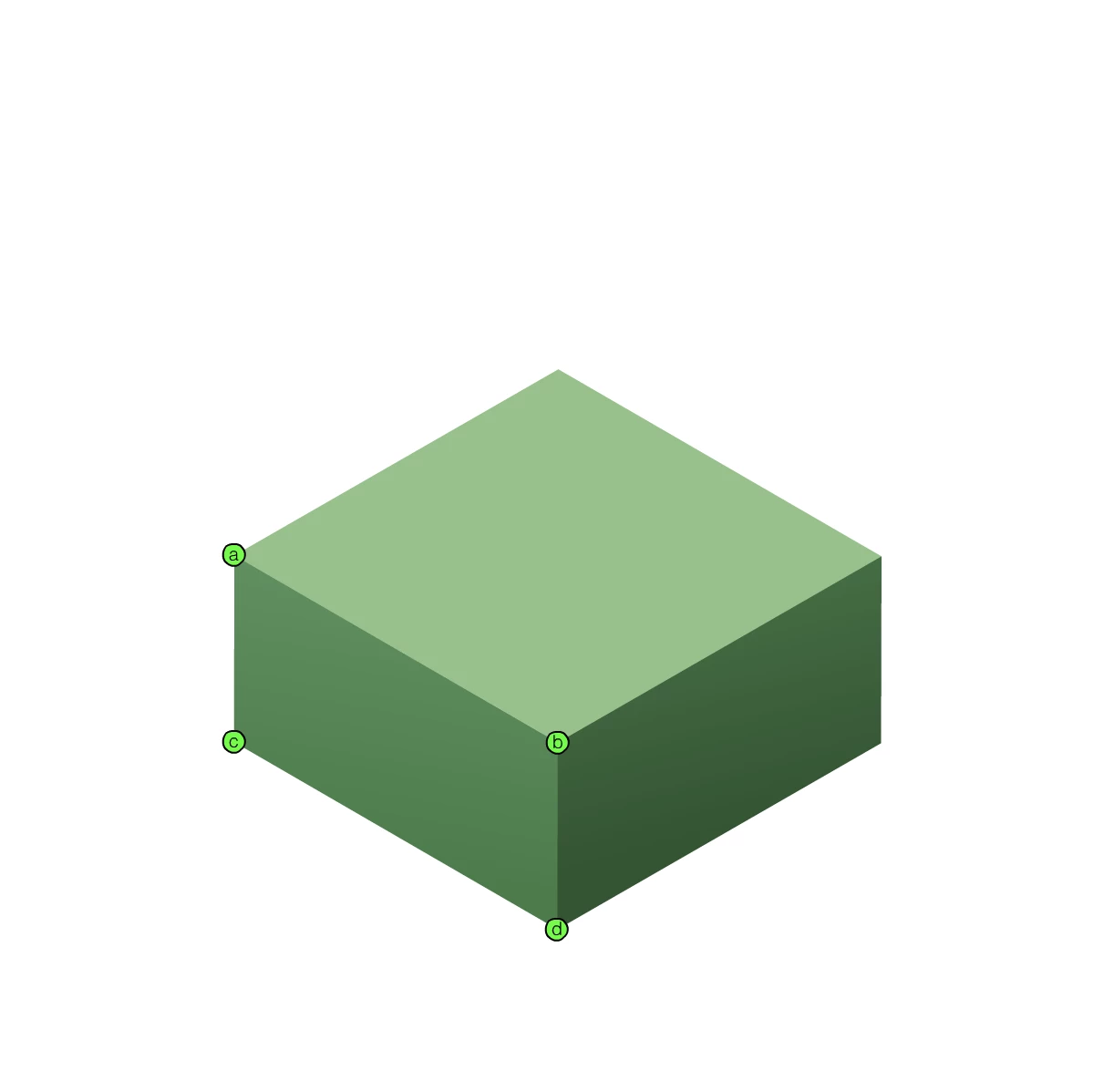
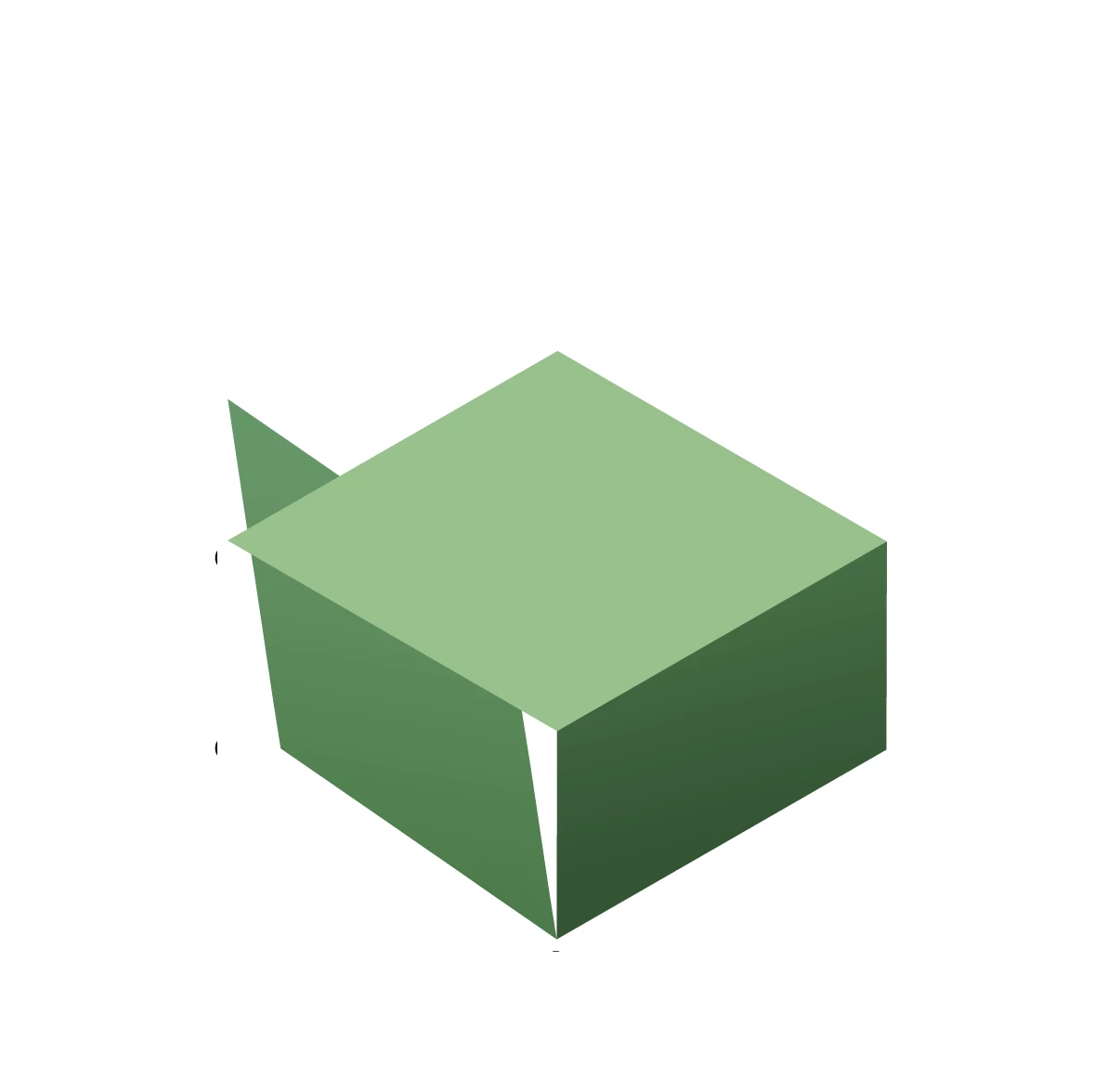
I even tried switching hints b and c on Frame 2 just in case something counter-intuitive was happening, but the issue persists:
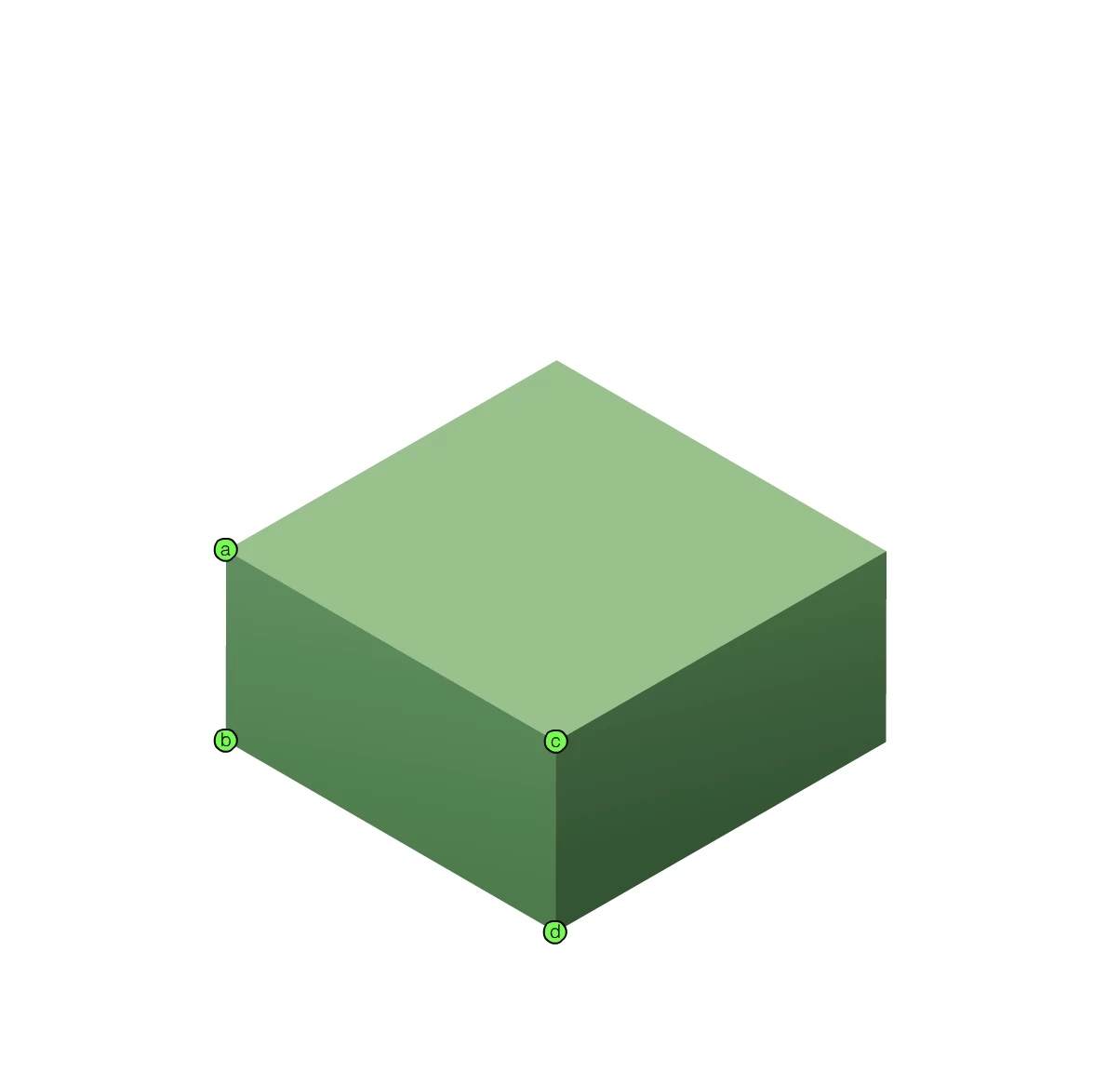
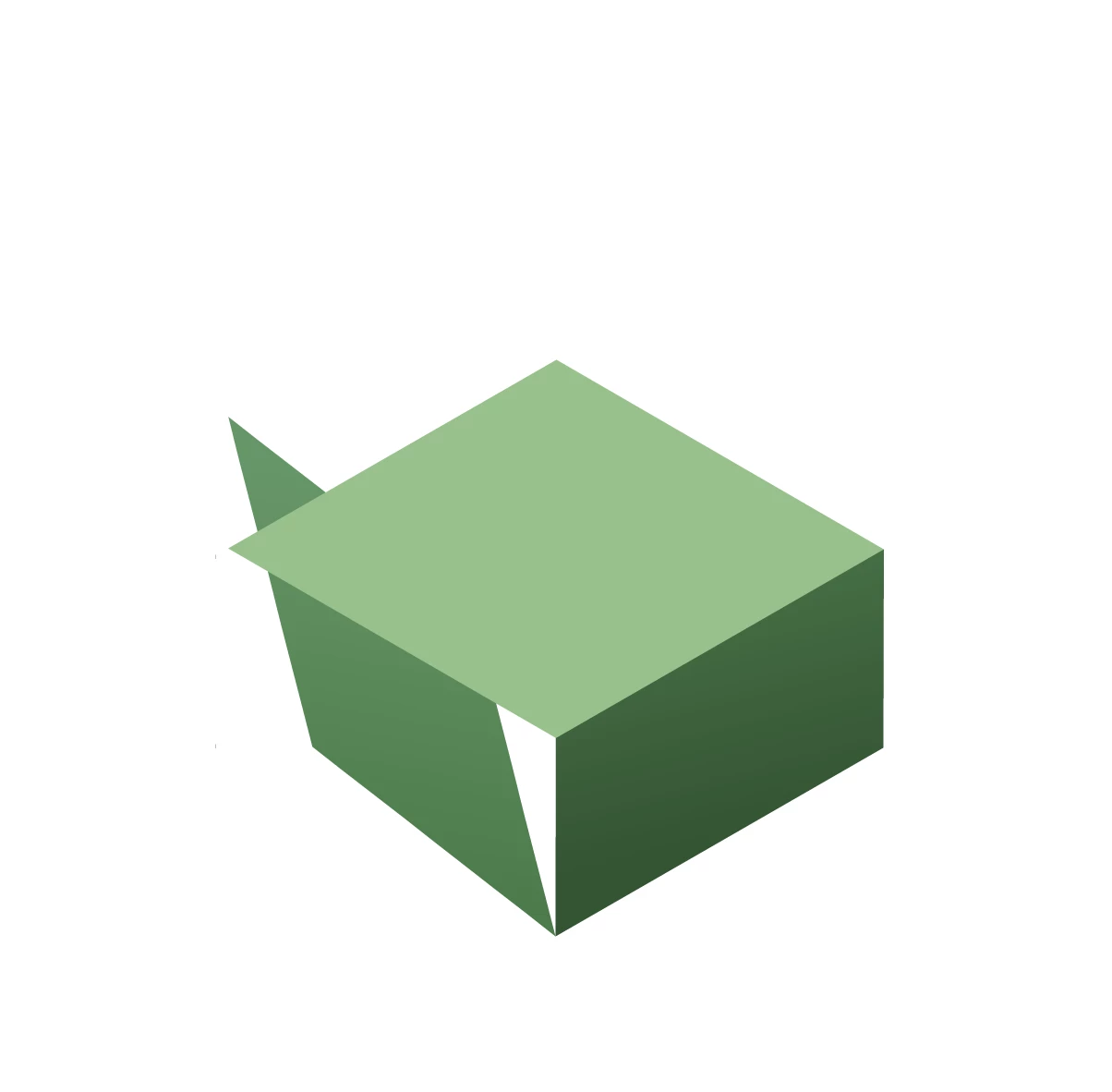
Can anyone help me troubleshoot what's going on here? If I can't achieve something as simple as pressing a 3D button, I'm a bit discouraged about using Animate for the projects I have planned. I'm working in Animate version 20.5.1, and the polygons were created in Adobe Illustrator and copy-pasted into Animate without much fuss.


 AdChoices