Participant
February 14, 2025
Answered

Shot exports incorrectly

  • February 14, 2025
  • 1 reply
  • 539 views

Hey,


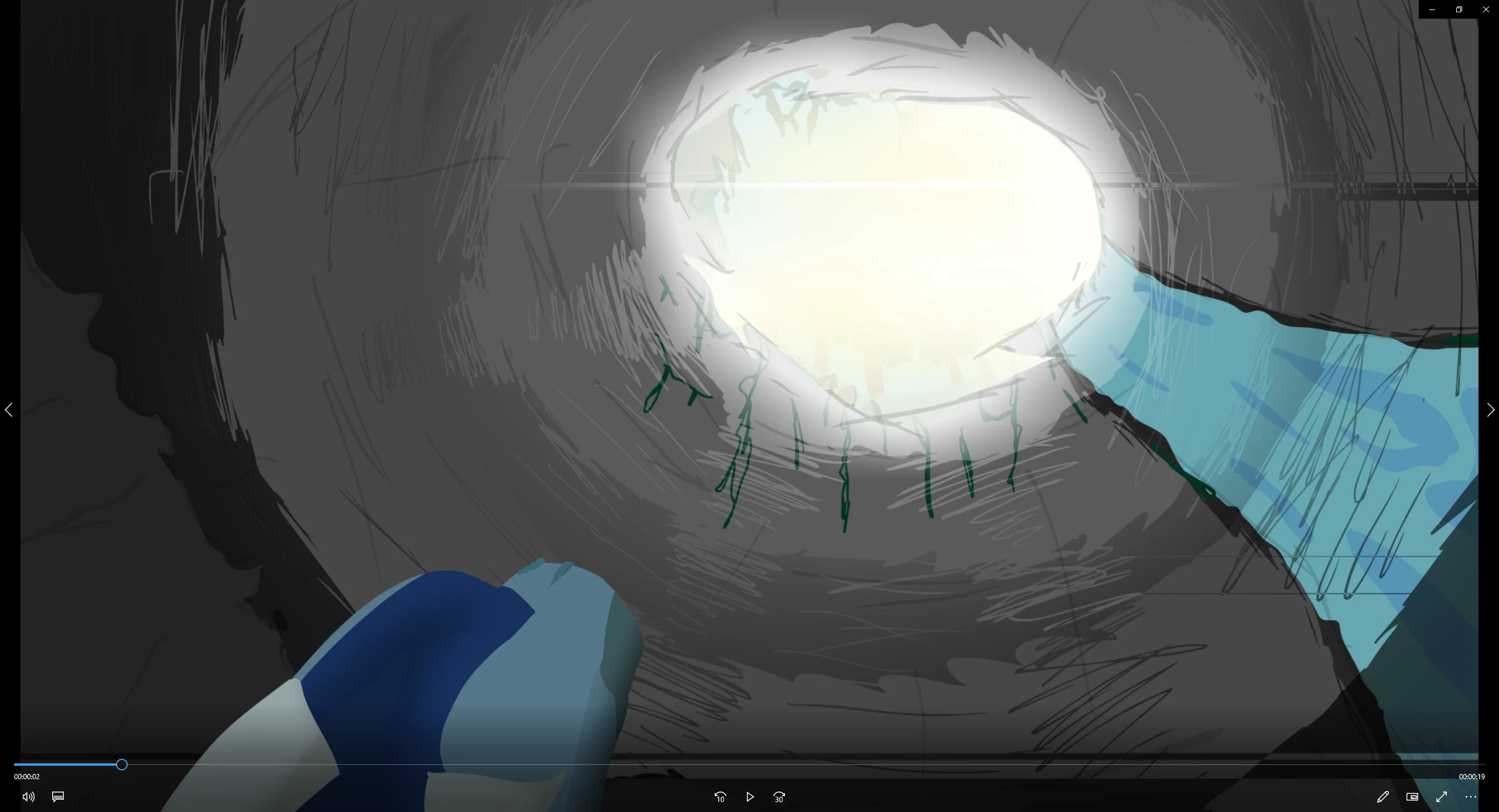
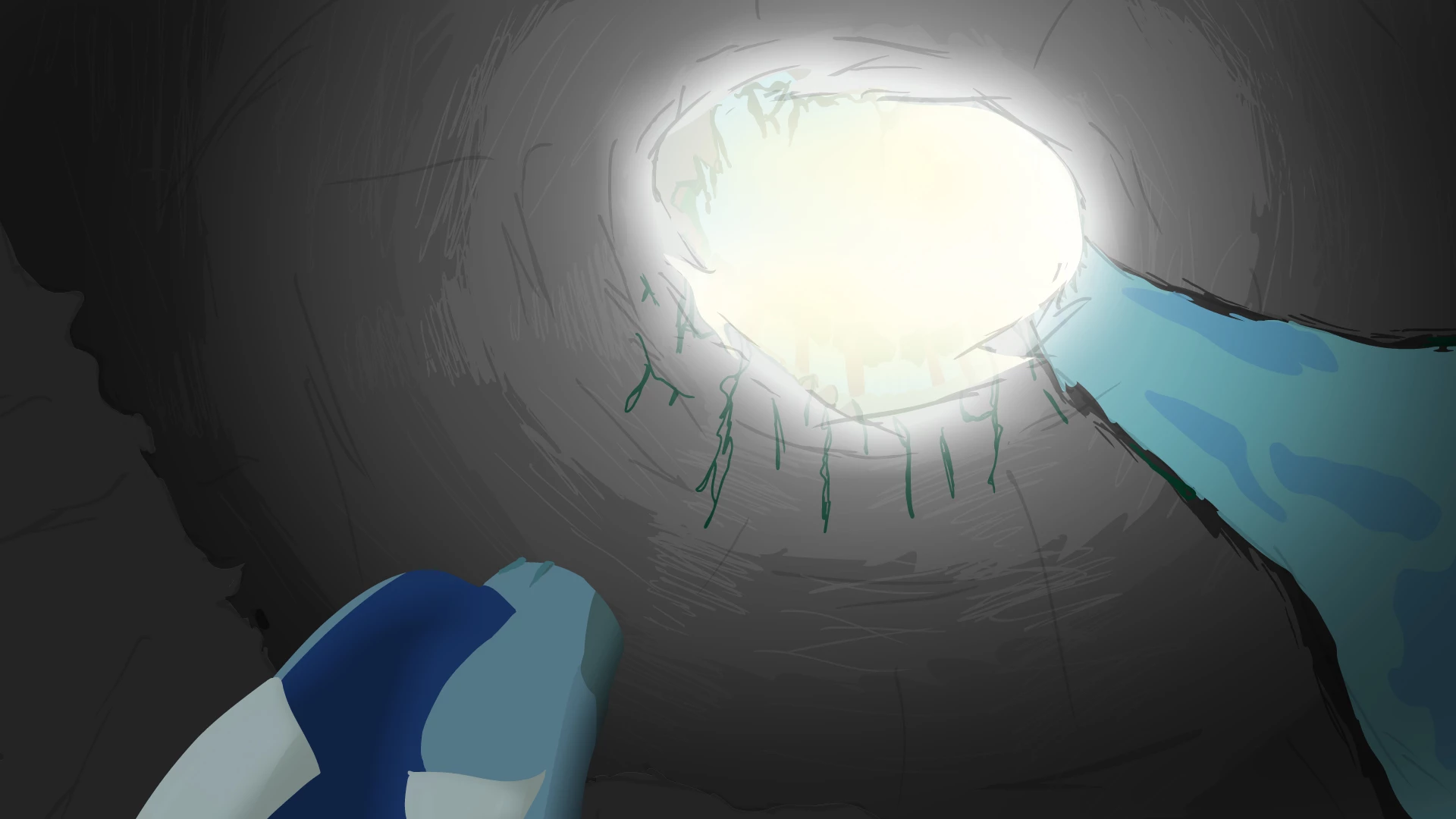
On one of my shots, the export appears to completely screw it up. I asked reddit and someone said they believed it was an issue with filters not exporting, though I'm not sure thats the case, because some of the lines it exports aren't physically there in the project.


File is 1920:1080, as is the export (Issue still there for different export sizes and presets)

Publish settings are Don't include hidden layers and don't compress (Issue still there if both selected though)

There is a camera move in the shot, though again, the issue is still there without.

I've tried all I can think of, any help would be much appriciated.


I've attached a screenshot of the project as well as the export for added clarity
  

Thank you

Correct answer Mario_CR

Thanks, ok the problem is that you're trying to apply filters to a mask layer.

Filters do not work with masks -- if you use a blur or glow, the contour will be sharp regardless.


Here's the fixed file: https://drive.google.com/file/d/17d3yOaDlTu9BncdWxwdCchsAv7p2kV-o/view?usp=drive_link


When it comes to frame filters, there's also a bug where filters applied on masked layers aren't properly 'masked' on export. A workaround for this is to nest both mask and masked layers inside a symbol, this somehow fixes it (see attached video below).


1 reply

Mario_CR
Community Expert
Community Expert
February 14, 2025

It's hard to say what it is without directly looking at the fla.

Can you share your file with a google drive link to take a look?

Participant
February 15, 2025
Mario_CR
Community Expert
Mario_CRCommunity ExpertCorrect answer
Community Expert
February 15, 2025

Thanks, ok the problem is that you're trying to apply filters to a mask layer.

Filters do not work with masks -- if you use a blur or glow, the contour will be sharp regardless.


Here's the fixed file: https://drive.google.com/file/d/17d3yOaDlTu9BncdWxwdCchsAv7p2kV-o/view?usp=drive_link


When it comes to frame filters, there's also a bug where filters applied on masked layers aren't properly 'masked' on export. A workaround for this is to nest both mask and masked layers inside a symbol, this somehow fixes it (see attached video below).