Grape23138829sm80
Participant
Feb 13, 2022 2:54 PM UTC
Question

Sprite sheet not exporting animated symbols

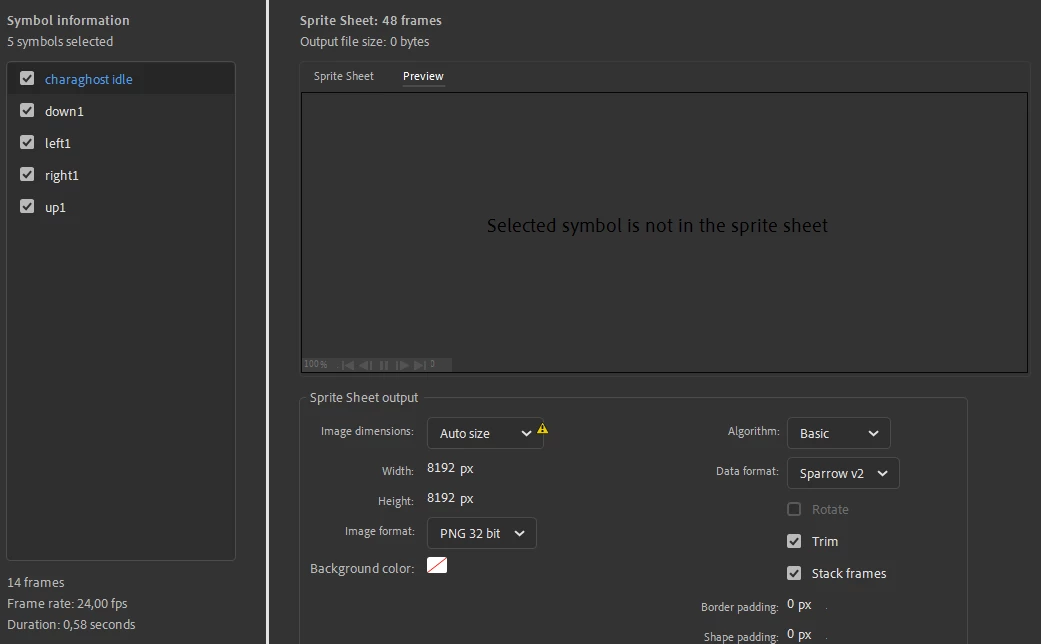
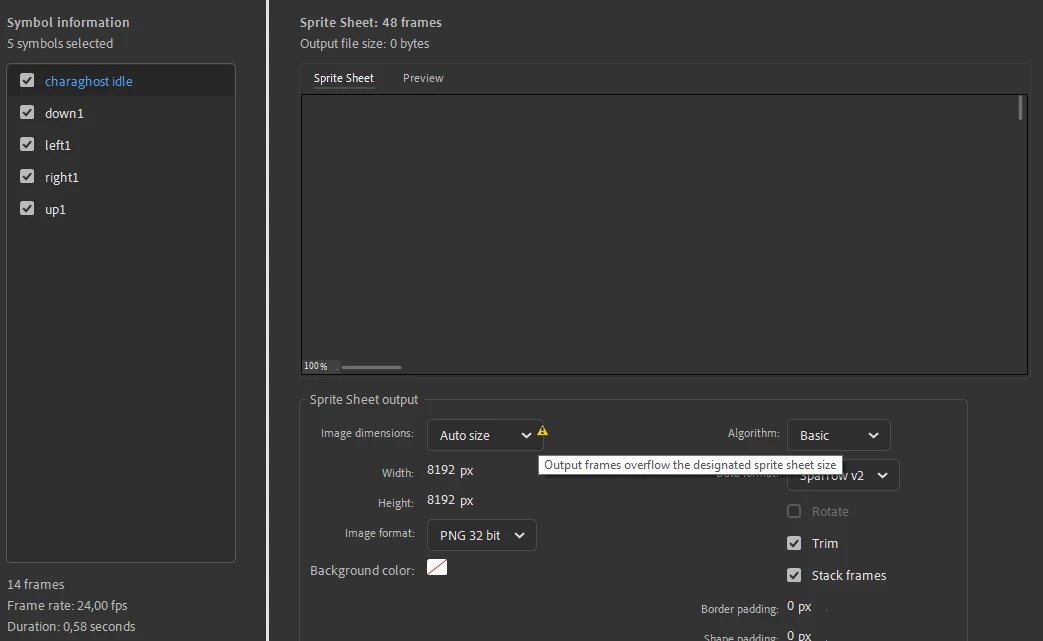
So I followed every instruction right and for some reason the sprite sheets arent showing any previews of itself and when it does manage to show a preview, none of my sprites are there and its just transparent. It says "Selected symbol is not in the sprite sheet" and yet for other projects it is working fine. (Screenshots ahead) 
 

    This topic is closed to new replies. Start a new post to keep the conversation going.

    11 replies

    Participant
    May 8, 2024 9:52 PM UTC

    I got this problem too, and I think the source for me was having blank keyframes with filters on them. (they appear as frames with white dots on the timeline) I removed the effects on the frames in the properties window and it loaded the spritesheets like normal.

    I'm assuming that's the problem here too based on the symbol names, if you used a glow/blur effect for a ghost sprite, you might want to just clean up the frames

    Translate
    Mario_CR
    Community Expert
    Community Expert
    May 8, 2024 11:02 PM UTC

    It's a bug introduced in version 24.0.

    https://community.adobe.com/t5/animate-discussions/spritesheet-exporting-error-with-the-preview-tab/m-p/14194653


    Please make a bug report if you're experincing this issue: 

    https://www.adobe.com/products/wishform.html


    Translate
    Participant
    Mar 11, 2024 1:24 AM UTC

    Yo did you ever find the fix to this bc im currently experiencing the same thing

    Translate
    kglad
    Community Expert
    Community Expert
    Mar 11, 2024 3:09 AM UTC

    did you adjust width/height?

    Translate
    Participant
    Mar 11, 2024 3:12 AM UTC

    It has absolutely nothing to do with width or height as I've changed the size of about everything and it still only shows a transparent image

    It's only doing it in this one export any other exports work just fine

    Translate
    kglad
    Community Expert
    Community Expert
    Feb 13, 2022 3:43 PM UTC

    there's a warning about overflow.

    Translate
    Grape23138829sm80
    Participant
    Feb 13, 2022 3:50 PM UTC

    I am aware but even if I choose only one of the shown animated symbols it still says there is an overflow and these arent even big, ive compared to my other projects that have similar sizes

    Translate
    kglad
    Community Expert
    Community Expert
    Feb 13, 2022 4:06 PM UTC

    increase that width and height setting

    Translate