Inspiring
March 8, 2020
Answered

Strange frame behaviour in Animate CC

  • March 8, 2020
  • 1 reply
  • 623 views

Hello.

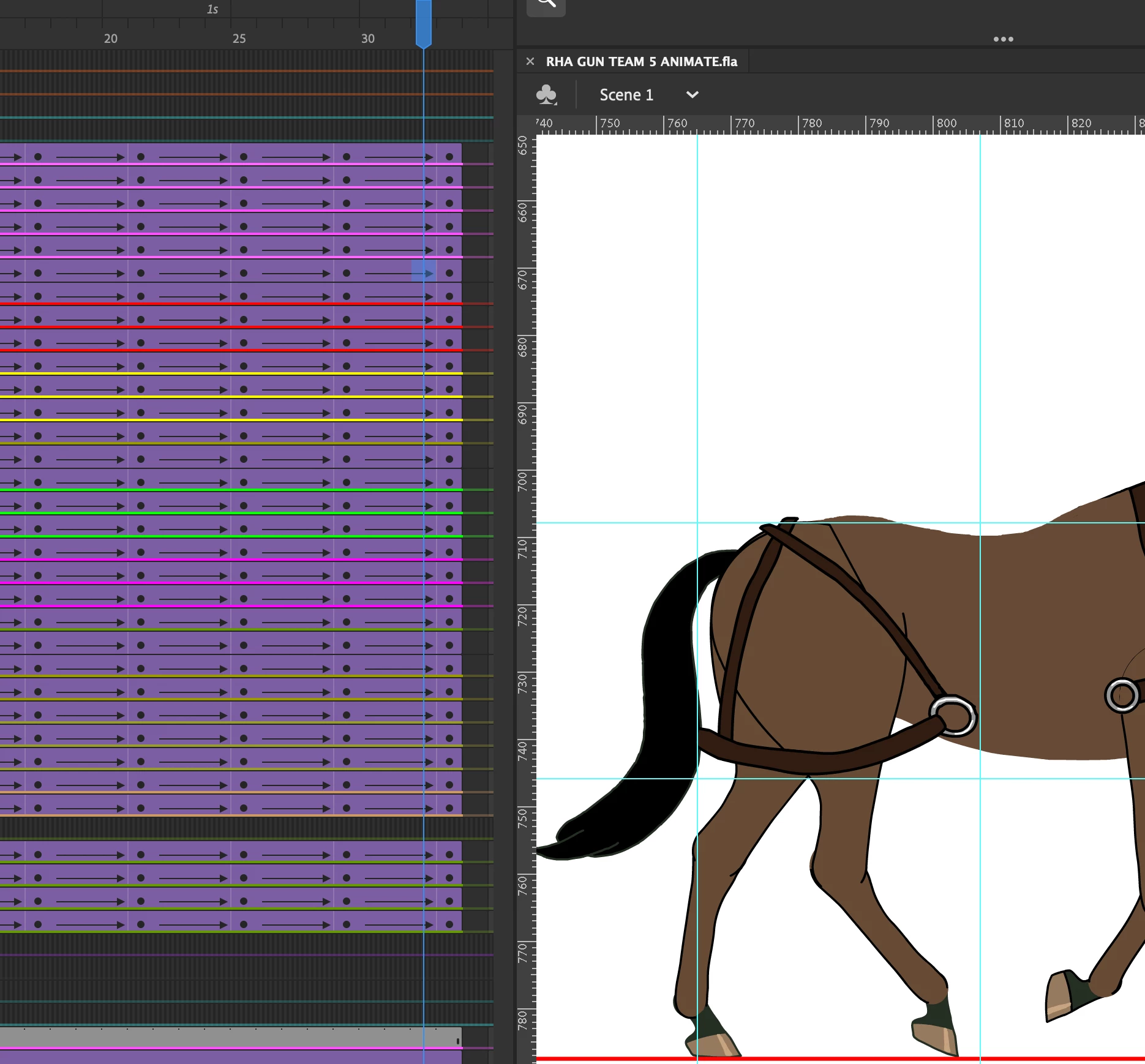
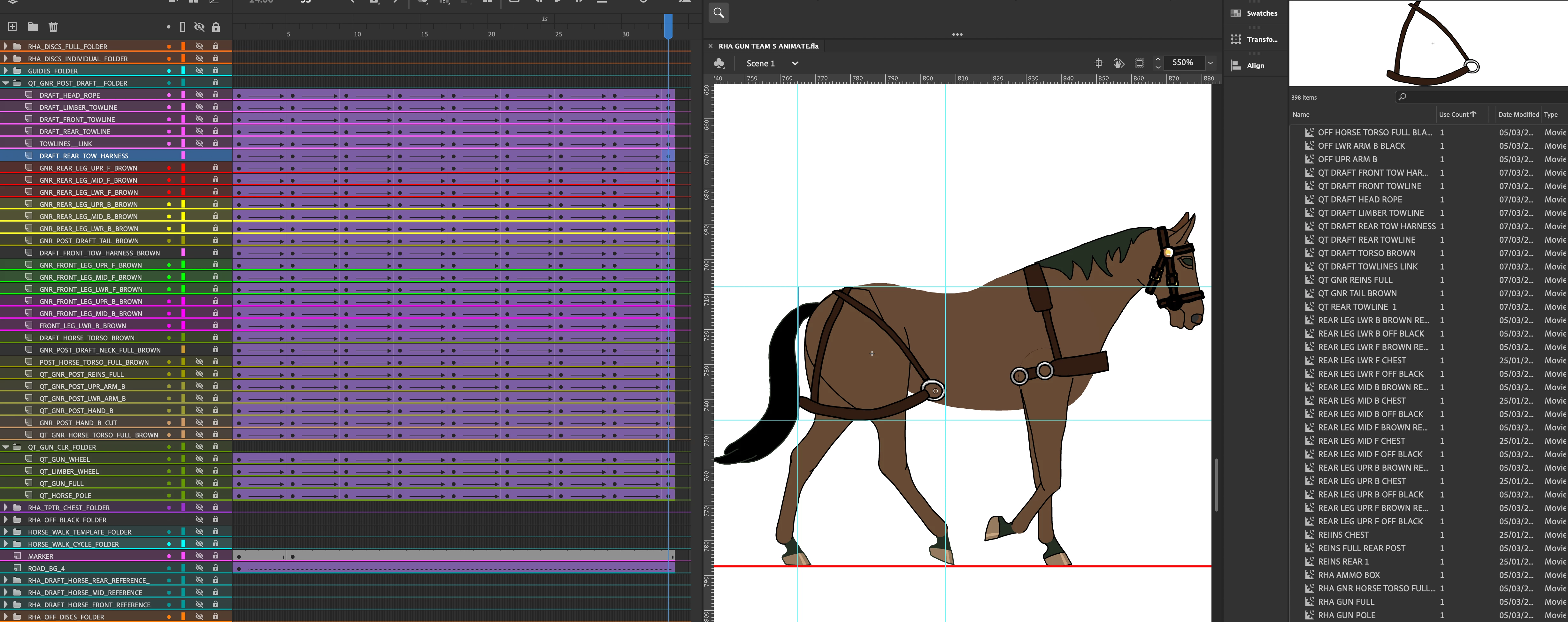
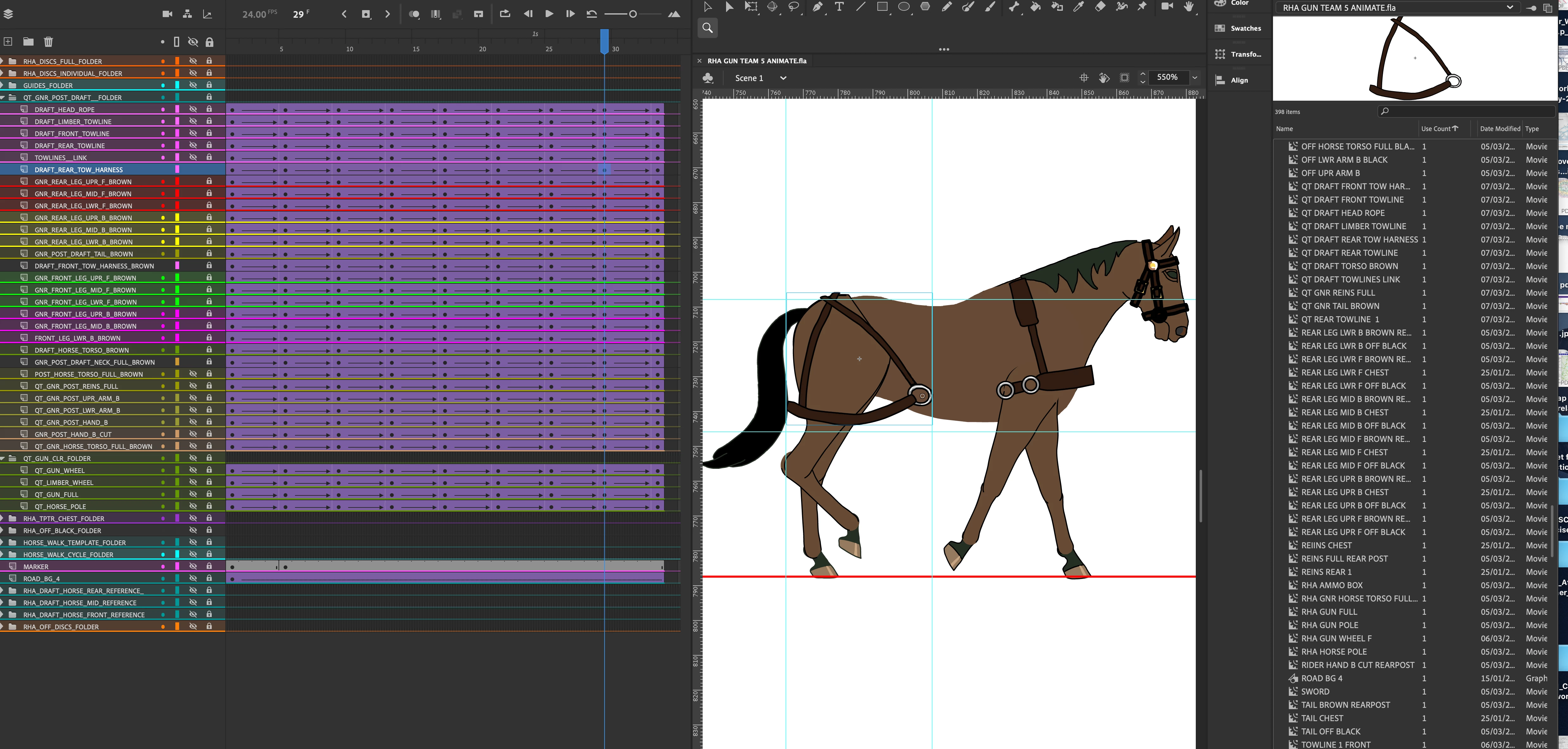
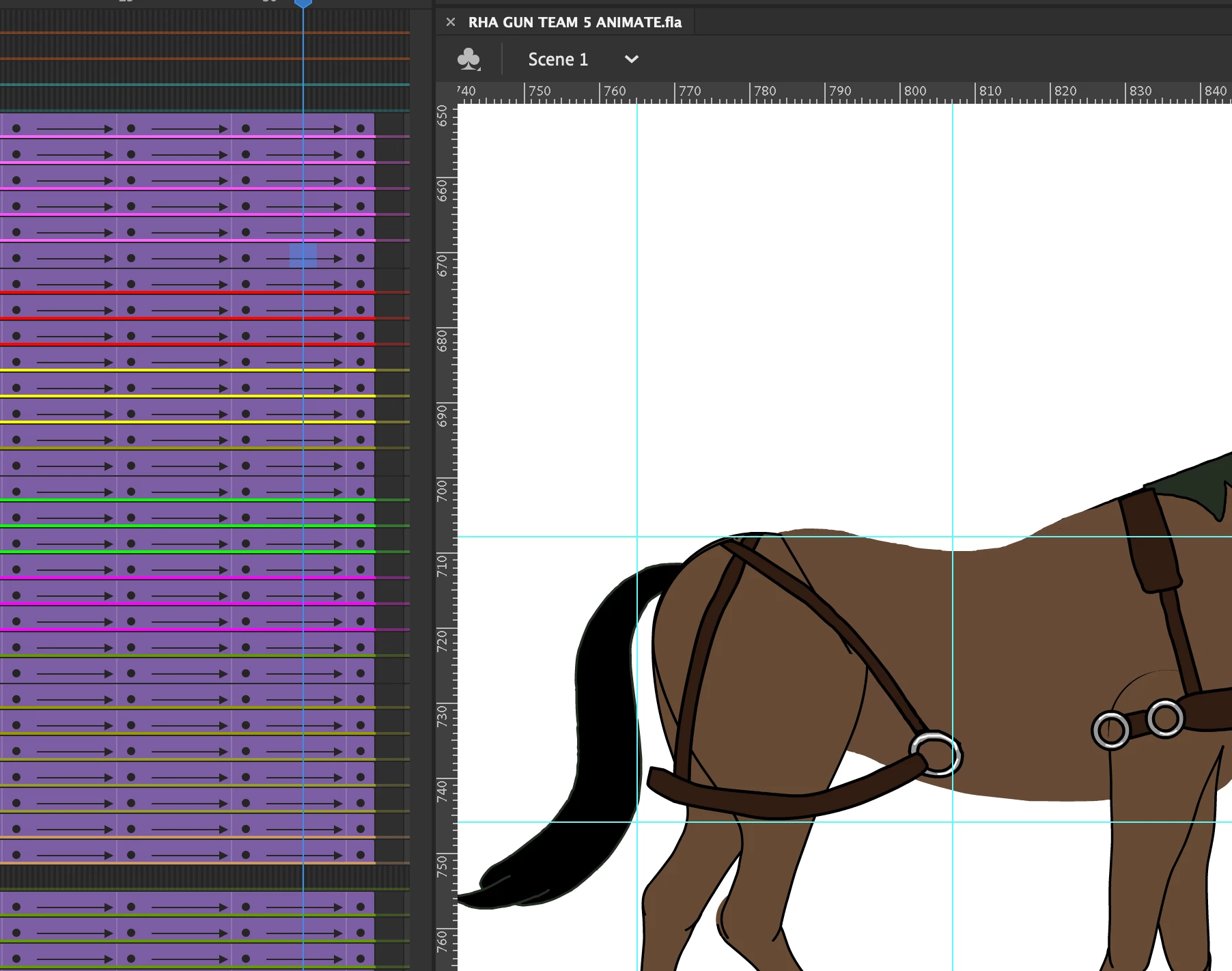
I am working on a horse walk cycle in Animate CC. There are keyframes at frame 29 and 33, with a classic tween connecting them. At frame 32, the artwork (which is a brown harness on the rear of the horse. the harness is on it's own layer) jumps backwards. You can see this if you look carefully at the posted image of frame 32. i do not know what is causing this. I have tried re starting the iMac, inserting frame to frame keyframes, removing the classic tween. Can anyone suggest what the problem might be. Everything else in the animation is working fine. - I is just this one frame which jumps. Grateful for any advice.


    This topic has been closed for replies.
    Correct answer toymaker1

    Thanks for your advice.

    Sorry for the delay.

    I have now resolved the issue. I do use layer parenting, but I think it was just a glitch in the software at that time. I re-did the whole sequence  from scratch and it worked out fine.

    Regards.

    1 reply

    n. tilcheff
    Legend
    March 8, 2020

    Hi mate,


    This is with the assumption that you don't use Layer Parenting:

    Make sure that in the left and right keyframes you have an instance of the same symbol.

    Also make sure that you have not moved the transformation point accidentally in either of the keys.


    For anything more than this you will have to share a FLA with the problematic tween for inspection.


    Nick - Character Designer and Animator, Flash user since 1998 | Member of the Flanimate Power Tools team - extensions for character animation
    toymaker1AuthorCorrect answer
    Inspiring
    March 16, 2020

    Thanks for your advice.

    Sorry for the delay.

    I have now resolved the issue. I do use layer parenting, but I think it was just a glitch in the software at that time. I re-did the whole sequence  from scratch and it worked out fine.

    Regards.