
Answered
Stroke Color for Brush Tool Showing as None
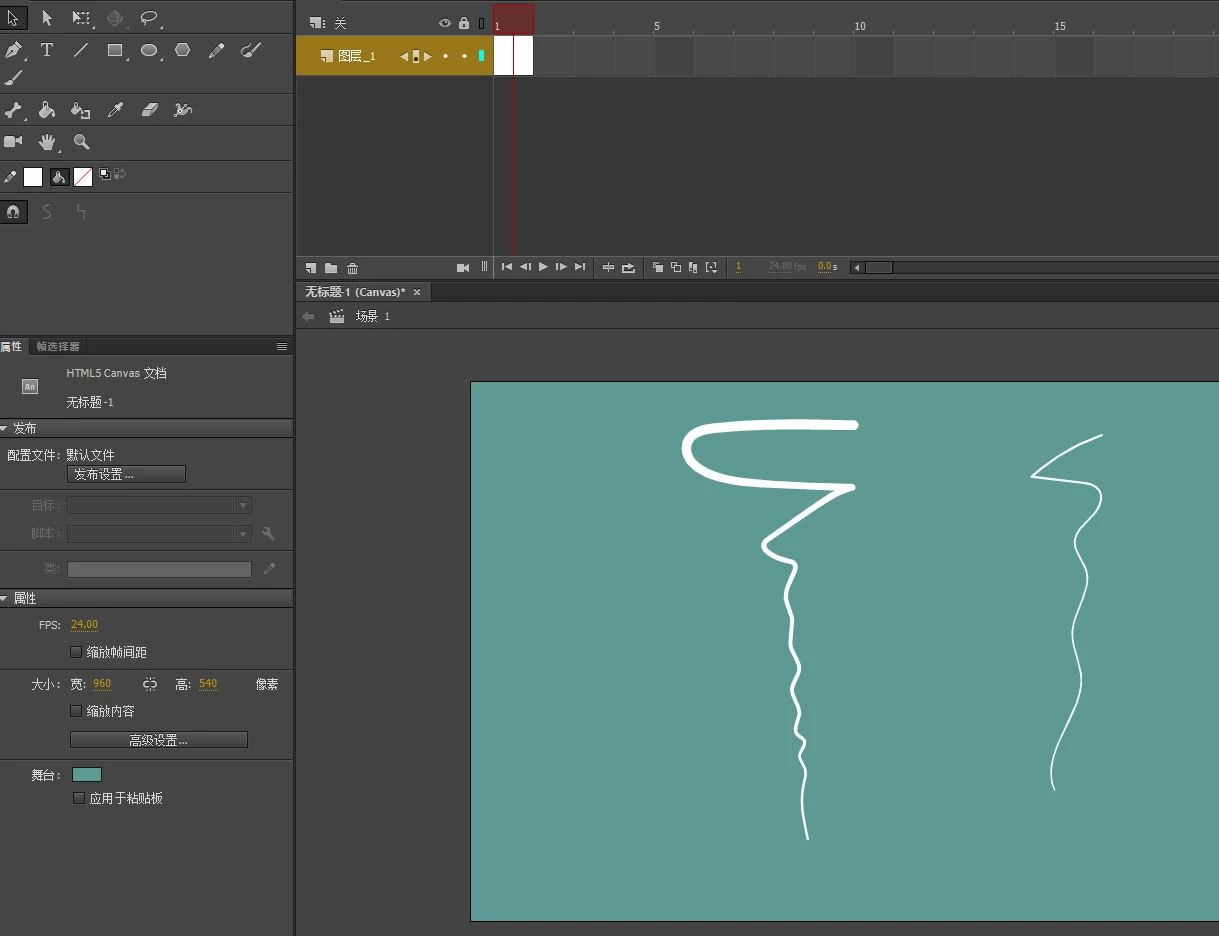
I select the brush tool and under properties, next to stroke color it's showing a grey box with a red line through it. However in the tools section the stroke color is showing up as the color I have selected. When I try to draw with the brush tool it uses the fill color instead and because it is showing as having no stroke color selected it won't allow me to change the settings so the pressure sensitivity isn't working either. I know that the pressure sensitivity part isn't a problem with my tablet because I tried it out in paint tool sai and it worked just fine. If anyone has a solution and knows how to fix it please let me know. I've tried updating it and everything still having the problem.


 AdChoices