
New Participant
February 16, 2020
Answered

Symbols not animated in timeline

  • February 16, 2020
  • 1 reply
  • 936 views

Hey guys,

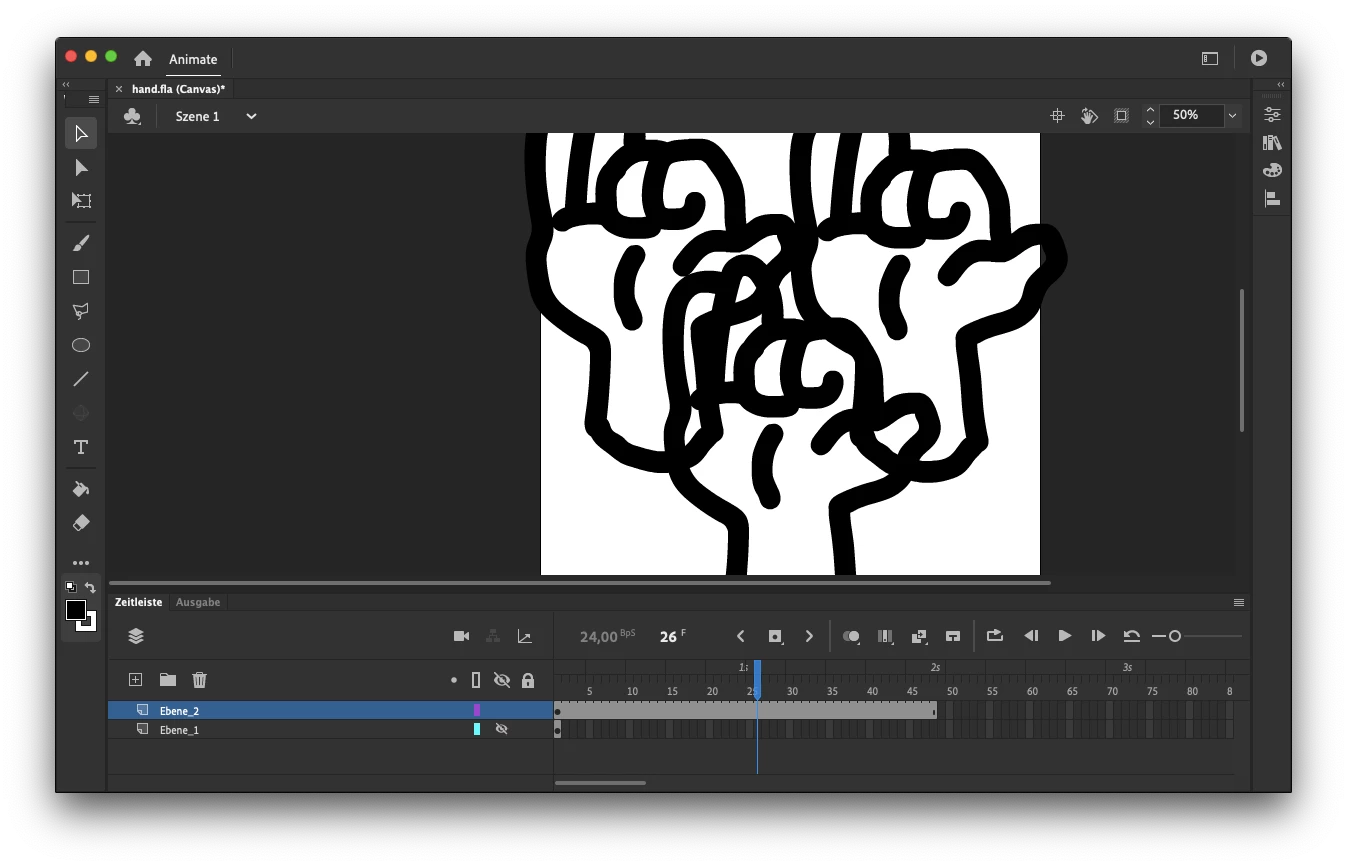
I created a symbol and put it from my library in the document three times.

When I "test" the film it's all animated, but nothing moves in the timeline preview in the document when I adjust the trigger or push the play button. How can I see the preview even there?
 

Thanks!

This topic has been closed for replies.
Correct answer Colin Holgate

I think that your symbol is a MovieClip, and that's how they work. If you want to always see them animate when you scrub the timeline, you could select them and in Properties change them to be Graphic instead of MovieClip.

There are a few cases where you would want them to be MovieClips, but if it's only an animation in the symbol, and you have as many frames in the timeline as you do in the symbol, they could be Graphic and still achieve the same results.

1 reply

Colin Holgate
Colin HolgateCorrect answer
Inspiring
February 16, 2020

I think that your symbol is a MovieClip, and that's how they work. If you want to always see them animate when you scrub the timeline, you could select them and in Properties change them to be Graphic instead of MovieClip.

There are a few cases where you would want them to be MovieClips, but if it's only an animation in the symbol, and you have as many frames in the timeline as you do in the symbol, they could be Graphic and still achieve the same results.

shagenzAuthor
New Participant
February 17, 2020

That helped a lot! Now it works! Thanks!